The NVIDIA Blackwell architecture redefines performance expectations for professional workflows.
The NVIDIA Blackwell architecture redefines performance expectations for professional workflows. Building a high-performance workstation around this silicon ensures unparalleled capabilities in 3D rendering, complex simulations, and local AI processing. This guide explores the ideal components to extract maximum value from your hardware investment.
Recent industry discussions point toward a prospective RTX 5090 TI. Speculation suggests this card could unlock the full GB202 silicon, featuring over 24,000 CUDA cores and up to 48GB of GDDR7 VRAM.
While the specifications sound impressive, practical market realities suggest a different trajectory. Global memory distribution is currently undergoing a massive shift. High-speed VRAM is highly sought after for enterprise AI data centers. Directing these massive memory pools toward individual graphics cards presents a significant resource challenge for manufacturers. Furthermore, the standard RTX 5090 already offers immense computational power; squeezing an extra margin of performance out of the silicon requires extreme power draw rumored to exceed 700 watts for a single card.
For professionals requiring immediate computational power, investing in available technology is a highly effective strategy. The standard RTX 5090 is available today and delivers exceptional performance for the most demanding workloads.
Pairing a high-tier GPU with proper enterprise components ensures sustained performance during heavy workloads.
1. Processor (CPU) A robust CPU ensures continuous data flow when feeding information to the GPU.
Enterprise Choice: AMD Threadripper PRO 7000 WX-Series or Intel Xeon W-3500 series. These processors provide the massive PCIe lane counts required for multi-GPU setups.
Mainstream Workstation Option: AMD Ryzen 9 9950X or Intel Core Ultra 9 285K.
2. Motherboard Your motherboard must support continuous heavy workloads and high bandwidth.
Enterprise Options: TRX50 or WRX90 chipsets for AMD Threadripper; W790 for Intel Xeon.
Mainstream Options: X870E for AMD Ryzen; Z890 for Intel Core Ultra.
Essential Features: PCIe Gen 5 support, extensive power delivery systems, and robust thermal armor.
3. Memory (RAM) Local AI deployment and massive 3D scenes require expansive memory pools.
Recommended: 128GB to 256GB ECC DDR5 memory. Error-correcting code (ECC) ensures system stability during multi-day rendering or training sessions.
4. Storage Rapid data retrieval keeps your GPU consistently supplied with information.
Primary Drive: 4TB PCIe Gen 5 NVMe SSD.
Secondary Storage: 8TB PCIe Gen 4 NVMe SSD for active project files and dataset storage.
5. Power Supply (PSU) High-performance computing demands flawless power delivery.
Recommended: 1500W to 1600W Titanium-rated ATX 3.1 power supply.
6. Cooling Infrastructure Sustained performance relies entirely on optimal thermal management.
Recommended: 420mm AIO liquid cooling for the CPU, paired with high static pressure fans directing airflow over the motherboard VRMs and the GPU.
Configure your Workstation.
Sourcing and assembling these specialized components requires significant time and expertise. Our ProX PC engineering team streamlines this exact process.
Know more about our exclusive 5090 servers 4 GPU and 8 GPU.
Resources you may find helpful.

Harness the power of GPU servers to revolutionize business operations with unparalleled performance in AI, data analysis, and rendering tasks.
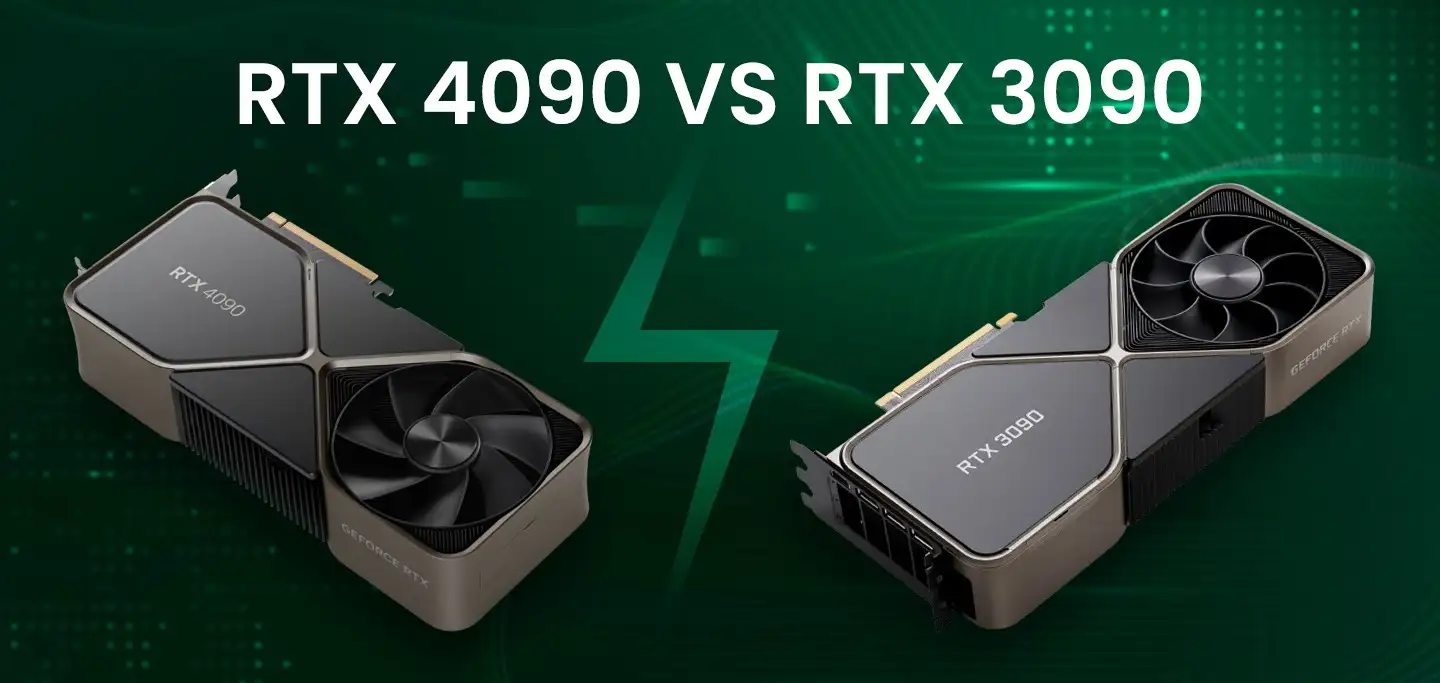
The power of NVIDIA® GeForce RTX 4090: Redefining deep learning benchmarks, exceeding expectations set by the RTX 3090
Best GPUs for AI and deep learning in 2024: NVIDIA's RTX 4090, A6000, A100, and more, benchmarked for performance and efficiency

Keep your computer running smoothly with these 10 essential tips. From regular backups to cleaning dust and updating software, ensure optimal performance and longevity.

