Keep your computer running smoothly with these 10 essential tips. From regular backups to cleaning dust and updating software, ensure optimal performance and longevity.
Everyone loves computers when they work flawlessly, but the frustration sets in when they don’t. To keep your computer running smoothly into its old age, you need to adopt a proactive approach to maintenance. While we can’t promise that these tips will keep your computer from ever having problems, they will certainly help prevent many issues and make recovery easier when they do occur. Here are ten essential computer maintenance tips to consider:
Regularly backing up your data is crucial for protecting your valuable files and documents. Whether it’s cherished photos, important videos, or critical business documents, losing them due to a hard drive failure can be devastating.
Consider using a combination of both local (external hard drives) and cloud backups for redundancy. This approach ensures that even if one fails, the other is available.
Dust buildup can significantly impact your computer's performance and lifespan by trapping heat and causing components to overheat. Regular cleaning is vital.
For long-term prevention, consider investing in dust filters for your computer case. These filters can minimize the amount of dust that enters your system, making it easier to maintain a clean environment.
A cluttered workspace can not only look messy but also affect your computer's performance.
A clean and organized workspace not only enhances your productivity but also extends the life of your computer by promoting better airflow.
Keeping all your software installation disks, driver disks, and other important documents in one place can save you time and frustration.
Being organized in this way can help you quickly reinstall software or troubleshoot issues without the hassle of searching through piles of disks.
Protecting your computer from viruses and malware is essential for maintaining performance and security.
Also, consider using additional security measures such as firewalls and browser extensions to enhance your online safety.
Over time, your computer can become cluttered with unnecessary software and files, which can slow down its performance.
Regularly cleaning up your software ensures that your computer operates efficiently and reduces the chances of encountering software conflicts.
Your operating system (OS) accumulates temporary files and other unnecessary data over time, which can impact its performance.
Maintaining a clean operating system is crucial for ensuring that your computer runs smoothly and efficiently.
Keeping your operating system, drivers, and software up to date is essential for maintaining security and performance.
Regular updates not only enhance performance but also protect your computer from security vulnerabilities and bugs.
Over time, files on your hard drive can become fragmented, leading to slower disk access times and degraded performance.
Defragmenting your hard drive can significantly improve system responsiveness and overall performance.
Staying informed about computer maintenance and best practices is essential for keeping your computer running smoothly.
The more you know about how to properly maintain and optimize your computer, the better equipped you'll be to keep it running smoothly for years to come.
For more info visit www.proxpc.com
Implementing these ten essential computer maintenance tips can significantly improve your computer's performance and longevity. While it's impossible to guarantee that your computer will never encounter issues, following these guidelines will help minimize problems and make recovery easier when they occur. By being proactive about maintenance, you’ll enjoy a smoother, faster, and more efficient computing experience. Take the time to care for your computer today, and it will reward you with reliable performance for years to come.
Resources you may find helpful.
Harness the power of GPU servers to revolutionize business operations with unparalleled performance in AI, data analysis, and rendering tasks.
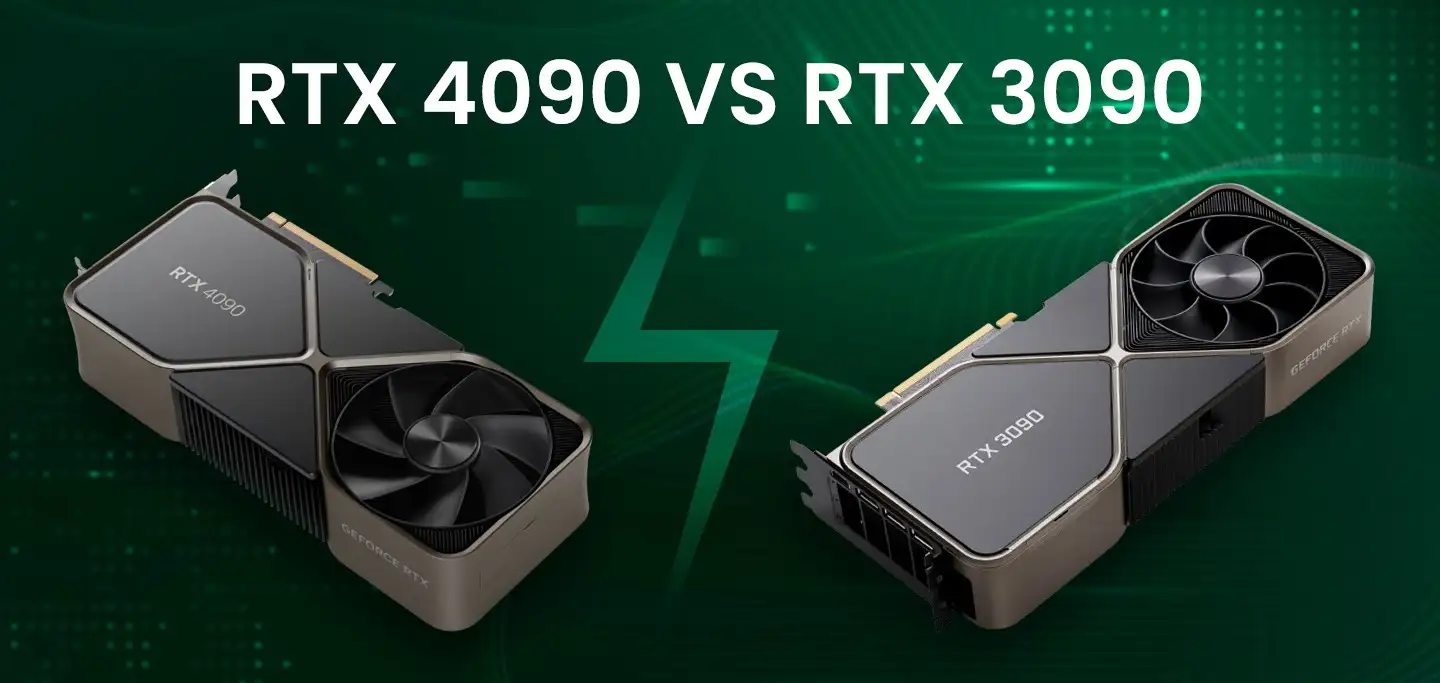
The power of NVIDIA® GeForce RTX 4090: Redefining deep learning benchmarks, exceeding expectations set by the RTX 3090
Best GPUs for AI and deep learning in 2024: NVIDIA's RTX 4090, A6000, A100, and more, benchmarked for performance and efficiency
Dual vs. single CPU: Which is right for you? Learn how workload, software compatibility, budget, and scalability influence your decision for better computing.

