While the new architecture brings speed, the most exciting feature is the memory capacity. This card comes with a staggering 72GB of GDDR7 VRAM.
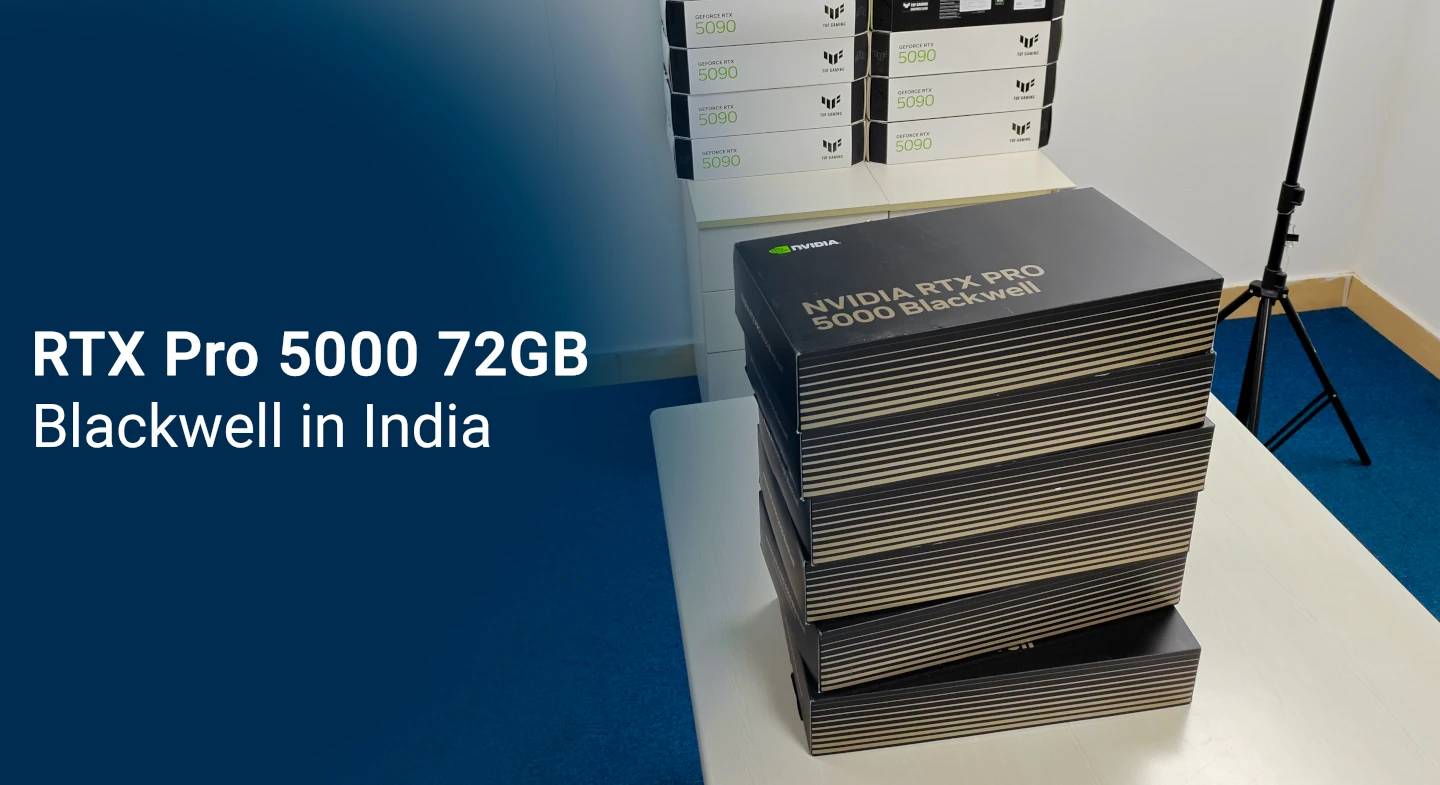
NVIDIA has officially released the new RTX Pro 5000. This is a professional GPU built on the next-generation Blackwell architecture.
While the new architecture brings speed, the most exciting feature is the memory capacity. This card comes with a staggering 72GB of GDDR7 VRAM.
This release redefines what a single workstation card can handle.
For many professionals, memory capacity is more important than raw compute speed. The move to 72GB opens up new possibilities because there was a big gap between 48GB VRAM variant and 96GB VRAM Pro 6000. This card fills that.
This card uses GDDR7 SGRAM. Unlike GDDR6, which used "NRZ" or "PAM4" signaling, GDDR7 uses PAM3 signaling. With 1,344 GB/s of memory bandwidth and ECC (Error Correction Code).
The chip inside is the GB202-based silicon, manufactured on the custom TSMC 4N process.
If you work in AI, this is your section.
For the media & entertainment crowd (Maya, Blender, V-Ray):
We know you want to know when you can get this power in your studio in India.
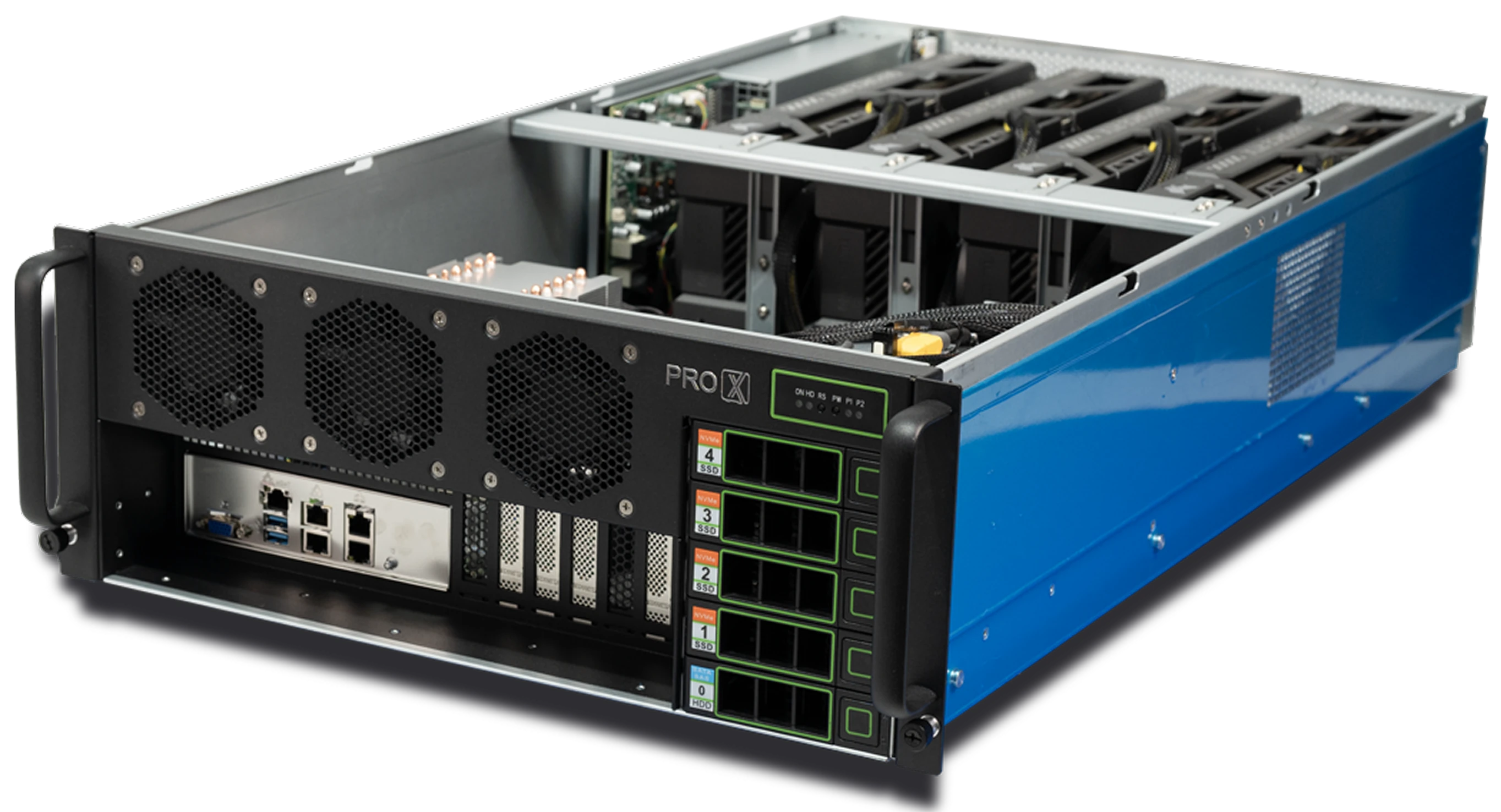
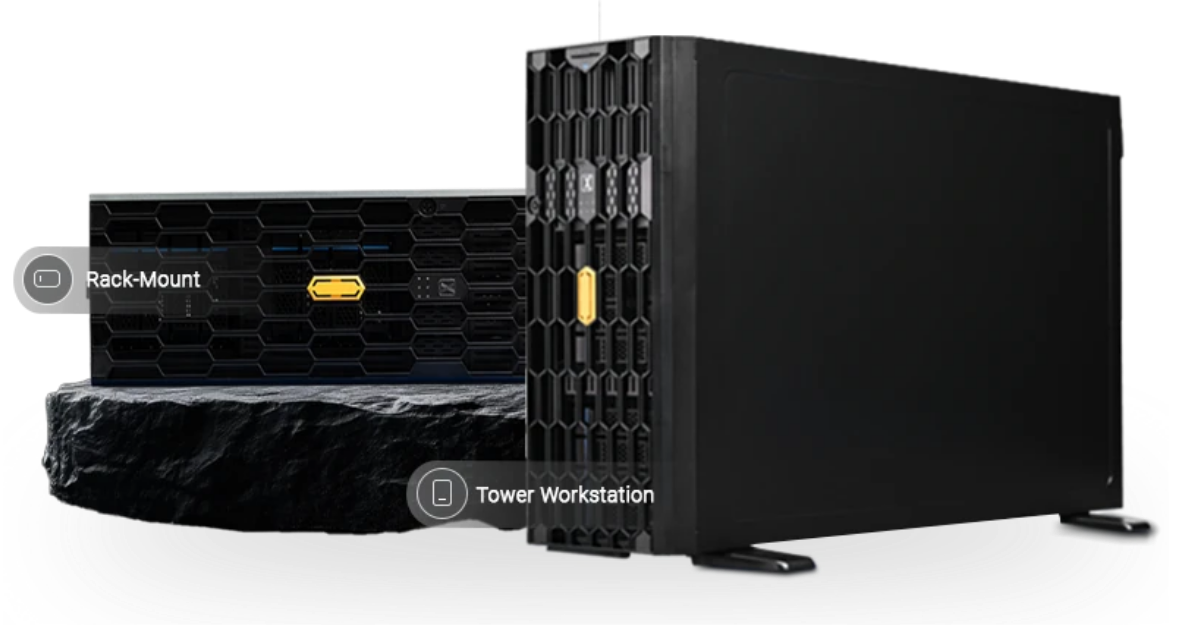
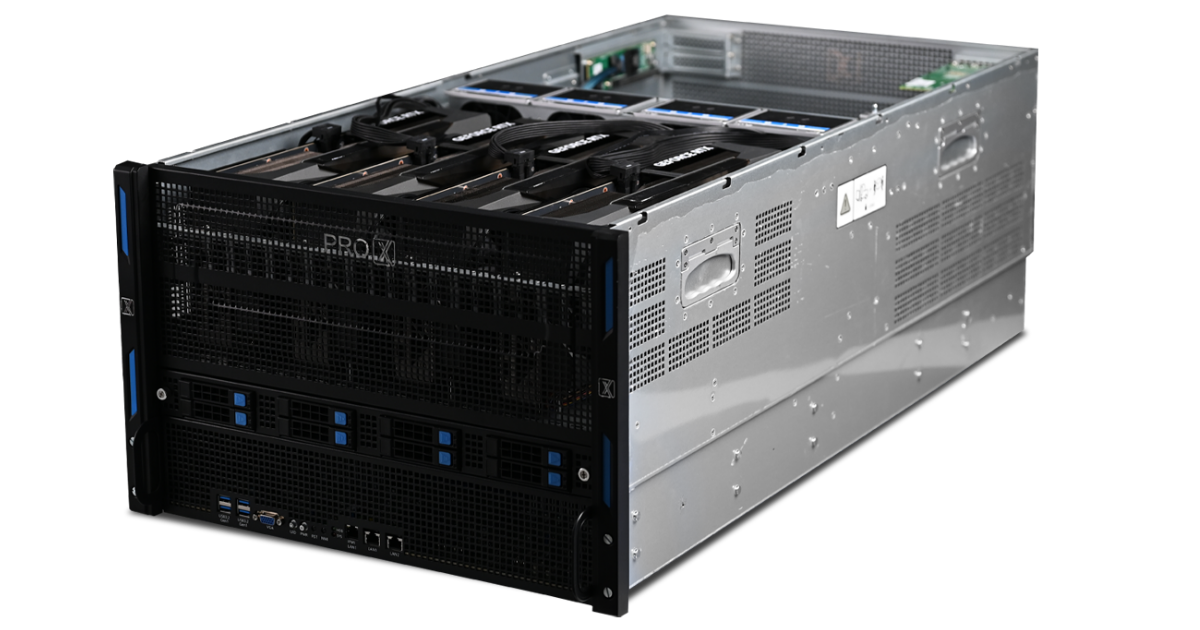
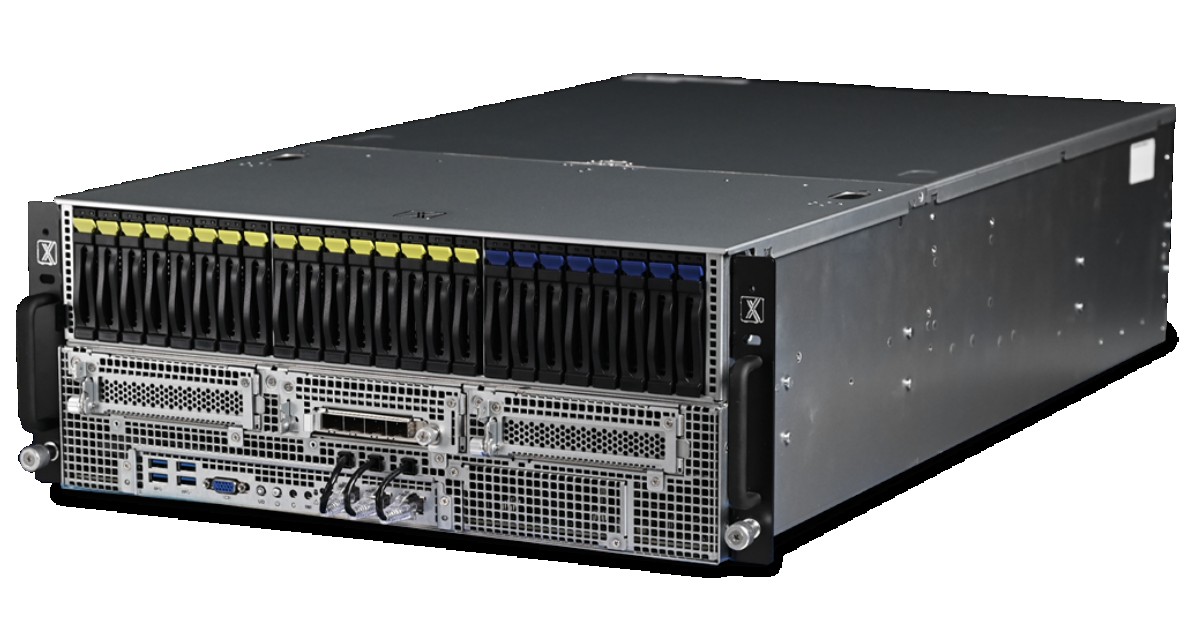
At ProX PC, we are committed to providing the best professional hardware. We currently build and ship powerful servers and workstations featuring excellent 48GB professional GPU variants for demanding clients.
Regarding the new RTX Pro 5000 Blackwell with 72GB GDDR7.
While NVIDIA has announced the global release, these specific 72GB variants are still en route to the Indian market.
ProX PC is monitoring the supply chain closely. As soon as these 72GB cards arrive in India, you will find them first in ProX PC builds.
Resources you may find helpful.

Harness the power of GPU servers to revolutionize business operations with unparalleled performance in AI, data analysis, and rendering tasks.
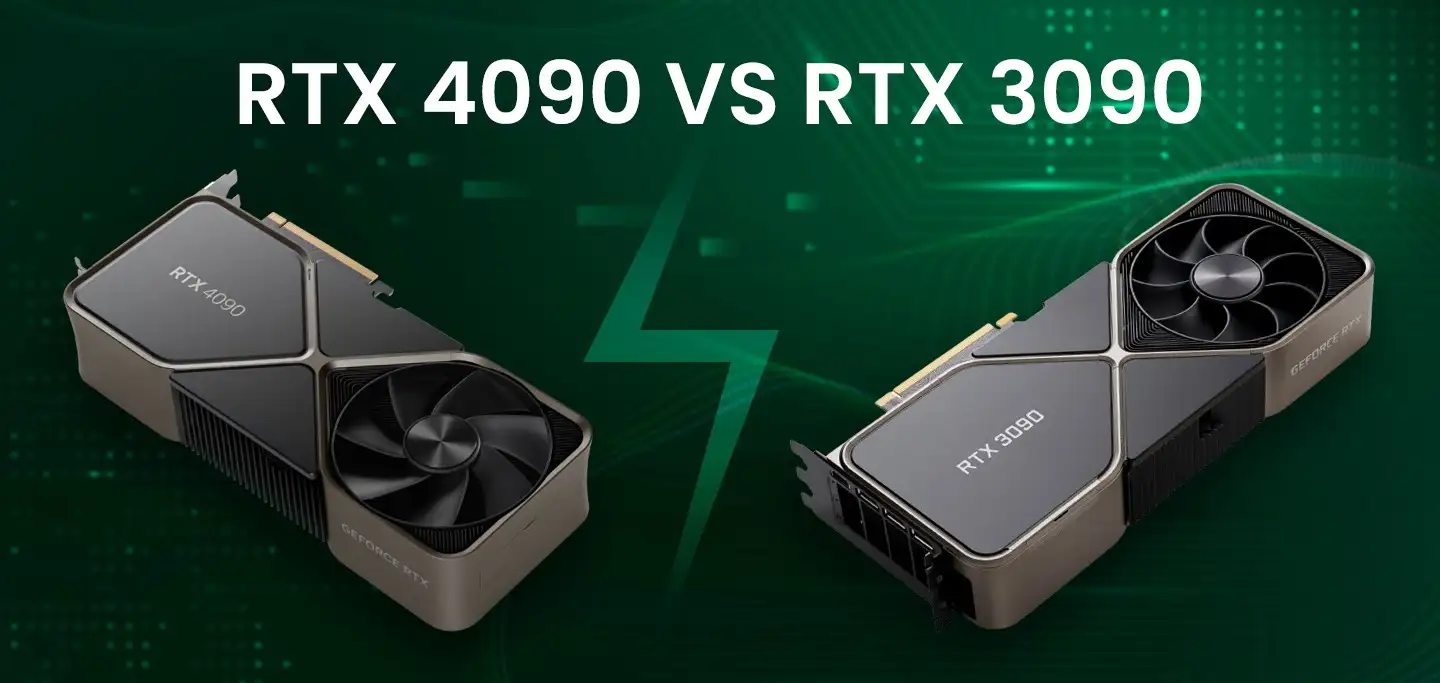
The power of NVIDIA® GeForce RTX 4090: Redefining deep learning benchmarks, exceeding expectations set by the RTX 3090
Best GPUs for AI and deep learning in 2024: NVIDIA's RTX 4090, A6000, A100, and more, benchmarked for performance and efficiency
Keep your computer running smoothly with these 10 essential tips. From regular backups to cleaning dust and updating software, ensure optimal performance and longevity.