The evolution of artificial intelligence relies entirely on hardware architecture.
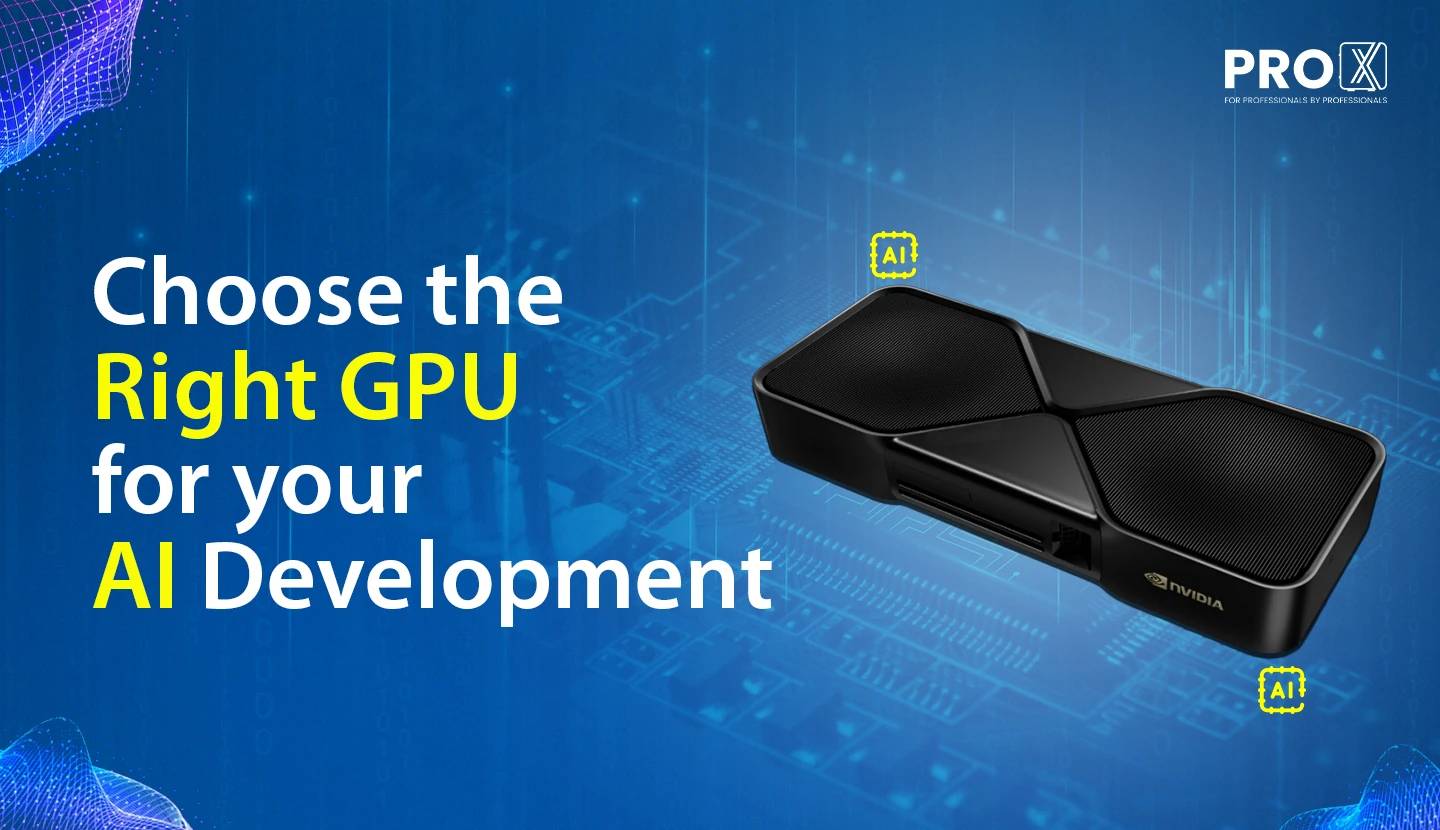
The evolution of artificial intelligence relies entirely on hardware architecture. Selecting the appropriate GPU dictates the speed, efficiency, and scale of your AI projects. With the arrival of the Blackwell architecture, we are experiencing a massive leap in processing power and memory capabilities. This guide will help you align your hardware choices with your specific AI workloads.
Every AI project moves through distinct phases, with each phase demanding unique hardware resources.
Data Preparation: This involves cleaning and formatting massive datasets. CPUs handle much of this initial work, but GPUs heavily accelerate data processing pipelines. High memory bandwidth remains highly beneficial here.
Model Training: This phase requires the most computational force. Training neural networks from scratch demands massive VRAM and high tensor processing throughput. You are essentially building the brain, requiring continuous, heavy workloads over days or weeks.
Fine-Tuning: Taking a pre-trained model and adapting it to specific tasks requires lower raw computational power compared to full training. However, it still demands significant VRAM to hold the model weights in memory.
Inference: Once trained, the model answers prompts or makes predictions. Inference relies heavily on fast memory bandwidth to deliver responses quickly, focusing on highly efficient data formats like FP8 or FP4.
Hardware relies completely on the software running it. Familiarizing yourself with the primary frameworks ensures you understand hardware compatibility and optimization.
PyTorch: The current standard for both research and enterprise environments. It offers immense flexibility and massive community support.
TensorFlow: A robust framework highly valued for production environments and scaling across large server clusters.
JAX: Gaining massive popularity for its ability to easily scale computations across multiple GPUs and servers, making it ideal for heavy numerical calculations.
When evaluating GPUs for AI, three core specifications define their capabilities.
VRAM (Video RAM): This dictates the maximum size of the model you can load. Large Language Models require massive memory simply to exist on the GPU. For workloads exceeding physical VRAM limits, enterprise infrastructure teams often integrate memory pooling technologies like MiPhi aiDAPTIVCache to expand system capacity, allowing massive models to operate smoothly.
Memory Bandwidth: This determines how quickly data moves between the VRAM and the processing cores. Faster bandwidth directly translates to faster token generation during inference. The new GDDR7 memory standard provides a massive speed upgrade in this area.
Tensor Cores: These specialized processors handle the specific matrix math driving neural networks. Newer generations process smaller data formats much faster, accelerating both training and inference workloads.
Let us examine the hardware itself. The Nvidia Blackwell generation brings massive capabilities to both professional data centers and local workstations. Whether configuring a multi-GPU Maestro server rack or setting up a single developer machine, understanding these specifications helps you allocate resources effectively.
Professional cards provide ECC memory for stability and feature designs built for continuous, 24/7 workloads. They shine in large-scale server deployments and heavy enterprise training.
RTX PRO 6000 Blackwell: This flagship unit boasts 96 GB of GDDR7 memory and a massive 1792 GB/s bandwidth. Operating at up to 600W (with 300W Max-Q variants available), it handles massive Large Language Model (LLM) training effortlessly. When clustered in enterprise servers, it scales beautifully for the heaviest AI workloads.
RTX PRO 5000 Blackwell: Featuring up to 72 GB of GDDR7 memory and a 300W power draw, this card excels at fine-tuning established models and running large inference queries. It offers a strong balance of memory capacity and power efficiency.
RTX PRO 4500 & 4000 Blackwell: The PRO 4500 provides 32 GB of VRAM at 200W, while the PRO 4000 delivers 24 GB at just 140W in a single-slot form factor. These units serve as perfect additions for dense server configurations where space and power efficiency are paramount, handling continuous mid-tier inference tasks.
RTX PRO 2000 Blackwell: With 16 GB of memory and a low 70W power draw, this card fits perfectly into edge AI deployments and entry-level inference stations.
For workflows demanding even more capacity than the physical VRAM allows, integrating a memory pooling solution like MiPhi aiDAPTIVCache [Read about it] empowers your enterprise servers to expand their effective memory, keeping massive models running smoothly Contact us for this solution.
Consumer cards offer immense raw speed, making them highly desirable for local development, prototyping, and rapid token generation. They trade the ECC memory found in PRO cards for a pure focus on maximum clock speeds.
RTX 5090: Packing 32 GB of GDDR7 VRAM and 1792 GB/s bandwidth, this 575W powerhouse delivers incredible speed for local model building. It matches the bandwidth of the PRO 6000, making it highly capable for developers needing fast, local iterations and rapid token generation.
RTX 5080: This unit features 16 GB of memory and 960 GB/s bandwidth at 360W. It handles smaller local models and image generation tasks beautifully. For larger LLMs, utilizing quantization allows you to fit the models perfectly into the available memory.
RTX 5070: Offering 12 GB of VRAM and 672 GB/s bandwidth at 250W, this card serves as an accessible entry point for AI experimentation and running optimized models locally.
[Read about our exclusive 5090 server]
Choosing the right GPU depends directly on your AI development stage:
Heavy Training: Prioritize maximum VRAM. The RTX PRO 6000 leads this category, allowing you to load massive datasets simultaneously without bottlenecks.
Fine-Tuning: The RTX PRO 5000 or RTX 5090 provides the sweet spot of high memory capacity and rapid processing speed.
Inference: Bandwidth dictates your speed here. Both the PRO 6000 and the 5090 excel at generating responses quickly due to their high bandwidth metrics.
[If you are looking for hardware for Ai configure your Workstation or checkout our Server]
| GPU Model | VRAM | Max Inference (Quantized) | Max Fine-Tuning (LoRA) | Target Deployment |
|---|---|---|---|---|
| PRO 6000 | 96 GB | ~120B Parameters | ~30B Parameters | Heavy Enterprise Nodes |
| PRO 5000 | 72/48 GB | ~70B Parameters | ~20B Parameters | High-Traffic Inference |
| 5090 / PRO 4500 | 32 GB | ~35B Parameters | ~10B Parameters | Lead Developer Workstations |
| PRO 4000 | 24 GB | ~20B Parameters | ~7B Parameters | Dense Rack Infrastructure |
| 5080 / PRO 2000 | 16 GB | ~14B Parameters | ~3B Parameters | Edge AI / Local Prototyping |
| 5070 | 12 GB | ~8B Parameters | <2B Parameters | Entry-Level Experimentation |
Choosing the appropriate GPU architecture requires a precise alignment with your specific AI workload. The Blackwell generation offers incredible flexibility, allowing you to configure highly capable systems across different hardware tiers.
The RTX PRO series, particularly the PRO 6000 and PRO 5000, delivers massive VRAM and ECC stability, making them foundational for heavy, continuous training cycles. Concurrently, high-end consumer cards like the RTX 5090 provide immense bandwidth and computational speed. When configured within high-density server racks, multiple 5090s act as exceptionally fast engines for complex inference and rapid model iteration.
Accurately mapping your parameter requirements to physical VRAM ensures highly efficient setups. However, physical hardware constraints often cap the size of the models you can run natively. This is where memory pooling transforms your infrastructure. By utilizing NVMe drives to expand your effective memory, you can handle massive LLMs on standard server configurations, allowing you to train and run models that far exceed standard GPU limits.
Resources you may find helpful.

AI is revolutionizing the hardware industry by boosting design, manufacturing, maintenance, supply chains, personalization, autonomy, security, and energy efficiency.
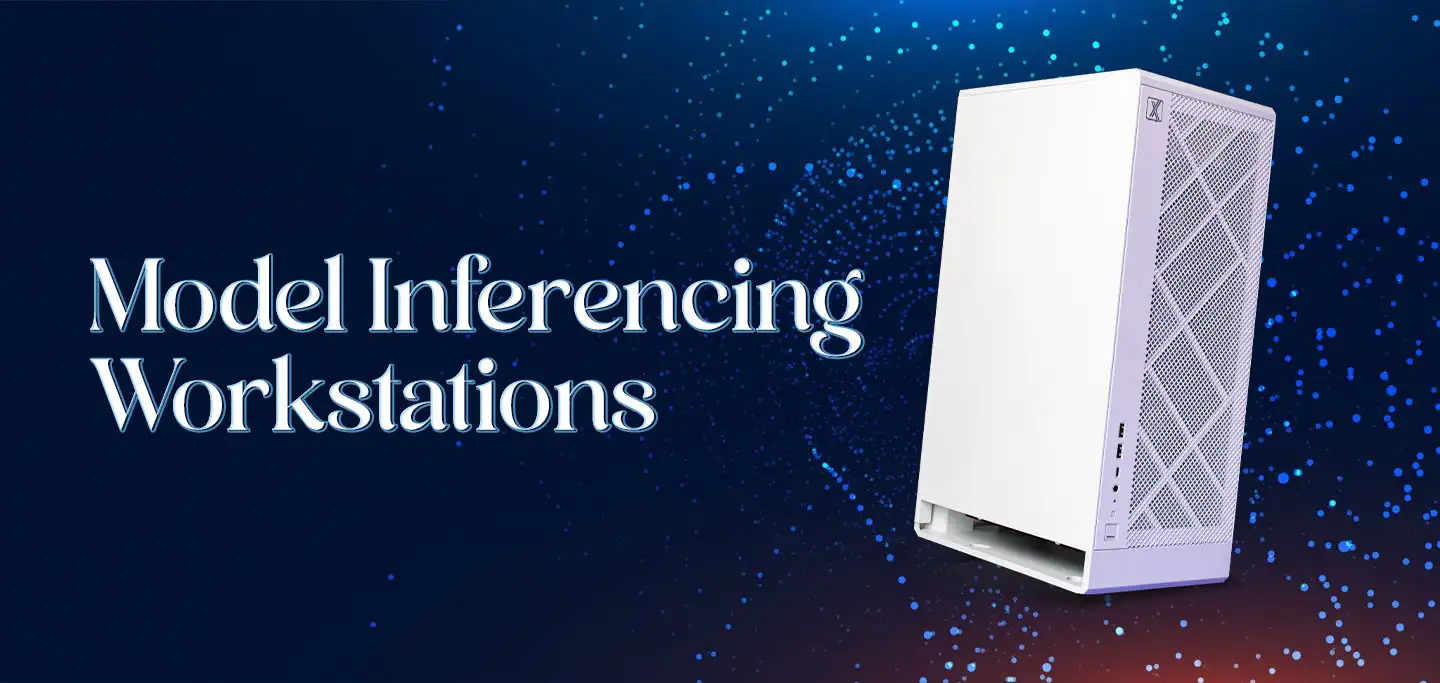
Discover model-inferencing workstations: advanced AI systems revolutionizing industries from retail to smart cities and mastering complex tasks with cutting-edge technology.
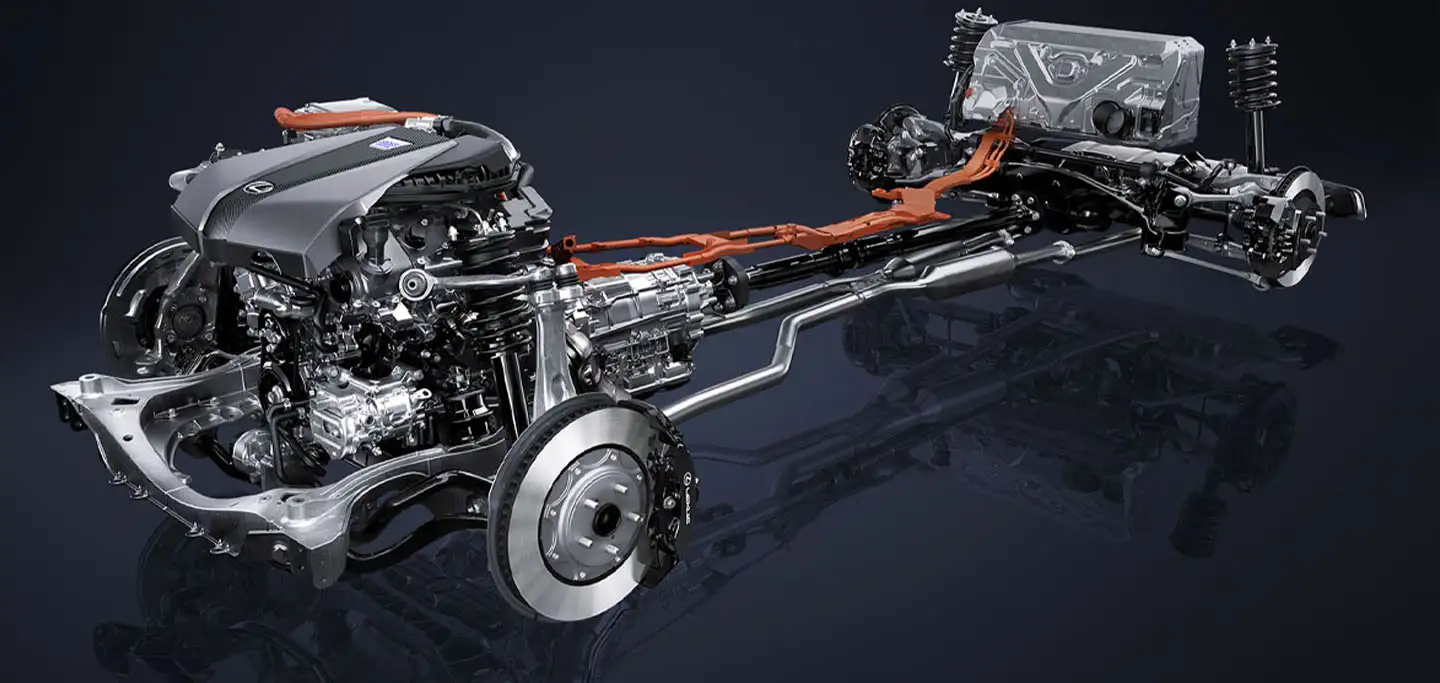
Explore how hybrid systems revolutionize transportation, energy, manufacturing, and daily life by integrating diverse technologies for innovative solutions.

Delve into Edge AI's impact on latency, privacy, and autonomy. Uncover its applications in healthcare, manufacturing, retail, and security.

