When you scale LLM infrastructure for multiple users, you face a decision:
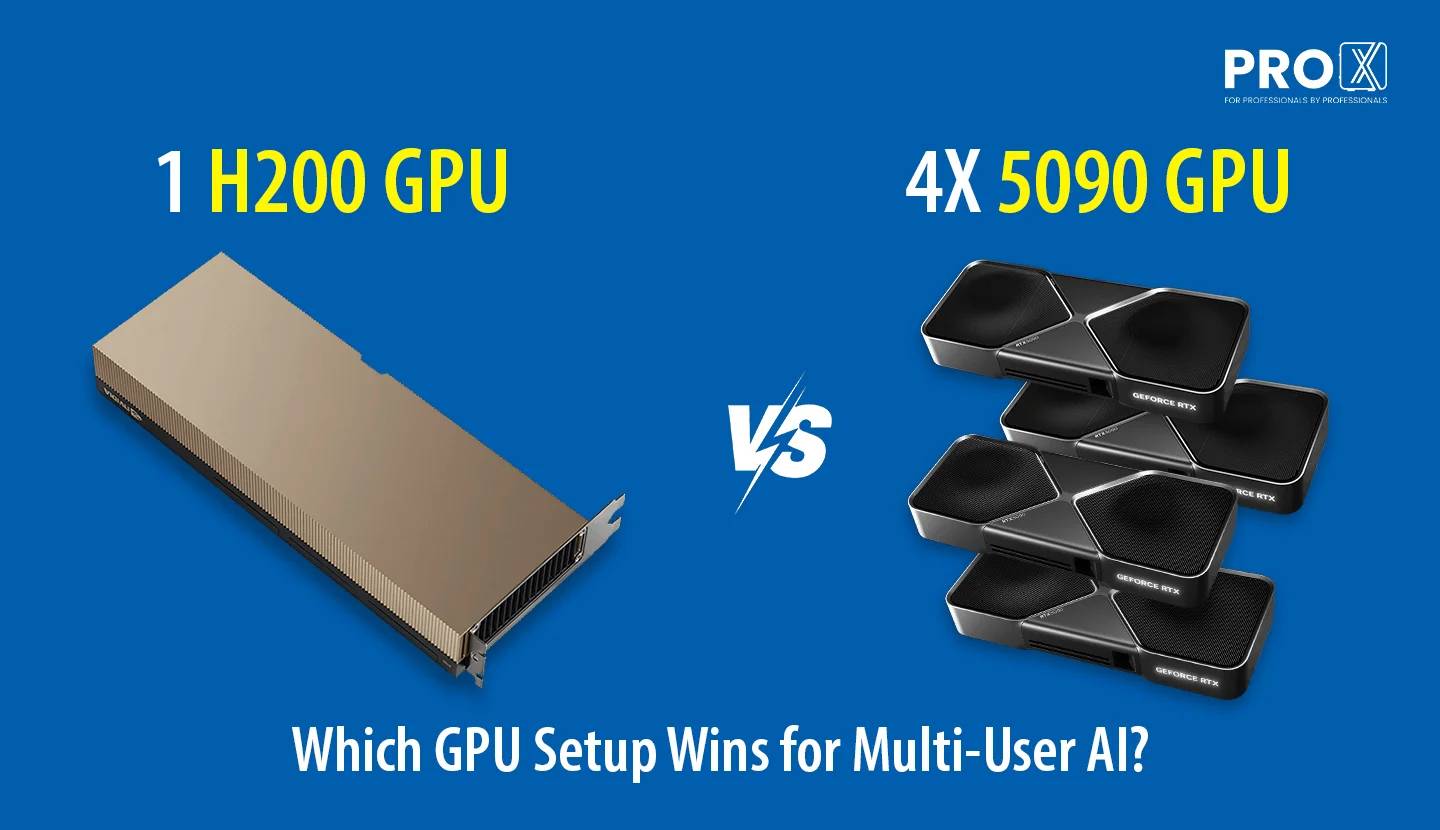
When you scale LLM infrastructure for multiple users, you face a decision: should you build a cluster of lower-VRAM consumer GPUs like the RTX 5090 (32GB VRAM), or do you invest in a single, high-capacity enterprise GPU like the NVIDIA H200 (141GB VRAM)? The first path looks like a cost-saving shortcut, while the second promises raw stability. Below we have break down which approach fits your specific needs through our own internal stress tests and benchmarks for multiuser LLM Inference.
The 4x RTX 5090 approach is a "horizontal" scaling strategy. It provides massive aggregate compute power, but it operates under a specific set of rules in a production environment.
The Single-User Workflow (Ollama): For a single developer, this setup is a playground. You can pool all 128GB (4x 32GB) of VRAM to load a massive model (like a 120B parameter model) across all four cards. Since only one person is using it, the system spends almost all its VRAM on the "brain" and very little on the "memory" (KV Cache).
The Multi-User Production Workflow (vLLM): In a production setting, the rules change. To serve many people at once, tools like vLLM often utilize Data Parallelism or Tensor Parallelism. As you correctly identified, if you run a model, it occupies space on every GPU. If you run a model that fits within the 32GB limit of a single 5090, the remaining VRAM on every card becomes dedicated to the KV Cache.
The Advantage: This is how you scale the number of users. By adding more 5090s, you aren't necessarily trying to run a bigger model; you are trying to increase the "headroom" for more concurrent users.
The Ceiling: Your model size is effectively "capped" by the 32GB VRAM of the individual cards if you want to maintain high performance. While you can shard a bigger model across them, you quickly lose the VRAM needed for the KV Cache, which is what allows multiple users to talk to the AI simultaneously without long wait times.
The H200 is a "vertical" scaling strategy. It places a massive 141GB of VRAM into a single, unified pool on one chip.
Continuous VRAM: Because the memory is not split across different cards, you can load massive models (70B, 120B, or even larger) while still having 40GB to 60GB of VRAM left over.
Unified KV Cache: The H200 uses its single, massive pool to store the conversation history of thousands of users in one place. This avoids the "latency tax" of GPUs having to talk to each other over a PCIe bus.
The Goal: This setup is for when you need the smartest model possible available to a massive audience with the lowest possible latency.
To understand the baseline for high-concurrency production, we look at the results for the H200. These figures represent the "Gold Standard" for when memory is not fragmented.
H200 Multi-User Performance
| Model | Peak Aggregate Throughput (tok/s) | Users at Peak | P50 Latency (s) | Max Healthy Concurrency | Recommended Production Users |
|---|---|---|---|---|---|
| Llama-3.1-8B-Instruct | 20,315.44 | 1024 | 21.981 | 2000 | 2000 |
| Qwen3-Coder-Next-FP8 | 10,175.65 | 512 | 24.579 | 1548 | 1548 |
| Gemma-3-27b-it | 5,139.51 | 256 | 24.663 | 1024 | 1024 |
| Qwen2.5-72B | 3,493.91 | 512 | 46.309 | 1024 | 1024 |
| Qwen3.5-122B-A10B-FP8 | 389.81 | 64 | 43.955 | 1024 | 64 |
| NVIDIA-Nemotron-3-120B | 345.75 | 64 | 53.639 | 64 | 64 |
The H200 shines because of its "Recommended Production Users" count. For a model like Llama-3.1-8B, it can handle 2,000 users simultaneously. This is possible because the 8GB model leaves 133GB of VRAM entirely for the KV Cache (the conversation history).
Even when we push to the 120B and 122B models, the H200 remains functional. While the throughput drops significantly, it can still serve a small team (64 users) with a smart model that would otherwise struggle on fragmented hardware.
When you use Ollama for a single user, you can pool all 128GB of VRAM on 4x 5090 to load a massive model. However, for a multi-user production environment, the architecture shifts.
Model Loading: To serve multiple users simultaneously with high efficiency, the model is typically loaded into every GPU in the cluster. If you run a model that takes 8GB of space, it utilizes 8GB on each of your four GPUs.
KV Cache Headroom: The brilliance of this setup is that the remaining VRAM on every card (in this case, 24GB per card) is dedicated to the KV Cache and multi-user headroom.
The 32GB Cap: This is why your model size is effectively capped at the 32GB VRAM of a single 5090 for production. By staying under this cap, you ensure that every GPU has maximum "breathing room" to handle conversation history for a massive number of users. As you add more GPUs, you aren't increasing the model size you can run; you are increasing the number of users you can handle at once.
We also have a technology to expand you VRAM using NVME Read about it.
We tested the 4x 5090 cluster across two scenarios: a heavy enterprise load (512 users) and an extreme stress test (1024 users).
| Tested LLM | Concurrent Users | Aggregate Throughput (tok/s) | Speed Per User (tok/s) | P50 Wait Time (s) | P95 Wait Time (s) |
|---|---|---|---|---|---|
| Qwen3.5-9B | 512 Users | 4,940.33 | 14.59 | 39.26s | 52.30s |
| 1024 Users | 4,949.86 | 10.12 | 65.40s | 104.20s | |
| gemma-4-26B | 512 Users | 4,959.19 | 14.58 | 39.09s | 52.04s |
| 1024 Users | 5,028.62 | 10.32 | 64.17s | 102.47s | |
| Qwen3.6-36B | 512 Users | 5,335.55 | 15.42 | 36.64s | 48.31s |
| 1024 Users | 5,254.88 | 10.32 | 61.88s | 97.87s | |
| gemma-4-31B | 512 Users | 2,037.12 | 6.68 | 90.66s | 127.22s |
| 1024 Users | 1,982.93 | 4.49 | 150.29s | 262.39s |
The data reveals exactly what happens when a model approaches the 32GB VRAM limit.
For the 9B, 26B, and 36B models, the aggregate throughput stays very consistent as users double from 512 to 1024. This shows the 5090s are pushing their maximum compute capacity. However, because these models leave enough headroom for the KV Cache, they remain functional even under extreme stress.
Look closely at the gemma-4-31B results. This model pushes right against the 32GB limit of the individual 5090 cards.
The Result: Aggregate throughput drops by over 60% compared to the 36B model.
The Wait Time: At 1024 users, the P50 wait time explodes to 150 seconds. This happens because there isn't enough VRAM left on the individual cards to store the KV Cache for that many users simultaneously.
Both setups are powerful, but they serve different roles in your AI stack.
Use the 4x RTX 5090 Cluster If:
You scale by user count: You are running models under 32GB (like 8B or 20B models) and need to handle hundreds of users cost-effectively.
You are a developer/researcher: You need the flexibility to pool VRAM for a single-user "smart" model (via Ollama) while still having a machine capable of multi-user production.
Raw Compute: You need the highest possible TFLOPS for the lowest price.
Configure your RTX 5090 Server-
4GPU Server - https://www.proxpc.com/servers/pro-maestro-gq-a
8GPU Server - https://www.proxpc.com/servers/pro-maestro-ge-a
Use the Single H200 GPU If:
You scale by intelligence: You need to serve massive 70B+ models to a large audience without the "split memory" bottleneck.
Low Latency is Mandatory: You require the fastest possible "Time to First Token" for thousands of users simultaneously.
Enterprise Stability: You need a high "Recommended Production User" count (up to 2,000) on a single platform.
Configure your H200 Server-
4GPU Server- https://www.proxpc.com/artificial-intelligence/servers/gpu-server
10GPU Server- https://www.proxpc.com/servers/pro-maestro-gd
Resources you may find helpful.

ProX PC Maestro Servers offer the powerful GPUs, ample memory, and scalable features needed to supercharge your deep learning projects.

ProX PC servers offer top performance, scalability, and reliability for big data and deep learning, making them ideal for various industries. Invest smartly with ProX PC.

Discover the future of AI with ProX PC's 8 GPU servers featuring NVIDIA RTX 4090 GPUs. Unmatched performance, reliability, and scalability for all your machine learning needs.
In the fast-evolving world of computational technology, choosing the right hardware can significantly impact the performance of scientific and engineering workloads. In this post, we will compare the numerical computing performance of the new AMD Zen4 Threadripper PRO (specifically the 7995WX and 7985WX) against the Intel Xeon W-9 3495X and the older Threadripper 7980X. We will also briefly mention the previous generation Threadripper PRO 5995WX with Zen3 optimizations.

