90% of Professionals Agree: Custom Workstations Boost Productivity in Demanding Workflows
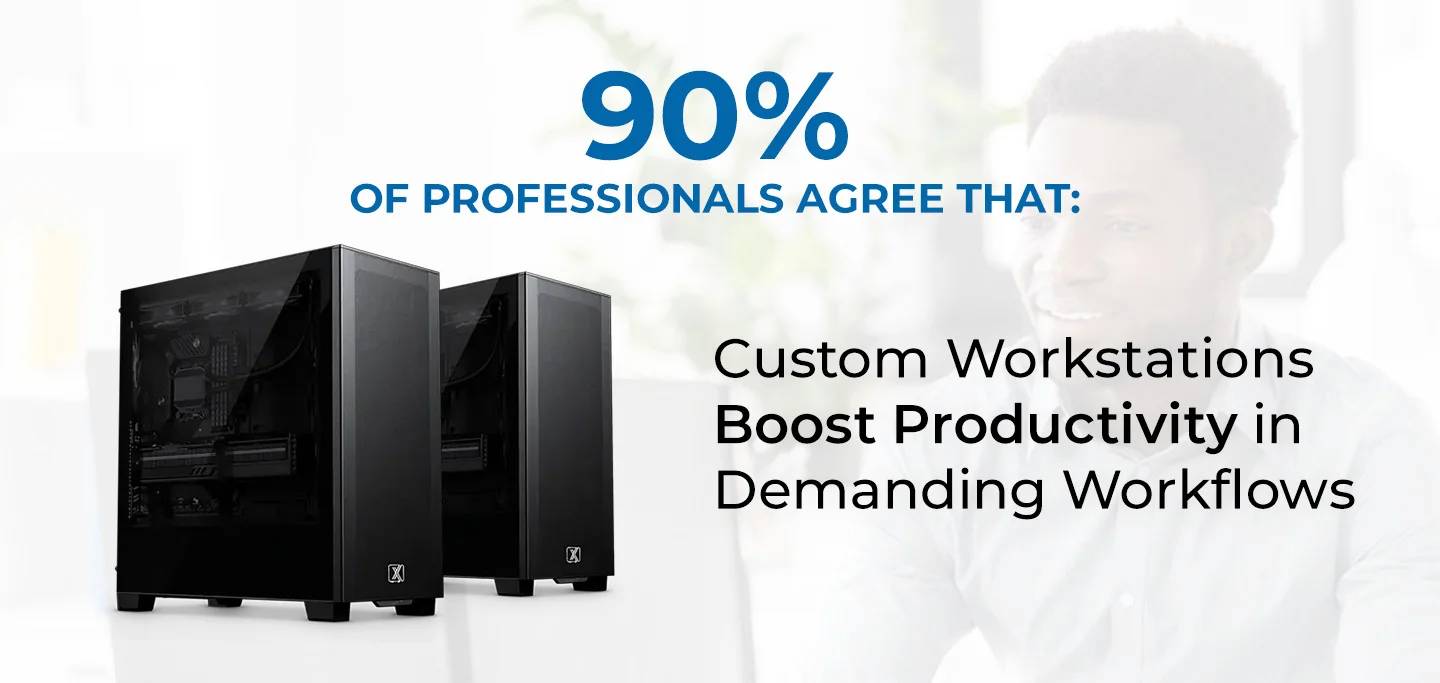
In today's fast-paced world, productivity is the key to success. Whether you're a designer, engineer, data scientist, or video editor, the tools you use directly impact your productivity. According to recent studies, 90% of professionals agree that custom workstations significantly boost productivity, especially in demanding workflows. But what makes custom workstations so effective? In this blog, we will explore the reasons why custom-built systems are best for Demanding Workflows and how they empower professionals to work smarter and faster.
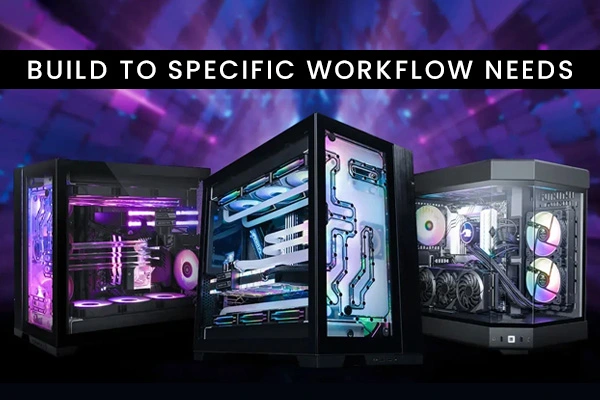
One size does not fit all when it comes to workstations. Each profession has unique requirements, and custom workstations are built to meet these needs.
For example, a 3D artist working with Blender can configure their system with a powerful GPU like the NVIDIA RTX 4090 and plenty of RAM to handle detailed textures and complex scenes.
Demanding workflows, such as data analysis, video editing, and 3D rendering, require significant computing power. Custom workstations provide high performance because they are built with the most suitable components.
A powerful CPU like the AMD Ryzen 9 7950X or Intel Core i9 ensures quick computations, while GPUs like the NVIDIA RTX A6000 handle complex graphical tasks efficiently.
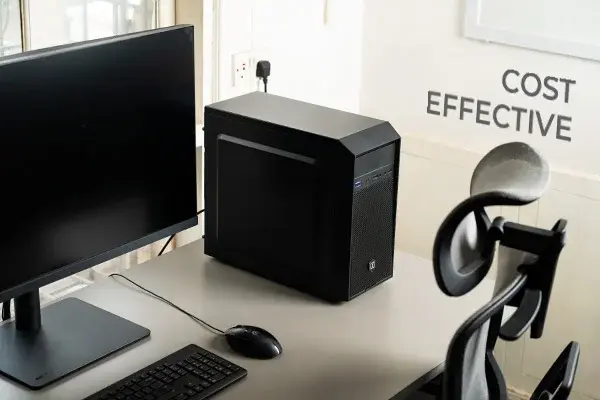
While pre-built systems may include features you don’t need, custom workstations allow you to focus your budget on components that matter most to your workflow.
For instance, if your work requires heavy GPU usage, you can allocate more budget to a top-tier GPU and opt for a mid-range CPU to save costs without sacrificing performance.
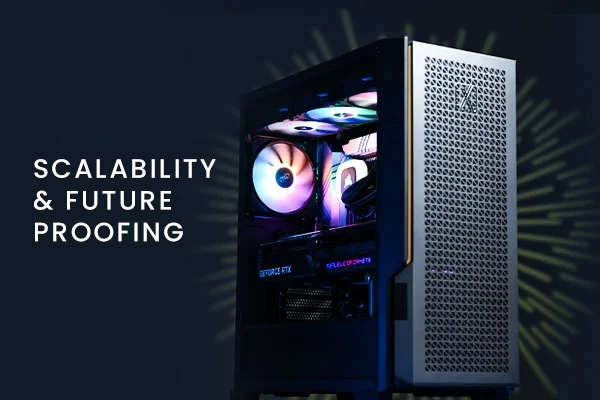
Technology evolves rapidly, and staying ahead requires systems that can adapt. Custom workstations offer scalability, making them a smart investment for the future.
Professionals can upgrade their system as their workload increases without needing to purchase a completely new machine. This flexibility ensures that the workstation grows with the user's needs.
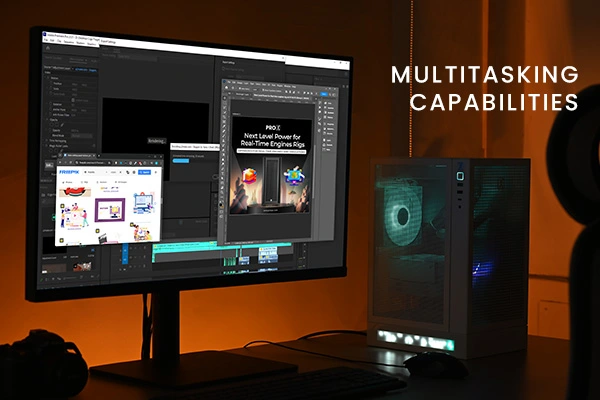
Demanding workflows often involve running multiple applications simultaneously. Custom workstations are designed to handle heavy multitasking with ease.
For example, an architect might use AutoCAD, Photoshop, and rendering software concurrently. A custom workstation ensures all these programs run smoothly without lag.
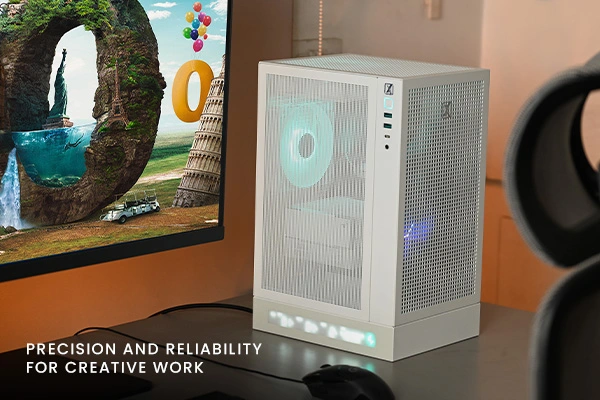
Professionals in creative industries depend on accurate and reliable systems to bring their ideas to life. Custom workstations deliver precision by incorporating the best hardware and software for specific workflows.
This level of reliability ensures that creative professionals can focus on their work without worrying about technical issues.
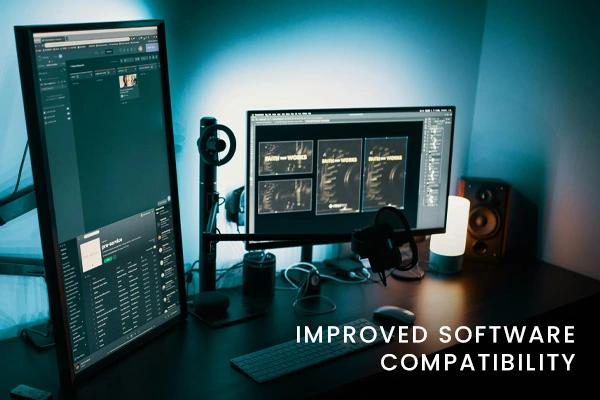
Custom workstations are built to be compatible with the software tools professionals rely on every day.
By ensuring that hardware and software work together seamlessly, custom systems minimize downtime and improve overall efficiency.

Custom workstations often come with tailored support from manufacturers or builders. This ensures that professionals get the help they need when issues arise.
This level of support ensures minimal downtime, keeping workflows running smoothly.
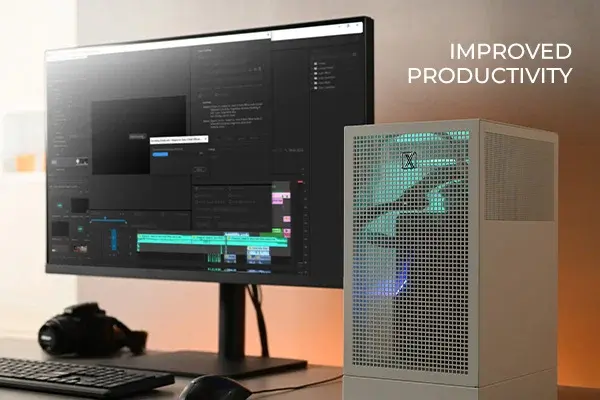
Professionals who switch to custom workstations often notice significant improvements in their workflows. Faster processing times, smoother multitasking, and fewer technical issues translate to increased output and less frustration.
These real-world examples highlight how custom workstations directly enhance productivity.
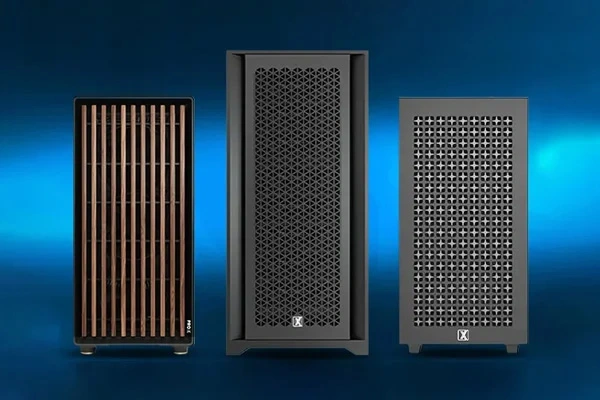
The overwhelming preference for custom workstations boils down to their ability to deliver exactly what professionals need. From tailored performance to long-term reliability, these systems are designed to support demanding workflows and ensure professionals can achieve their goals.
If you’re looking to boost productivity, consider investing in a custom workstation. Tailor your system to your workflow and experience the difference it can make in your daily work.
Custom workstations are more than just powerful machines; they are productivity enhancers. With tailored configurations, scalability, and superior performance, they cater to the unique demands of professionals in various industries. The 90% who agree that custom systems boost productivity are proof of their value.
Take control of your workflow with a custom workstation. Whether you're a creative professional, engineer, or data scientist, a system built for your needs can transform the way you work.
You can visit our website www.proxpc.com and find some of the best custom built workstations for all the demanding workflows.
at https://www.proxpc.com/workstation In case you find a perfect fit for your workflow feel free to connect with us at https://www.proxpc.com/contact-us
Read More Related Topics
Resources you may find helpful.
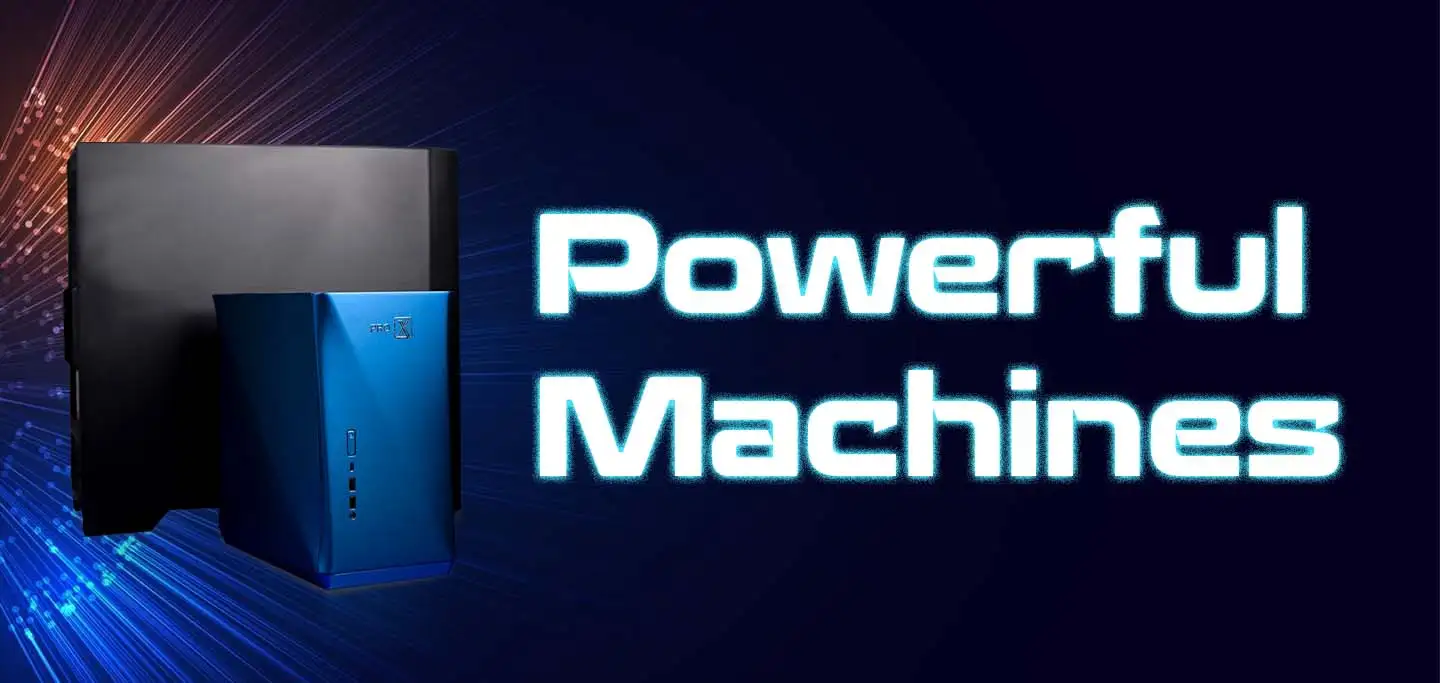
Computing workstations are vital for professionals needing high-performance, reliable machines for complex tasks in engineering, research, multimedia, and more.
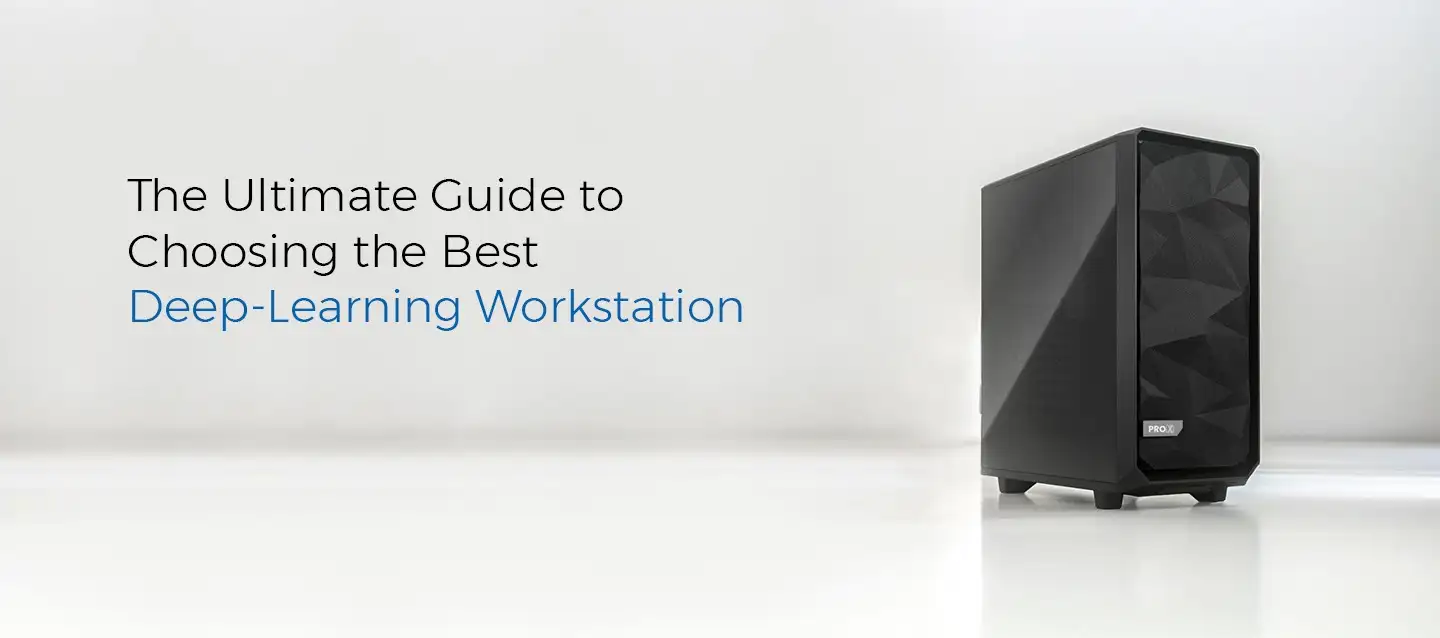
Choose the best deep learning workstation by assessing your needs, budget, and future projects. Balance performance and cost for the best value in your investment.

Model training workstations drive research and innovation, enhancing AI, genomics, materials science, and climate modeling with unmatched speed, accuracy, and efficiency.
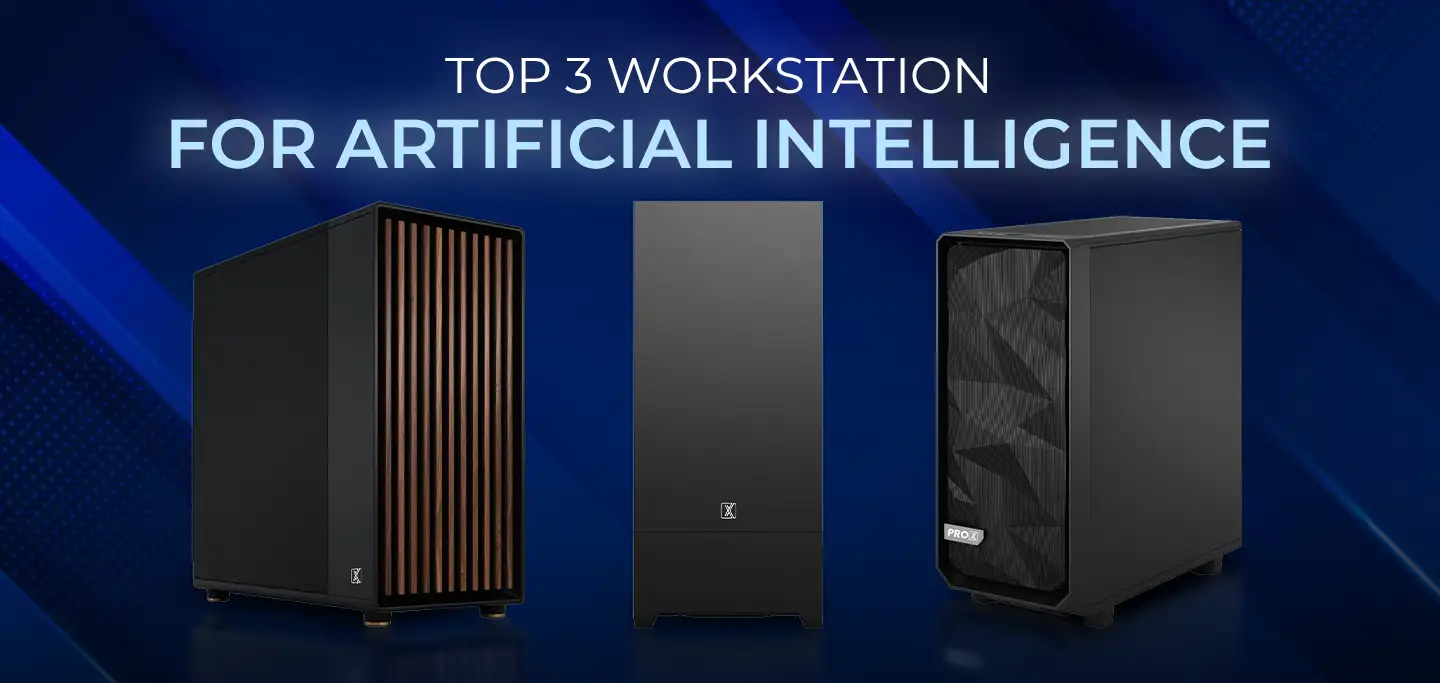
ProX PC has crafted a lineup of AI-focused workstations designed to conquer your most challenging projects effortlessly.
