Choose the best deep learning workstation by assessing your needs, budget, and future projects. Balance performance and cost for the best value in your investment.

Deep learning is a complex, resource-intensive field that demands powerful hardware to efficiently process large datasets and run advanced algorithms. Selecting the best deep-learning workstation is crucial to ensure smooth, fast, and effective model training and deployment. With a variety of hardware components to consider, including the GPU, CPU, RAM, storage, and cooling systems, making an informed decision can be challenging. In this guide, we will break down the essential factors to consider when choosing the right deep-learning workstation that fits your specific needs and budget.
One of the most critical components of a deep-learning workstation is the GPU. Deep learning tasks, such as training neural networks, are highly parallelizable, meaning that they can be broken down into many smaller tasks that can be processed simultaneously. This is where GPUs excel, as they are designed for parallel computing, making them significantly faster than CPUs for deep learning workloads.
When choosing a GPU, high-end models like the NVIDIA RTX series (e.g., RTX 3090 or the newer RTX 4090) are ideal for deep-learning applications. These GPUs come equipped with thousands of CUDA cores, which enable them to perform matrix operations that are essential for training deep-learning models. Additionally, newer GPUs in this series also feature Tensor Cores, specifically optimized for AI workloads, further improving performance.
The GPU is the heart of any deep-learning system, as its performance directly correlates with the speed at which models can be trained, making it the most important component of your workstation.
While the GPU does the bulk of the computational work in deep learning, the CPU still plays an essential role in orchestrating tasks, managing data loading, and handling other non-GPU-based operations like preprocessing data and executing multi-threaded operations. Choosing the right CPU ensures that your system can keep up with the demands of the GPU.
For deep learning, a multi-core CPU is recommended, such as an Intel Xeon or AMD Ryzen processor. Intel's Xeon series is often preferred for enterprise-level workstations due to its stability and performance under heavy workloads. On the other hand, AMD's Ryzen and Threadripper series offer competitive performance at a more affordable price point, with many cores that can efficiently handle simultaneous tasks.
While the CPU doesn't handle the deep learning computations directly, a well-chosen CPU ensures the GPU can work at full capacity without being delayed by other system processes.
Deep learning models, especially large ones, can require a substantial amount of memory (RAM). During training, large datasets are loaded into memory, and more RAM allows for larger batches to be processed at once, which can significantly reduce training time and improve model accuracy. For deep-learning workstations, the minimum amount of RAM you should consider is 32GB, but for larger models and datasets, 64GB or even 128GB may be necessary.
Having sufficient RAM ensures smooth multitasking and prevents bottlenecks, especially during memory-intensive deep learning processes.
When it comes to storage, speed and capacity are both important factors. Deep learning datasets can be incredibly large, sometimes ranging from gigabytes to terabytes. The faster your system can load these datasets, the quicker your models can start training.
For this reason, Solid State Drives (SSDs) are the preferred storage option for deep-learning workstations. SSDs provide much faster read and write speeds compared to traditional Hard Disk Drives (HDDs), which is crucial for loading datasets, storing checkpoints, and managing large libraries of models.
Fast storage is critical for reducing wait times during training and for quickly accessing and saving large datasets.
A powerful deep-learning workstation generates a lot of heat, especially from the CPU and GPU. Overheating can lead to thermal throttling, where components reduce their performance to prevent damage. In severe cases, high temperatures can cause hardware failure, shortening the lifespan of your workstation.
Choosing the right cooling system ensures that your components remain within safe operating temperatures, allowing them to run at full performance without overheating.
A well-designed cooling system ensures your deep-learning workstation performs optimally and extends the longevity of your components.
While it’s tempting to build the most powerful workstation possible, it’s important to balance performance and budget. Consider the following:
Choosing the best deep-learning workstation involves carefully selecting components that meet both your current and future requirements. A high-performance GPU, multi-core CPU, ample RAM, fast storage, and an efficient cooling system are all essential for optimizing deep learning tasks. By balancing performance, scalability, and budget, you can build a workstation that enhances your deep-learning workflow, allowing you to focus on developing more accurate models and processing larger datasets with ease.
For more info visit www.proxpc.com
Resources you may find helpful.
Computing workstations are vital for professionals needing high-performance, reliable machines for complex tasks in engineering, research, multimedia, and more.

Model training workstations drive research and innovation, enhancing AI, genomics, materials science, and climate modeling with unmatched speed, accuracy, and efficiency.
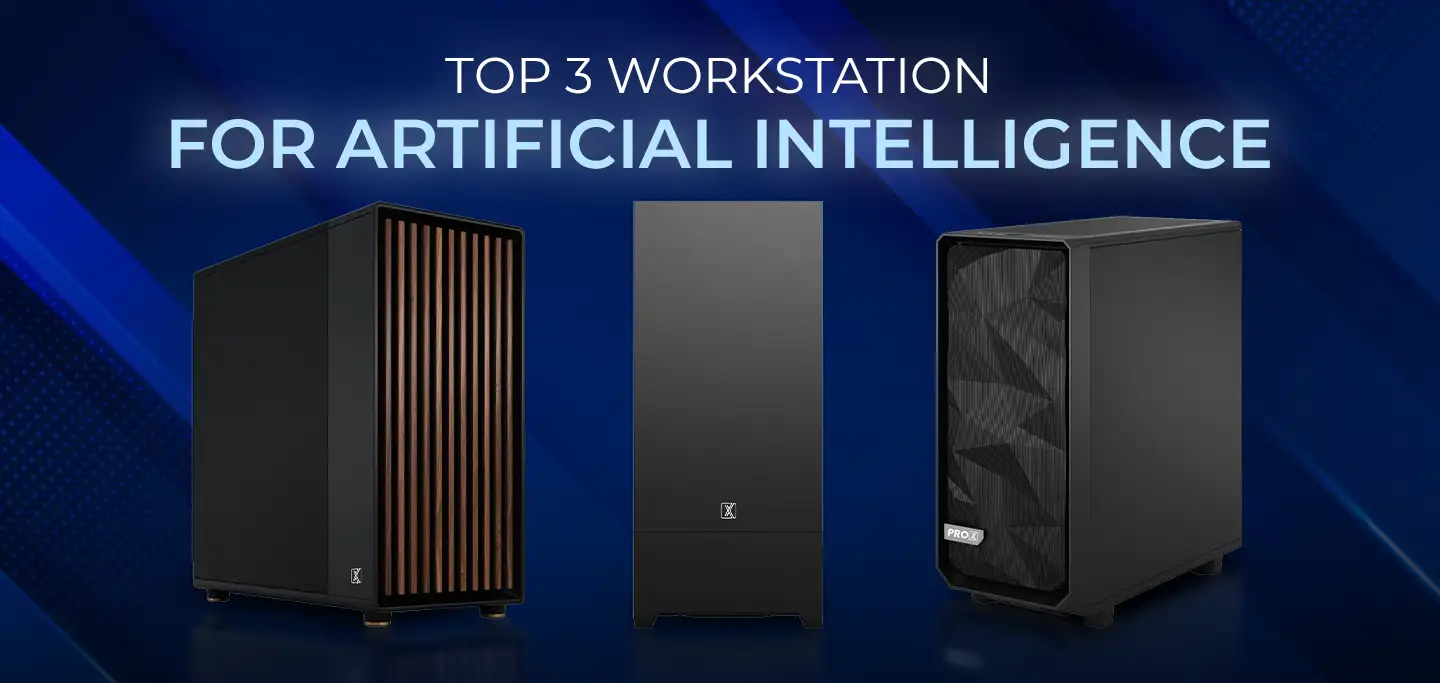
ProX PC has crafted a lineup of AI-focused workstations designed to conquer your most challenging projects effortlessly.
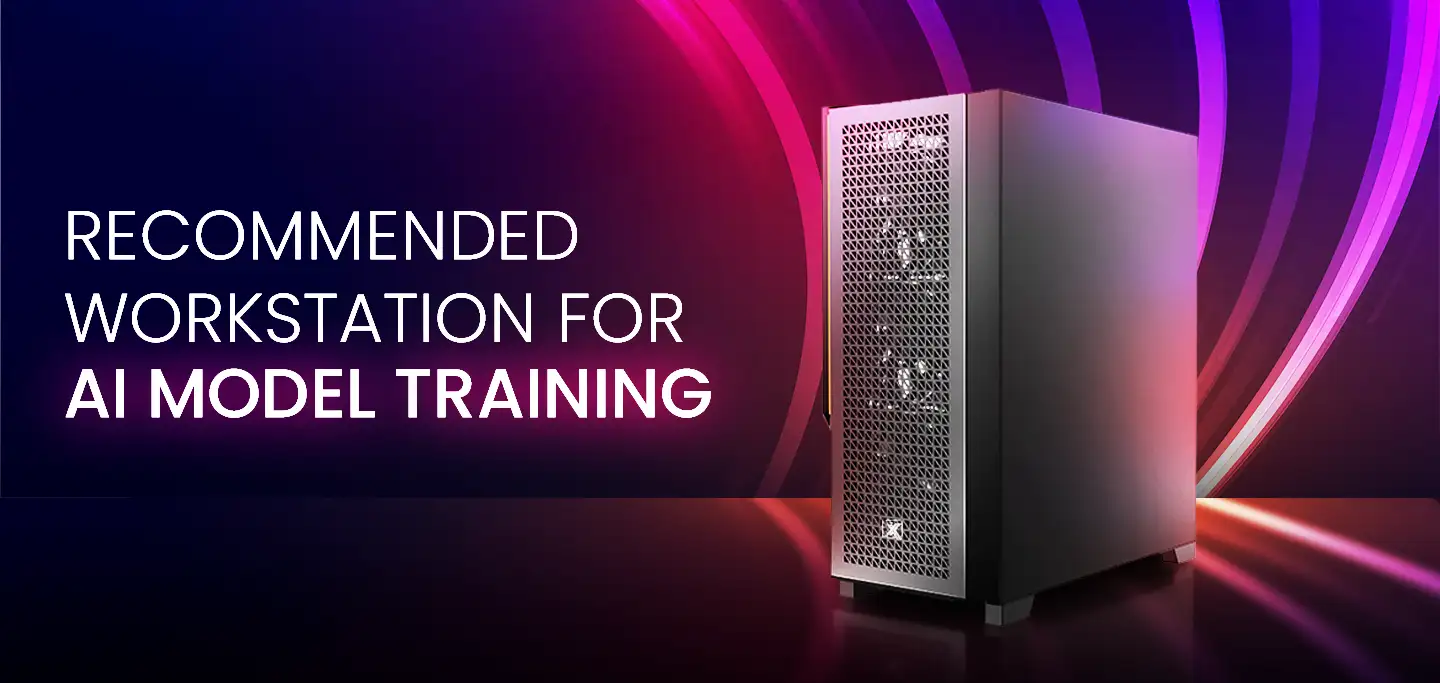
Training AI models, the process of teaching them to perform specific tasks, requires significant processing power. That's where ProX PC's powerful workstations come in.

