Training neural networks, running YOLO-based vision pipelines, and fine-tuning models in PyTorch and TensorFlow requires hardware that supports your professional workflow.

Training neural networks, running YOLO-based vision pipelines, and fine-tuning models in PyTorch and TensorFlow requires hardware that supports your professional workflow. Once you optimize your code and data pipelines, an underpowered GPU or a starved CPU becomes a severe bottleneck, adding hours to training runs that should finish overnight.
To save you research time, we selected three workstations tailored for serious deep learning and computer vision workloads. These systems range from single-GPU setups for independent researchers to lab environments running continuous multi-GPU training. Each machine comes in Intel and AMD configurations, allowing you to choose the platform that fits your existing infrastructure. Following the recommendations, we will explain how to evaluate each component so you can select the right hardware for your enterprise projects.
This is the entry point into serious deep learning hardware, built to avoid the classic beginner mistake of buying a gaming PC that runs out of GPU memory the moment a dataset gets real. It's the pick we'd recommend to students, freelance computer vision developers, and anyone prototyping models on small-to-medium image or video datasets before scaling up.
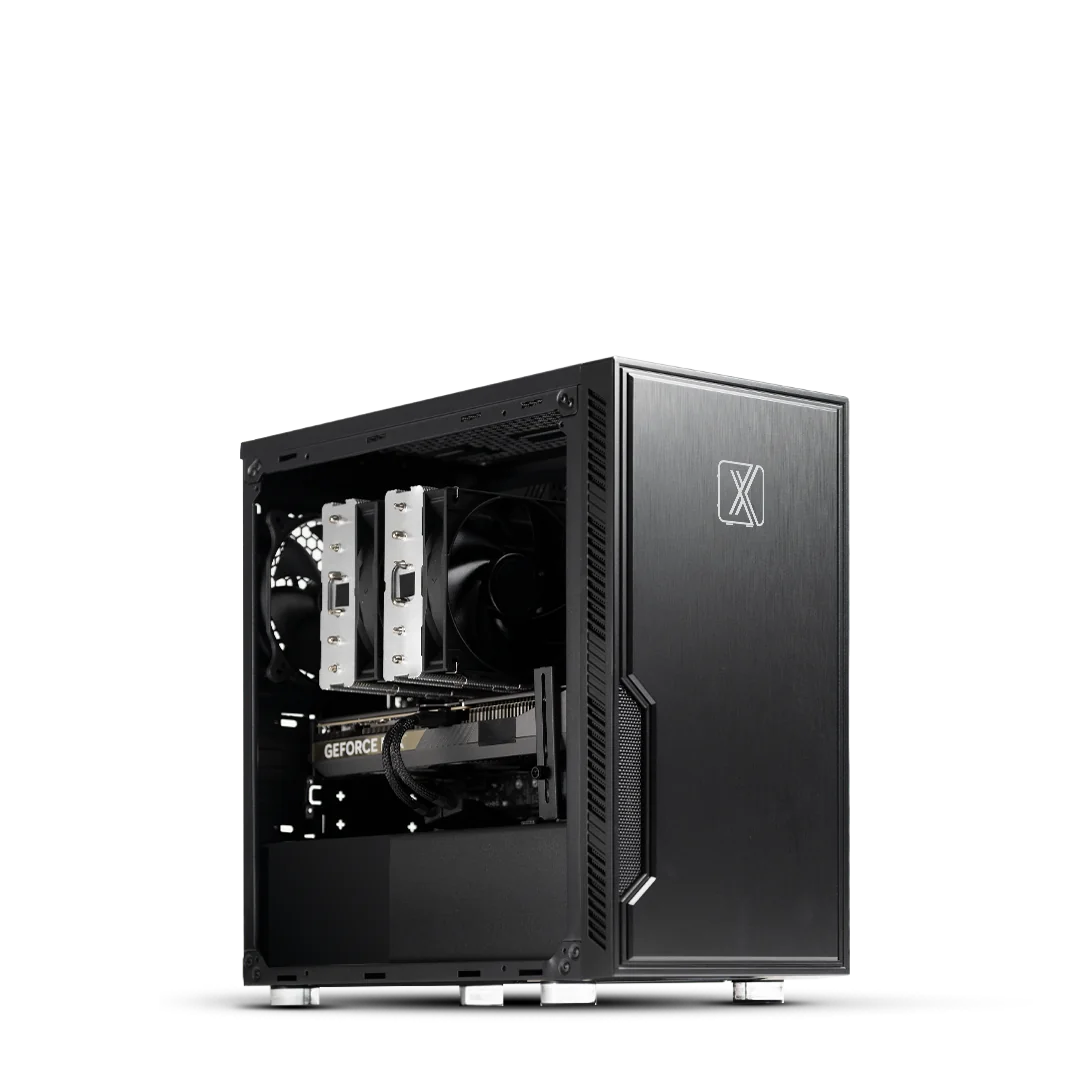
View Intel Configuration — Pro Maven GS AI300 →
View AMD Configuration — Pro Maven GS AA300 →
This is the workstation we'd point most working computer vision engineers and ML practitioners toward. It's built for teams that need production-grade training speed and enough headroom to work comfortably with high-resolution vision datasets and larger batch sizes, without moving to a dual-GPU rig.
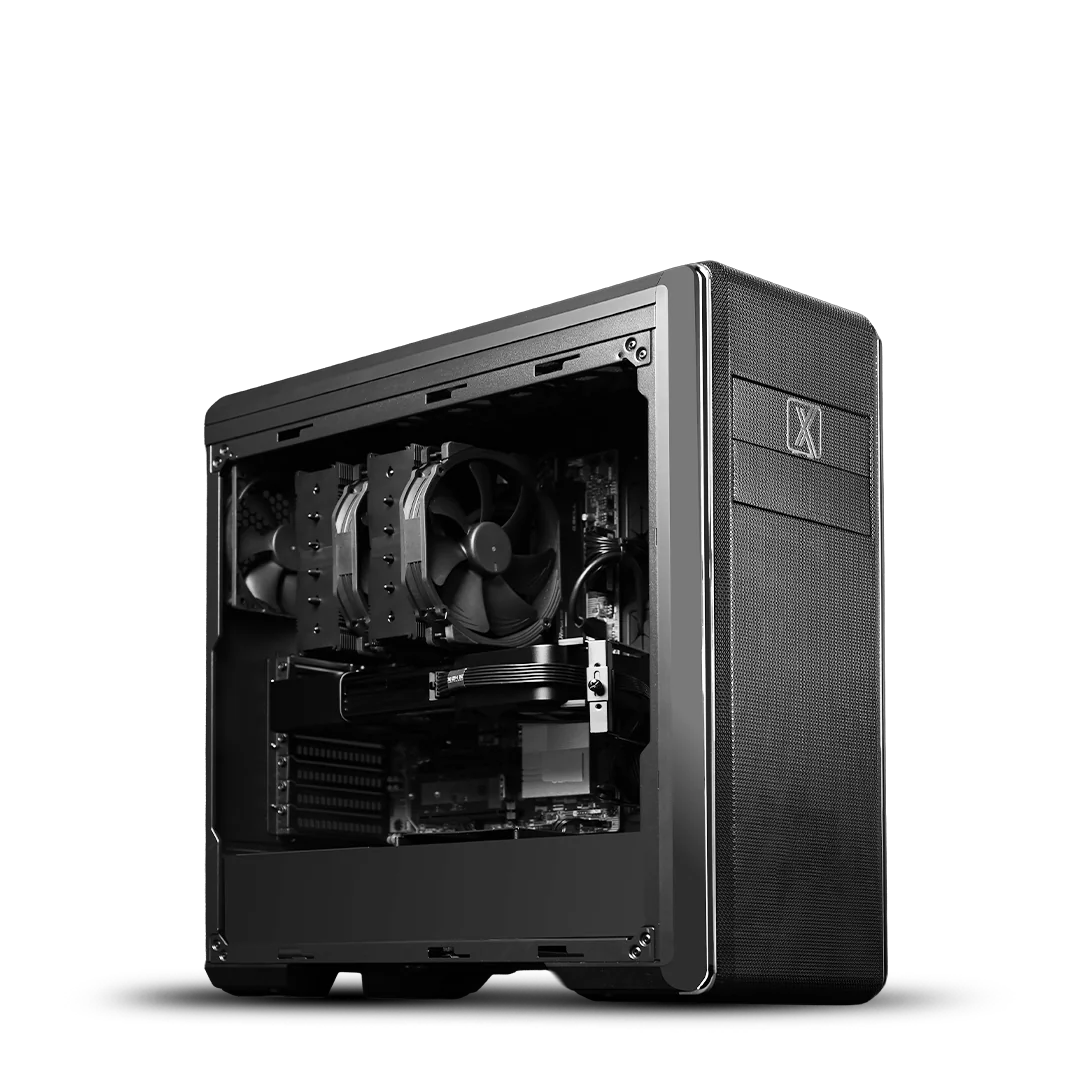
View Intel Configuration — Pro Maven GS AI320 →
View AMD Configuration — Pro Maven GS AA320 →
This is the workstation for teams that train large models regularly and can't afford downtime. It's built for AI research labs, computer vision startups scaling up training, and any team running sustained, heavy multi-GPU workloads without compute becoming the bottleneck.
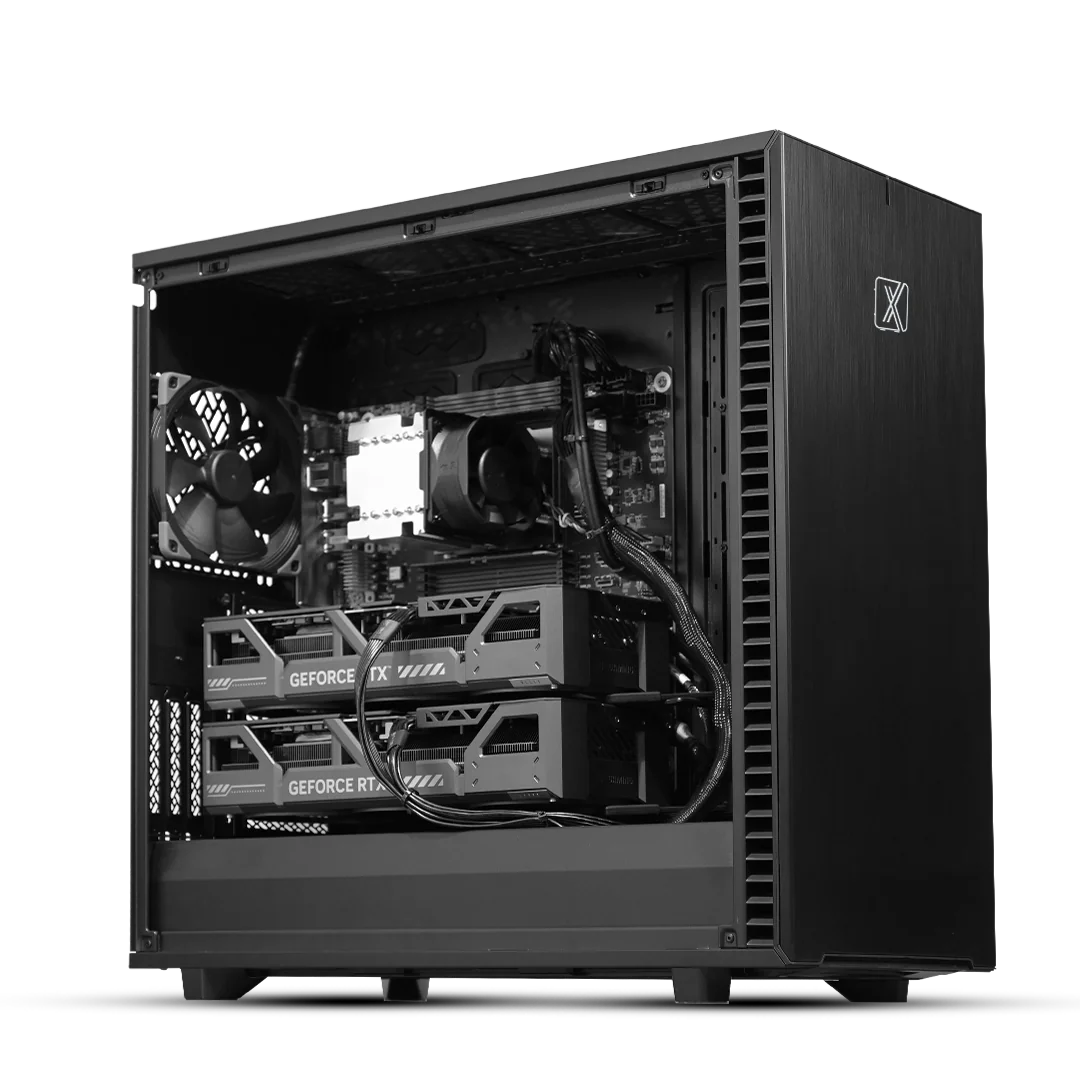
View Intel Configuration — Pro Maven GT AI300 →
View AMD Configuration — Pro Maven GT AA300 →
Picking hardware for deep learning and computer vision isn't about buying "the most powerful PC." It's about matching a few specific components to your actual workload. Here's how to think through each one.
Your GPU handles the training computation. VRAM capacity dictates your actual limits. A 12 to 16GB VRAM capacity serves as a working minimum for deep learning, while computer vision tasks involving high-resolution images or large batch sizes demand significantly more memory.
Evaluate your GPU choice by physical environment and use case. The NVIDIA RTX 5090 (32GB) handles fast prototyping and smaller local vision datasets well in a desk-side tower. For production-grade models, the NVIDIA RTX PRO 6000 Blackwell (96GB) provides a sensible standard by removing memory constraints. Operations requiring massive scale rely on data-center-class GPUs like the NVIDIA H200. These passive cards deliver the required memory bandwidth but mandate server-grade chassis with high-velocity rack airflow and power redundancy.
The CPU must feed data to the GPU fast enough to prevent idle time. This relies heavily on PCIe lane count. High-core, high-lane-count processors like the AMD Threadripper PRO or Intel Xeon families prevent data bottlenecks that waste GPU cycles during training. Allocate your budget to protect your GPU tier first, then select a CPU with enough lanes and cores to keep that GPU fully saturated.
System memory holds your dataset, data loaders, and the active training pipeline. For serious deep learning work, treat 32GB as a baseline. Many practitioners require 64GB or more to maintain a comfortable workflow, particularly when pre-processing or augmenting large image and video datasets on the fly.
Fast NVMe storage keeps your data pipeline flowing. High-speed drives ensure your expensive GPU receives data continuously between batches. Enterprise computer vision requires a tiered storage approach. Process active batches on local NVMe drives and store cold data on high-capacity arrays. For massive local LLM deployments, advanced setups leverage specific NVMe storage as active VRAM expansion to push past standard hardware memory limits.
Deep learning training places systems under sustained load for days. Purpose-built workstations require ECC memory to prevent data corruption during long runs. Robust cooling designs and power redundancy guarantee sustained performance. This ensures your system completes vital training jobs without thermal throttling.
A Linux-based setup, commonly Ubuntu, provides the natural environment for deep learning frameworks. Linux offers smooth memory management and native library support for tools like PyTorch and TensorFlow. Working with a vendor that pre-configures this environment saves you from troubleshooting drivers on day one.
Plan your multi-GPU roadmap carefully. You can start with a single GPU, such as an RTX PRO 4000 Blackwell, and add a second matching card as your workload grows. Combining consumer cards like the RTX 5090 with professional cards compromises system stability and introduces driver conflicts. Standard desktop towers have fixed thermal and power delivery limits. Planning for heavy multi GPU setups requires evaluating server-grade chassis from the beginning.
Most practitioners consider 12-16GB a functional minimum, but computer vision workloads with large images or video benefit significantly more, especially as you scale up batch size or resolution which is why GPUs like the RTX PRO 6000 Blackwell (96GB) have become popular for professional work.
Gaming PCs can work for early experimentation, but they're not designed for sustained, near 100% load over long training runs. Workstations add features like ECC memory and airflow designed for multi GPU setups, which protect long training jobs from crashing partway through.
Yes. Starting with one GPU and adding more later is a common and sensible approach, as long as you're aware that a standard desktop tower has practical limits once you go beyond two GPUs.
Linux (typically Ubuntu) is generally preferred for its memory management and native framework support, though Windows is workable, especially if you're more comfortable there.
Resources you may find helpful.
Computing workstations are vital for professionals needing high-performance, reliable machines for complex tasks in engineering, research, multimedia, and more.
Choose the best deep learning workstation by assessing your needs, budget, and future projects. Balance performance and cost for the best value in your investment.

Model training workstations drive research and innovation, enhancing AI, genomics, materials science, and climate modeling with unmatched speed, accuracy, and efficiency.
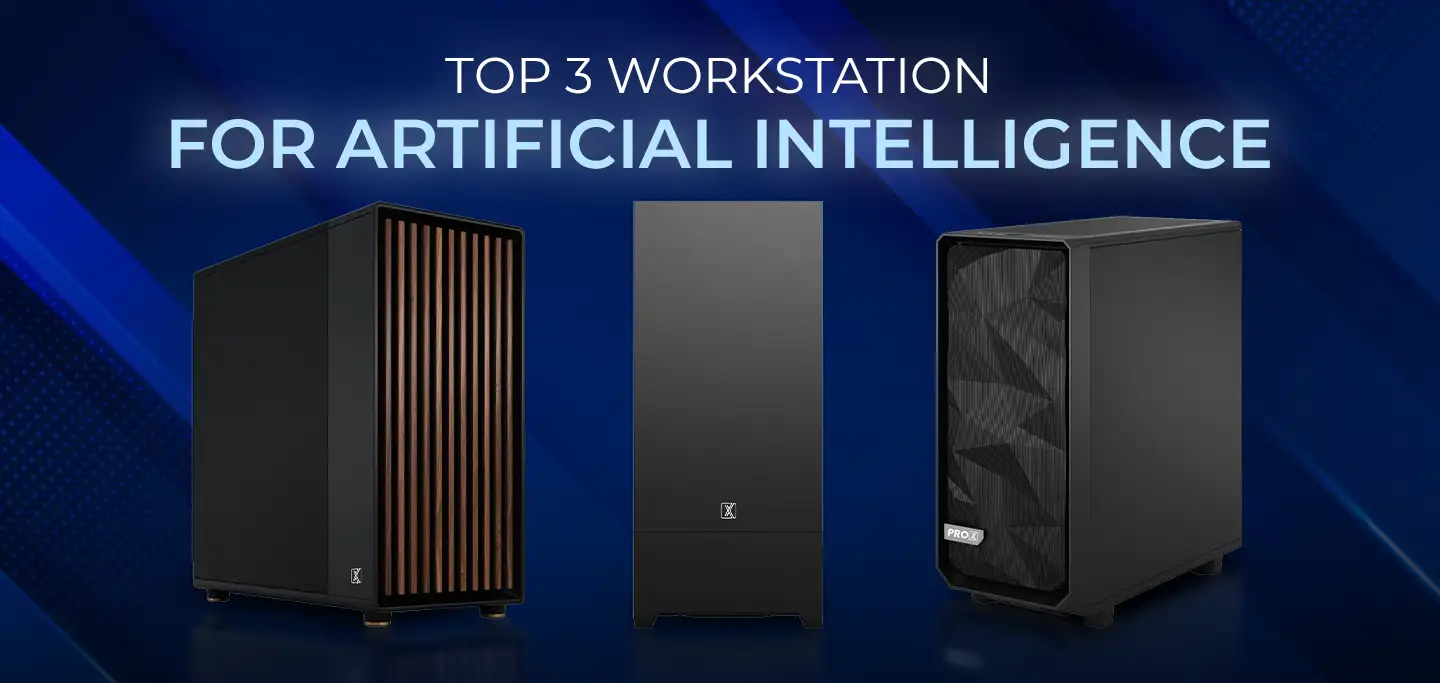
ProX PC has crafted a lineup of AI-focused workstations designed to conquer your most challenging projects effortlessly.

