In 2026, the modern creator rarely does just one thing. A photographer often edits video reels. A graphic designer often dabbles in motion graphics.
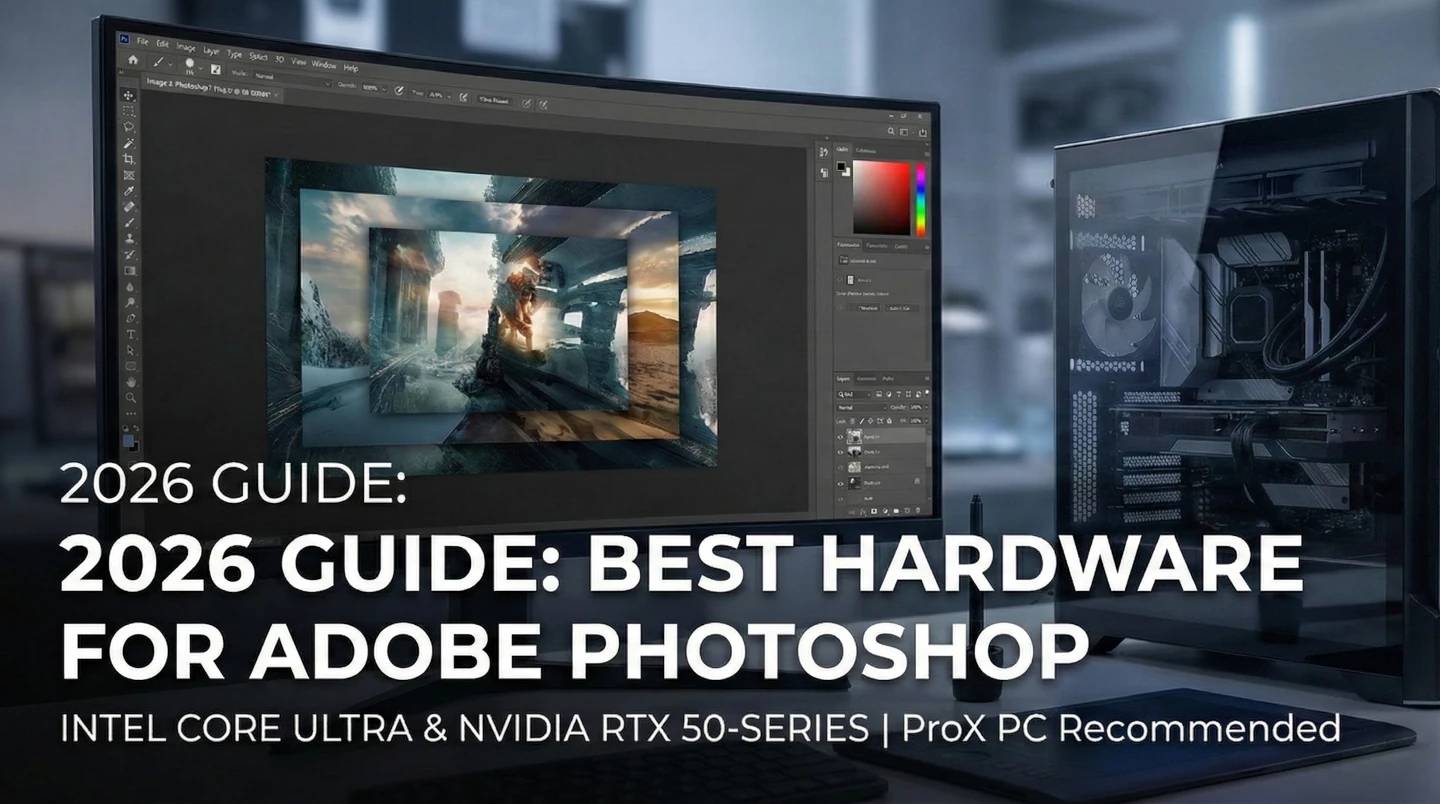
Like most software developers, Adobe maintains a list of system requirements for Photoshop. However, these lists often cover only the bare minimum needed to open the software, not what is required to actually work as a professional.
In 2026, the modern creator rarely does just one thing. A photographer often edits video reels. A graphic designer often dabbles in motion graphics.
At ProX PC, we don't build computers for "minimum requirements." We build for Maximum Capability.
Our recommendations below are engineered to comfortably handle 90% of professional workloads. This means when you buy a ProX Recommended Photoshop Workstation, you aren't just getting a photo editor—you are getting a versatile Content Creation Machine capable of handling Video Editing, Graphic Design, and AI workloads without breaking a sweat.
Based on our latest testing with Intel Core Ultra processors and NVIDIA RTX 50-Series GPUs, here is our 2026 guide.
|
Component |
Adobe Minimum (Official) |
ProX PC Recommended (Capability Focused) |
|
Processor |
Multicore Intel or AMD (2GHz+) |
Intel Core Ultra 7 or AMD Ryzen 7 (Balanced for speed & multitasking) |
|
RAM |
16 GB |
32 GB DDR5 (Essential for Hybrid Photo/Video Workflows) |
|
GPU |
DirectX 12 GPU w/ 1.5 GB VRAM |
NVIDIA RTX 5060 or 5070 (8GB+ VRAM for AI & Rendering) |
|
Storage |
20 GB HDD Space |
1TB NVMe SSD (High speed for 4K footage & RAW files) |
|
OS |
Windows 10/11 (64-bit) |
Windows 11 Pro 64-bit |
The processor remains the "heart" of your workstation. While Photoshop relies on single-core speed, modern workflows (like exporting video in Premiere Pro) need multi-core power.
What CPU is best for a Hybrid Workflow?
RAM is your digital workbench. This is where the "90% Workload" rule really applies.
In 2026, Photoshop AI tools and Video Rendering engines rely heavily on the GPU.
Speed matters more than size here. A slow hard drive is the #1 bottleneck for creative work.
We have curated three specific configurations from our Pro Maven GS series. These aren't just for Photoshop, they are complete content creation packages tailored to your level.
Perfect for photography students, hobbyists, and social media managers.
Configure Now: Pro Maven GS I PE
This is the sweet spot. Built with the Intel Core Ultra 7 and 32GB DDR5 RAM.
Configure Now: Pro Maven GS I PM
For those who refuse to wait. Featuring the flagship Intel Core Ultra 9 and top-tier RTX Graphics.
Configure Now: Pro Maven GS I PH
When you choose a Pro Maven GS, you aren't just meeting the minimum requirements for software; you are investing in a machine built to handle the reality of modern content creation.
Visit: www.proxpc.com
Resources you may find helpful.
Computing workstations are vital for professionals needing high-performance, reliable machines for complex tasks in engineering, research, multimedia, and more.
Choose the best deep learning workstation by assessing your needs, budget, and future projects. Balance performance and cost for the best value in your investment.

Model training workstations drive research and innovation, enhancing AI, genomics, materials science, and climate modeling with unmatched speed, accuracy, and efficiency.
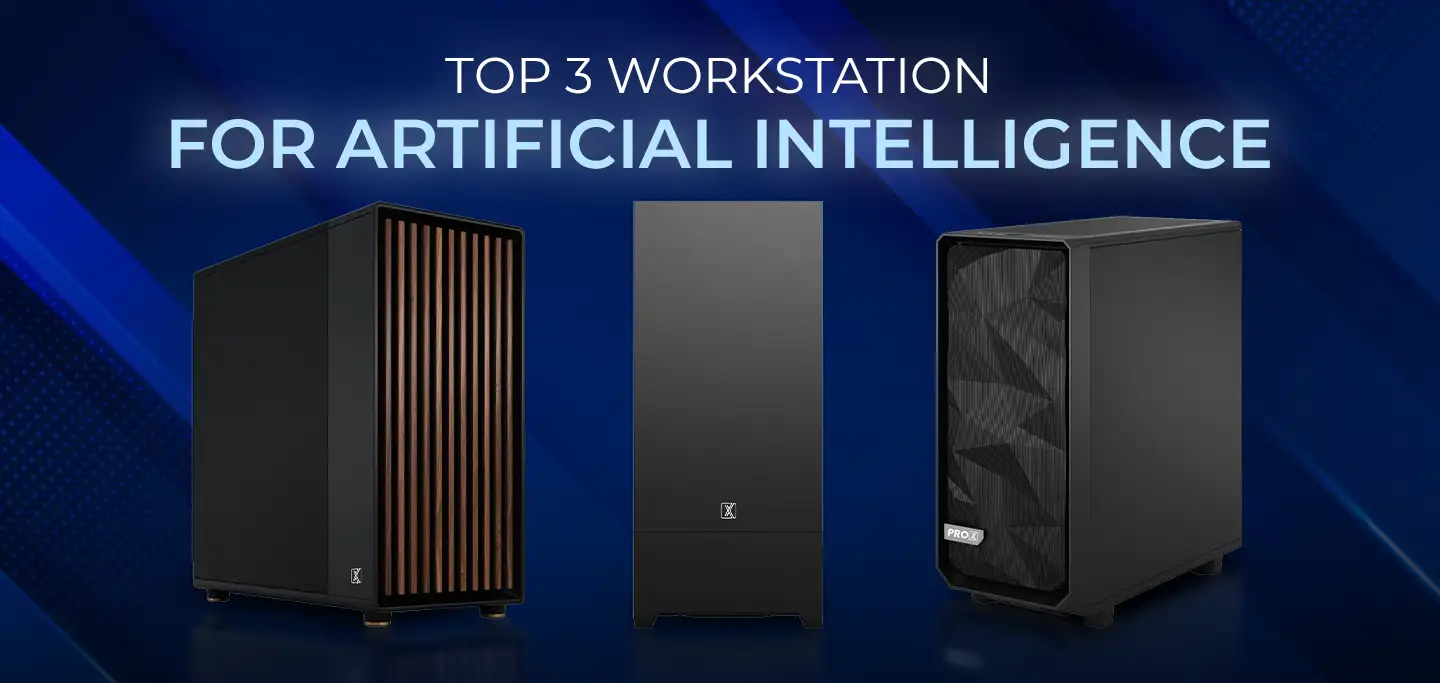
ProX PC has crafted a lineup of AI-focused workstations designed to conquer your most challenging projects effortlessly.

