AnyLogic leads the industry in multimethod simulation modeling.
AnyLogic leads the industry in multimethod simulation modeling. Supply chain managers, manufacturing engineers, and data scientists rely on this platform to build massive digital models of logistics networks, warehouses, and complex traffic systems. To run these massive simulations efficiently, professionals need a properly configured workstation or enterprise server. Understanding the underlying software architecture helps you select the perfect hardware configuration for your workflow.
AnyLogic operates on Java, placing the computational load directly on your processor (CPU) and system memory (RAM). Every component plays a specific role in how fast your models run.
Processor (CPU): The CPU acts as the brain of your simulation. A processor featuring high clock speeds guarantees fast single-run execution, making the initial model building and visual debugging process smooth. When you initiate complex Monte Carlo experiments or parameter variations, AnyLogic assigns each parallel run to a different CPU core. Because of this architecture, high core counts allow you to process dozens of simulation runs simultaneously.
System Memory (RAM): Complex models containing millions of individual agents demand massive amounts of memory. Your total RAM capacity dictates the overall size of the model you can load. Furthermore, it determines the maximum number of parallel experiments you can run at once without the system slowing down.
Storage Drives: Fast NVMe Solid State Drives allow the software to read and write temporary simulation data instantly. This fast data transfer keeps the processor constantly fed with information, eliminating bottlenecks during heavy calculation phases.
Many clients ask how AnyLogic scales across multiple graphics cards. It is important to know that AnyLogic executes its native discrete-event and agent-based simulations entirely on the CPU.
Multiple GPUs become essential when data science teams integrate AnyLogic with external Artificial Intelligence frameworks for Reinforcement Learning (RL). When you connect AnyLogic to Python libraries like TensorFlow or PyTorch, the external AI engine heavily utilizes multiple GPUs to train the learning agents. Meanwhile, the CPU handles the underlying AnyLogic simulation environment. For these hybrid workloads, adding multiple GPUs accelerates the machine learning training significantly, cutting training time from weeks down to days.
Now that we understand how AnyLogic processes data, we can match those mechanics to specific hardware setups. Choosing the correct workstation or enterprise server ensures your models run smoothly and your team operates at maximum efficiency.
1. Basic to Intermediate Modeling For analysts building standard models and running everyday simulations, a system focused on processor frequency delivers the best results.
Processor (CPU): 8 logical cores with high base clock speeds for fast single-thread performance.
System Memory (RAM): 32 GB to handle standard agent populations and general logistics models.
Storage: 1 TB NVMe SSD for quick data access.
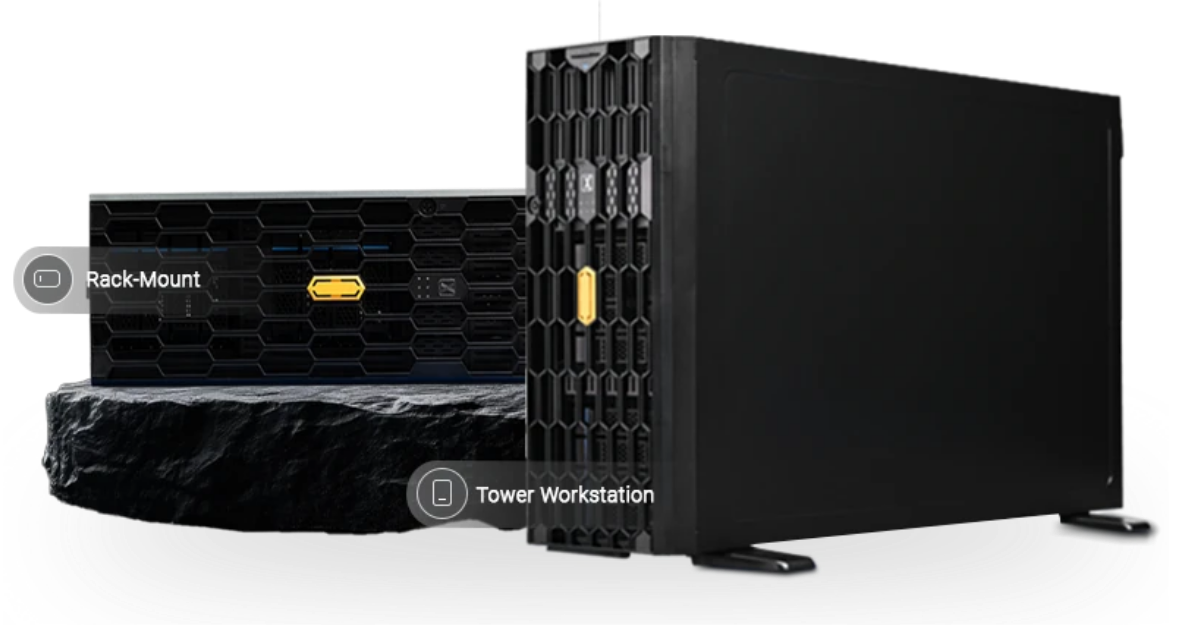
Recommended Workstation for Anylogics: The Pro Maven G series workstation fits this workload perfectly. It offers exceptional single-core speeds, making the model building and visual debugging process incredibly fast and responsive.
2. Enterprise Simulation and Parallel Experiments When organizations deploy AnyLogic Private Cloud or run massive optimization experiments, they need server-grade hardware. This tier handles dozens of concurrent model runs simultaneously.
Processor (CPU): 32 to 64 cores (such as AMD EPYC or Intel Xeon processors) to manage heavy parallel execution.
System Memory (RAM): 128 GB to 256 GB to support massive datasets and millions of individual agents.
Storage: 2 TB or more of Enterprise NVMe storage.
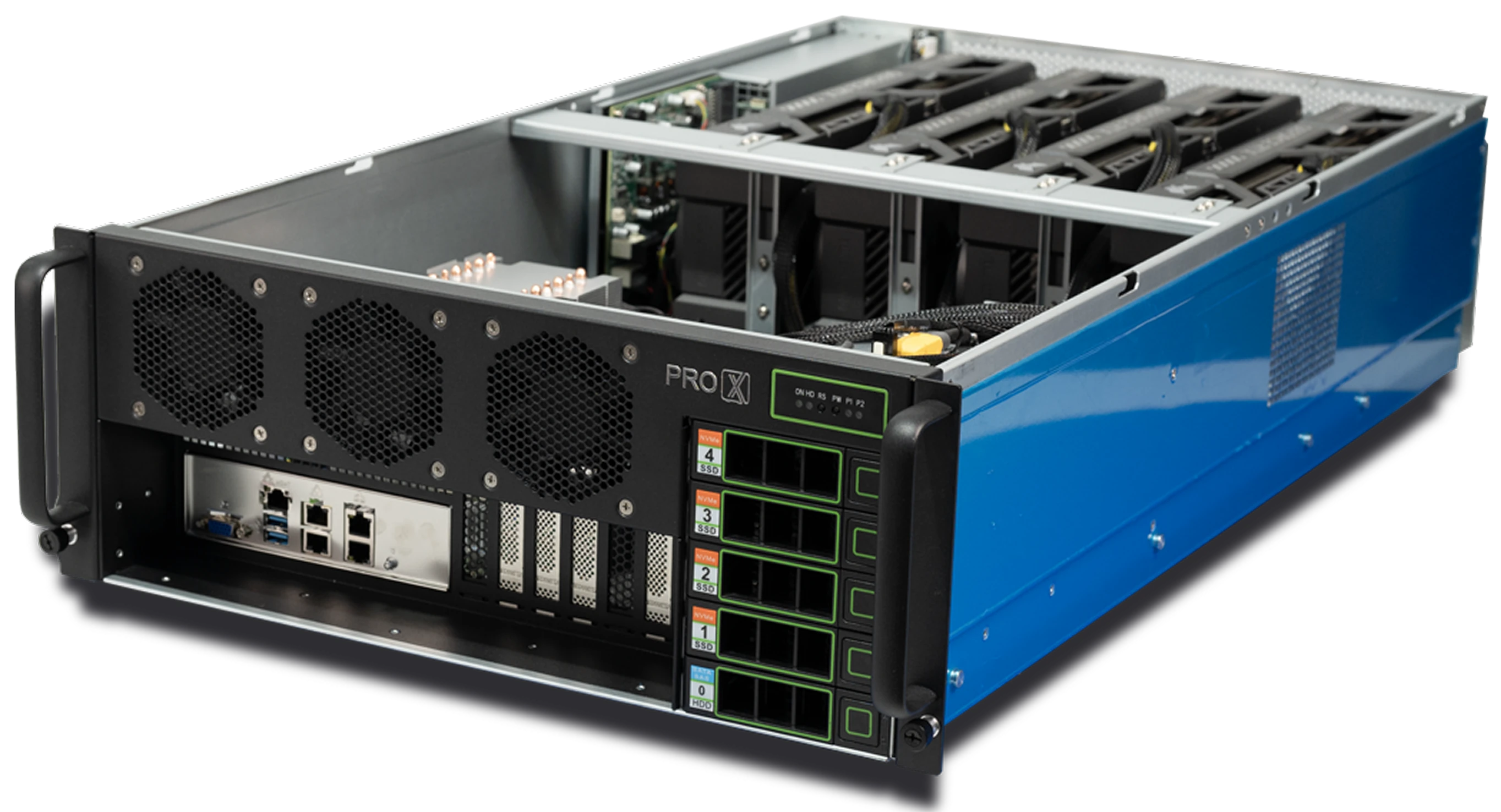
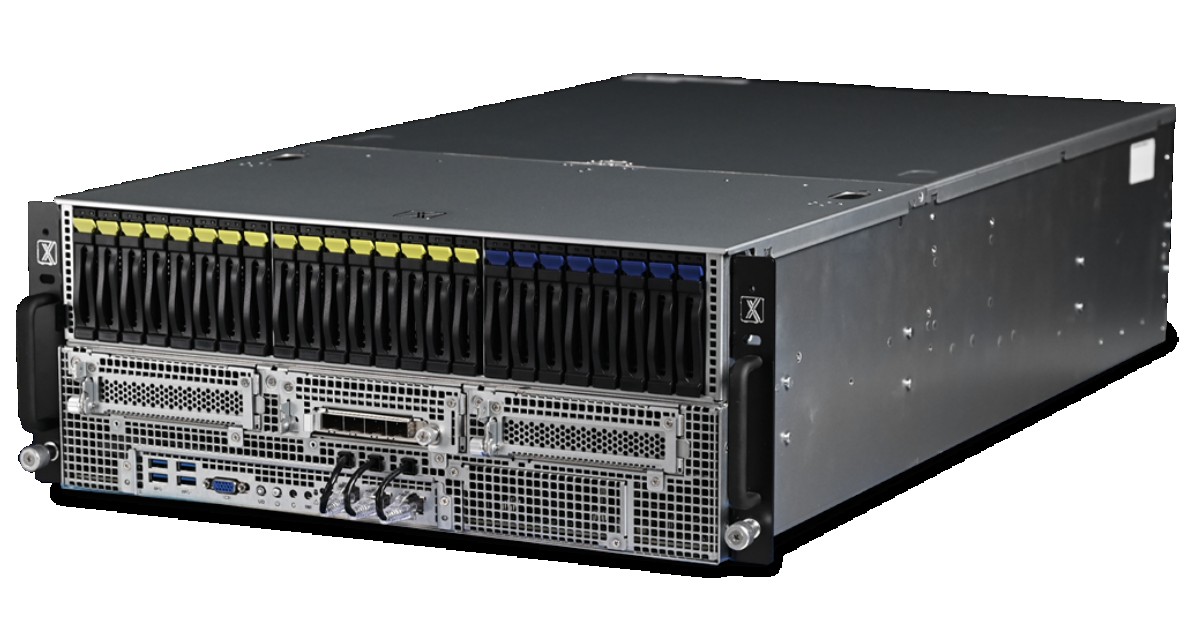
Recommended hardware for Anylogics: The Pro Maestro series server & Pro Maven High end workstation provides the massive core counts necessary for this exact task. It has the capacity to process up to 64 simultaneous simulation runs, accelerating your calculation times from days to mere hours.
3. Hybrid Simulation and Reinforcement Learning (AI) Data science teams using AnyLogic as the training environment for complex AI agents require a carefully balanced system. This specific workload needs strong CPUs for the simulation environment and dedicated GPUs for the AI training framework.
Processor (CPU): 24 to 32 high-speed cores.
System Memory (RAM): 256 GB.
Graphics (GPU): 2 to 4 dedicated compute GPUs to handle the external machine learning frameworks.
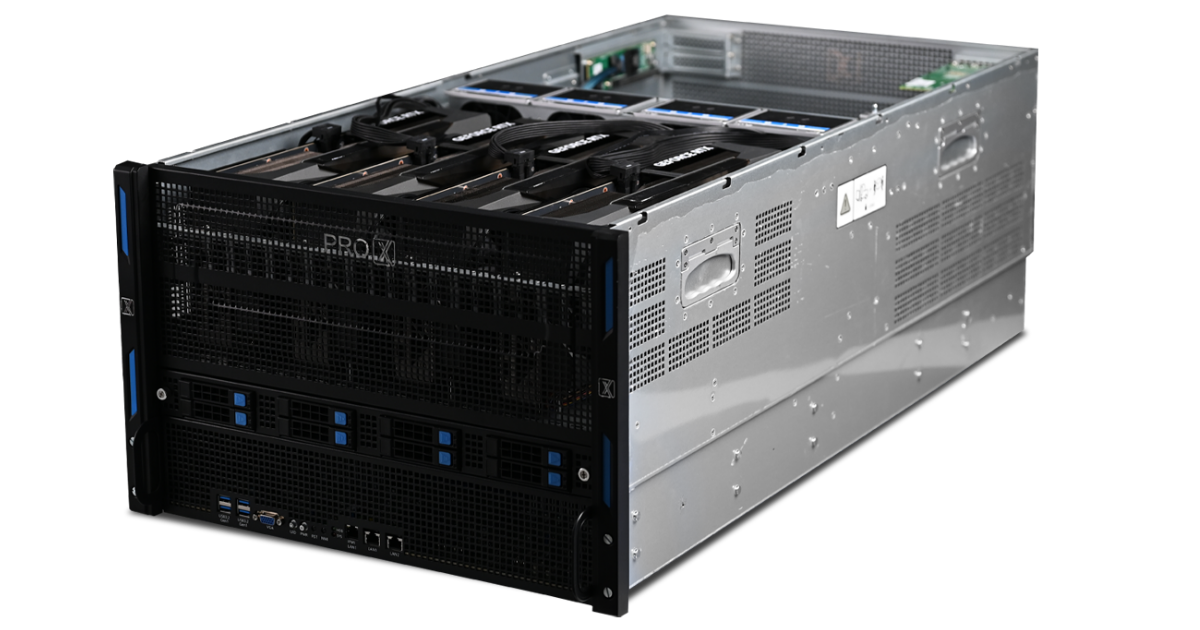
Recommended Server for Anylogics: A custom-configured Pro Maestro series server provides the exact hardware division required for hybrid AI workloads. The strong CPU handles the AnyLogic environment natively, while the dedicated GPUs train your learning agents rapidly.
Selecting the perfect hardware for AnyLogic makes your simulation process incredibly efficient. Remember that AnyLogic relies directly on your CPU and RAM to calculate native simulations, while it taps into dedicated GPUs to train external AI models. For everyday model building, the Pro Maven G series workstation gives you the exact high-speed performance you need. When you expand to run massive parallel experiments or hybrid AI training, the Pro Maestro series server supplies the immense core counts and graphical power to process your results rapidly. Aligning your hardware with your workflow guarantees a smooth and highly productive modeling experience.
What are the minimum system requirements to run AnyLogic effectively?
AnyLogic runs beautifully on standard performance machines. For basic modeling, you need a modern processor with at least 8 logical cores, 16 GB to 32 GB of system RAM, and fast solid-state storage. For larger everyday experiments, scaling up to workstations like the Pro Maven G series ensures incredibly smooth visual debugging and model building.
Does AnyLogic utilize multiple GPUs for simulation?
AnyLogic processes its native discrete-event and agent-based simulations entirely on your CPU. Multiple dedicated GPUs step into the workflow specifically when you connect AnyLogic to external Python-based Artificial Intelligence frameworks, such as TensorFlow or PyTorch. During these hybrid workloads, the GPUs handle the heavy reinforcement learning training while the CPU runs the simulation environment.
How much RAM do I need for massive, complex models?
The amount of system RAM directly dictates the physical size of the digital model you can build and the number of parallel experiments you can execute simultaneously. While 32 GB covers standard models easily, enterprise-scale simulations containing millions of individual agents operate best with 128 GB to 256 GB of RAM—which is exactly the capacity our Pro Maestro series provides.
Which operating systems work best with AnyLogic?
AnyLogic is a highly versatile, Java-based application. It operates flawlessly on Microsoft Windows, Apple macOS, and various Linux distributions like Ubuntu. This flexibility allows your engineering team to choose the exact operating environment that fits your workflow perfectly.
Can I run simulations on a dedicated server for my entire team?
Absolutely! Organizations frequently use the AnyLogic Private Cloud software to execute massive parallel optimization experiments centrally. When setting up a Private Cloud environment, enterprise servers with 32 to 64 CPU cores give your team the capacity to run dozens of heavy simulations concurrently, accelerating your results massively.
Resources you may find helpful.
This complexity creates a heavy physical load on your workstation. While a standard CAD machine handles basic modeling easily, non-linear solve times often jump from minutes to hours. The following breakdown identifies the specific hardware parts that matter most for professional simulation in 2026.

Autodesk offers a versatile pricing structure, allowing teams to choose between fixed annual subscriptions for heavy users and a flexible "pay-as-you-go" model for occasional needs.
Engineers and researchers rely heavily on ANSYS to simulate real-world physics.
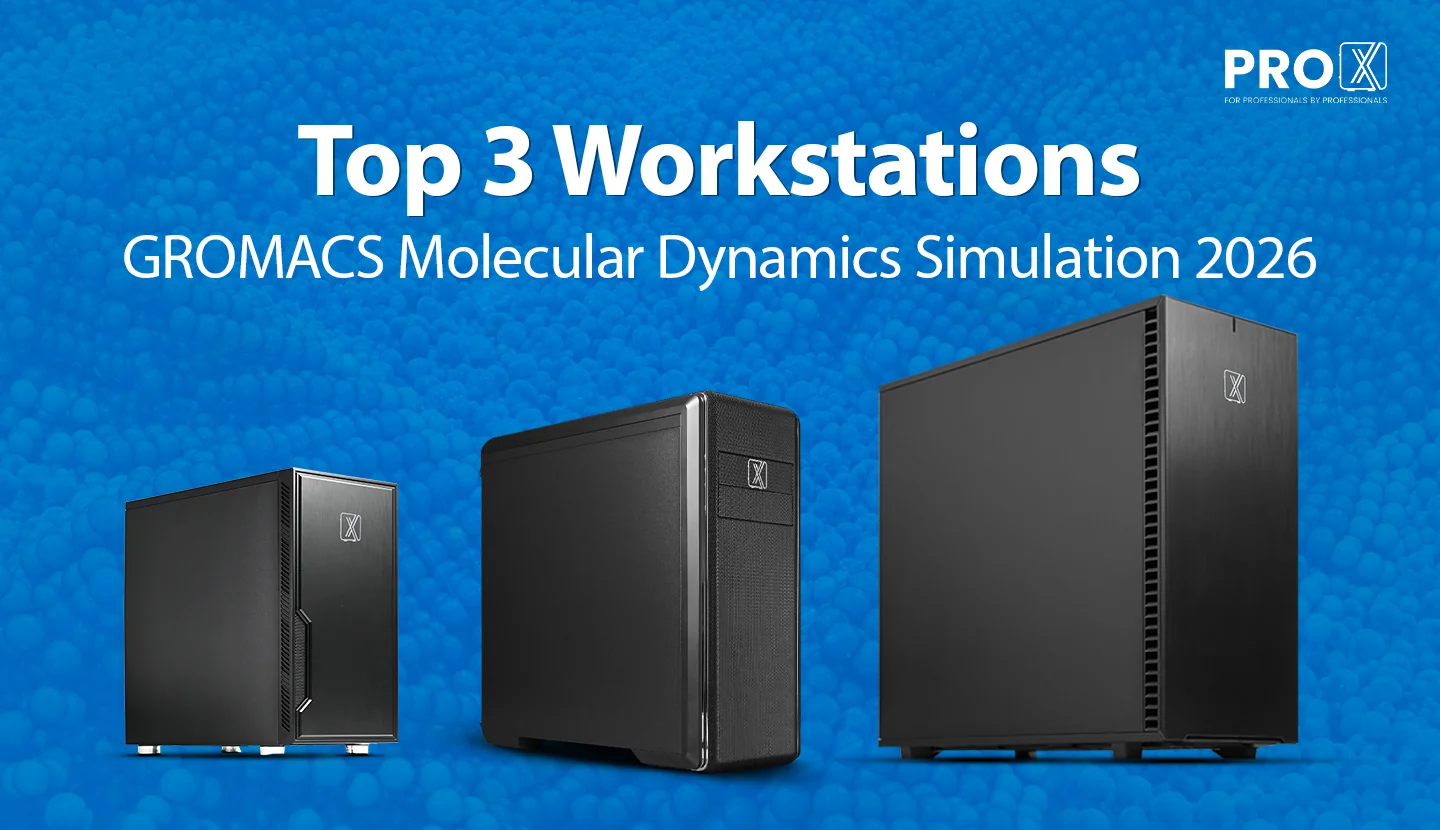
Before we get into clock speeds and CUDA cores, a note on why this guide exists. At ProXPC, we don't sell generic "gaming PCs with more RAM."