Every day, social media feeds fill with AI-generated video content. The technology rapidly evolved into a core component of modern digital marketing.
Every day, social media feeds fill with AI-generated video content. The technology rapidly evolved into a core component of modern digital marketing. Currently, most creators rely heavily on web-based platforms. You type a prompt into a browser, enter a queue, and let a remote cloud server process the render. This method serves well for quick conceptual tests.
However, relying exclusively on cloud services restricts your creative flexibility, especially when diving deeper into crafting psychologically complex storyboards or highly detailed commercial product shots. This brings us to the immense utility of local AI video generation. Here is exactly why running sophisticated computer vision models right from your desk is essential:
As a filmmaker who spends hours testing these open-weight models to understand how they interpret complex visual prompts, I want to guide you through building a reliable, locally hosted production studio. Let us analyze the technical strengths of the leading models and the specific hardware required to run them effectively.
Different scenes require distinct rendering approaches. Here is an objective breakdown of how the top local models perform in a dedicated workspace, based on extensive localized testing:
LTX 2.3 currently stands as the most capable and well-rounded open-source model available today. It utilizes a highly optimized Diffusion Transformer (DiT) architecture to generate high-framerate video and synchronized native audio concurrently.
Developed as a 13-billion parameter model, HunyuanVideo prioritizes visual fidelity and temporal consistency. It maintains object permanence and executes highly precise camera movements beautifully.
Wan 2.2 utilizes a Mixture-of-Experts (MoE) architecture, activating specific neural pathways based on your exact prompt. It provides a highly balanced approach to generation.
Running these advanced computer vision models locally requires sustained power delivery and extreme thermal efficiency. My daily work involves pushing hardware to its absolute limits, and here is the baseline required for smooth inference:
Deploying these models involves configuring a node-based interface to manage the rendering pipeline.
Transitioning to local AI video generation grants you absolute creative control, privacy, and unlimited iterations without subscription limits. While several models offer unique strengths, LTX 2.3 currently leads the pack by delivering sharp, high-fidelity visuals and native audio simultaneously. To run these Free models effectively, you need a dedicated, thermally efficient workstation with robust GPU acceleration, like our ProX PC Workstation Maven Series.
Resources you may find helpful.
AI is revolutionizing the hardware industry by boosting design, manufacturing, maintenance, supply chains, personalization, autonomy, security, and energy efficiency.
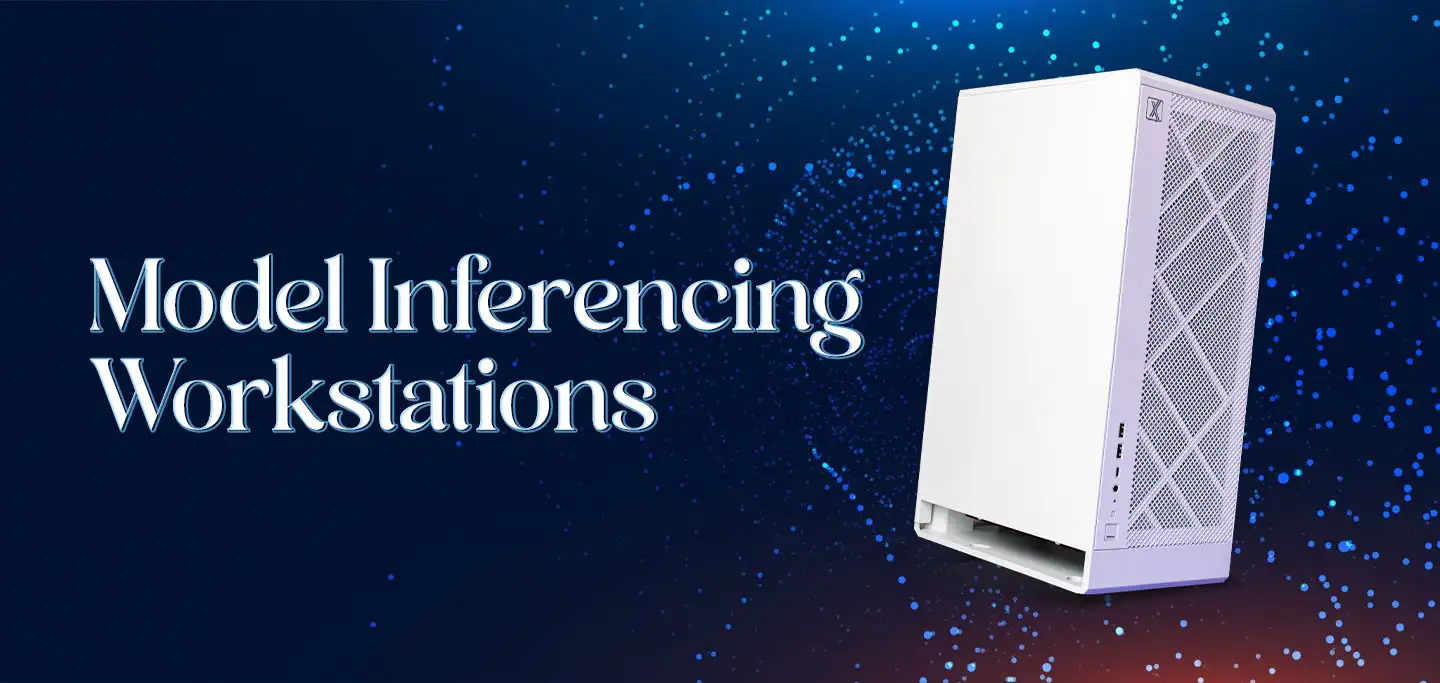
Discover model-inferencing workstations: advanced AI systems revolutionizing industries from retail to smart cities and mastering complex tasks with cutting-edge technology.
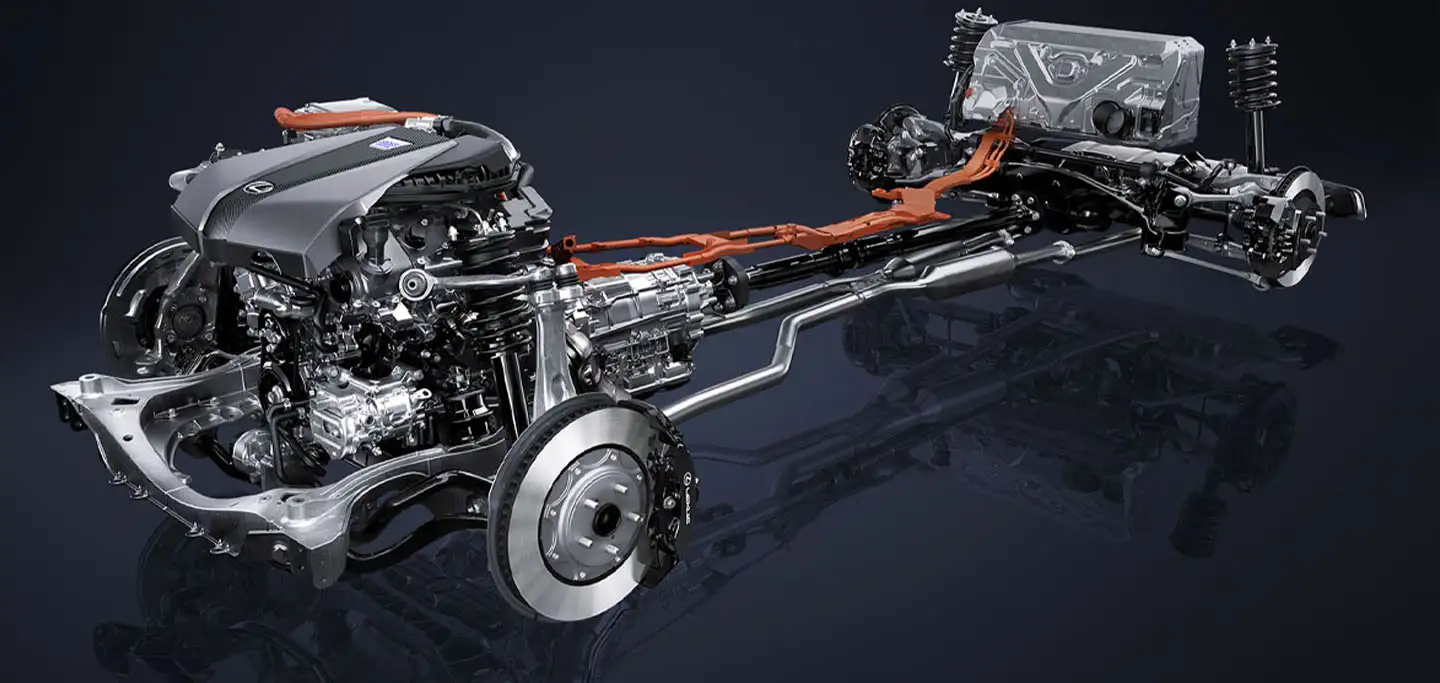
Explore how hybrid systems revolutionize transportation, energy, manufacturing, and daily life by integrating diverse technologies for innovative solutions.

Delve into Edge AI's impact on latency, privacy, and autonomy. Uncover its applications in healthcare, manufacturing, retail, and security.

