Most people picture a GPU server as something that eats half a rack and needs its own electrician.
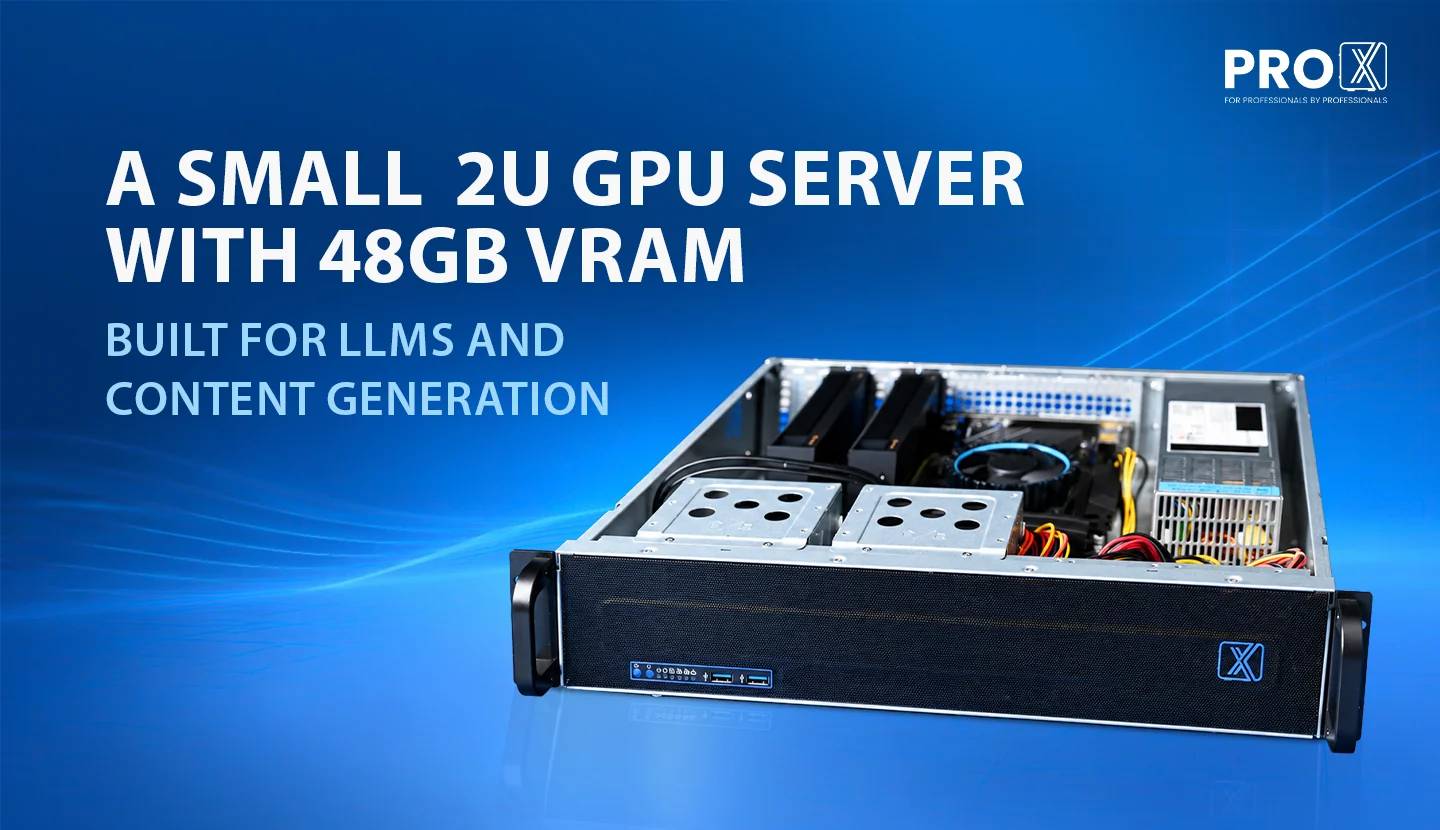
Most people picture a GPU server as something that eats half a rack and needs its own electrician. The Pro Maestro 2U doesn't work that way. It's 2U, so it takes up the same vertical space as two pizza boxes stacked on top of each other, and it still carries two GPUs, a 24 core processor, and 128GB of RAM.
That combination is the whole story here. You get real compute without needing a real data center to put it in.
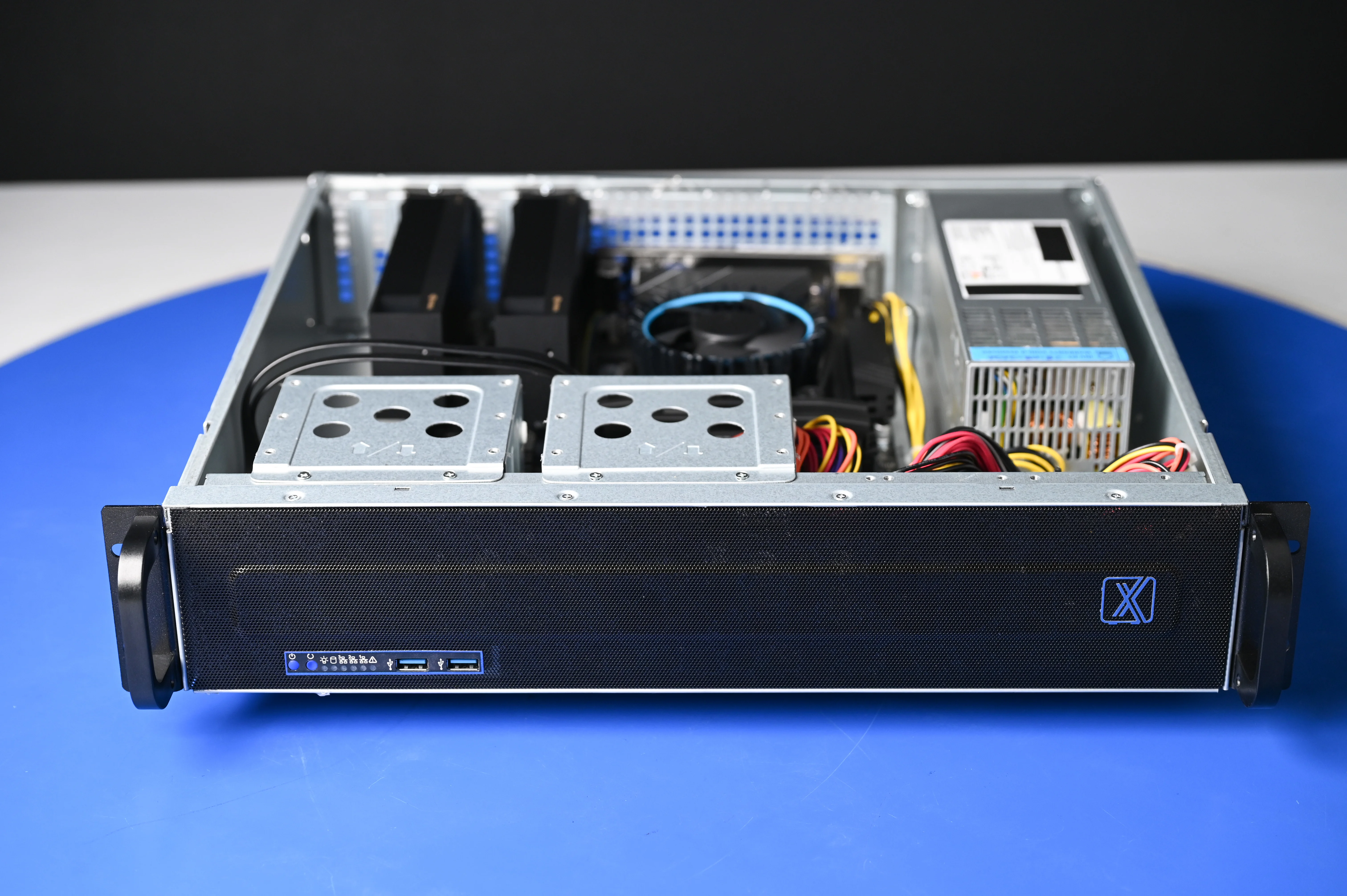
It's part of our Pro Maestro series, and it was built off a request we kept hearing: teams wanted GPU compute they could run AI models on, generate video and images with, and use for rendering, but they didn't have the room, the budget, or the patience for a full size server chassis.
So the spec sheet reads like this: two RTX PRO 4000 SFF GPUs with 24GB of VRAM (video memory, the pool a GPU uses to hold a model while it's working) each, a 24 core CPU, and 128GB of DDR5 RAM. All of it sits in a 2U chassis that fits in a standard rack or a small network cabinet.
Here's the part that surprises people: SFF GPUs (small form factor, meaning shorter and shallower than a standard card so they fit in tighter cases) used to mean a real performance cut compared to full size cards. That gap has closed a lot on recent generations. You're not paying a huge tax for the smaller footprint anymore.
Not every buyer needs a rack full of machines. Some just need one solid box that can carry a team's AI and creative workload without becoming a project of its own.
That's usually one of these:
A small studio doing AI-assisted photo or video work who's tired of running jobs on a gaming desktop that also has to answer Slack messages
A dev team that wants to run and test open source language models locally instead of paying per token to a cloud API
An office that needs one compute node for a shared team tool, not a server room
Anyone who's outgrown a single workstation but isn't ready to build out real infrastructure
If you've ever bought a tool that was either too small for the job or way more than you needed, you know the frustration of guessing wrong on capacity. This is built for the buyer in between those two mistakes.
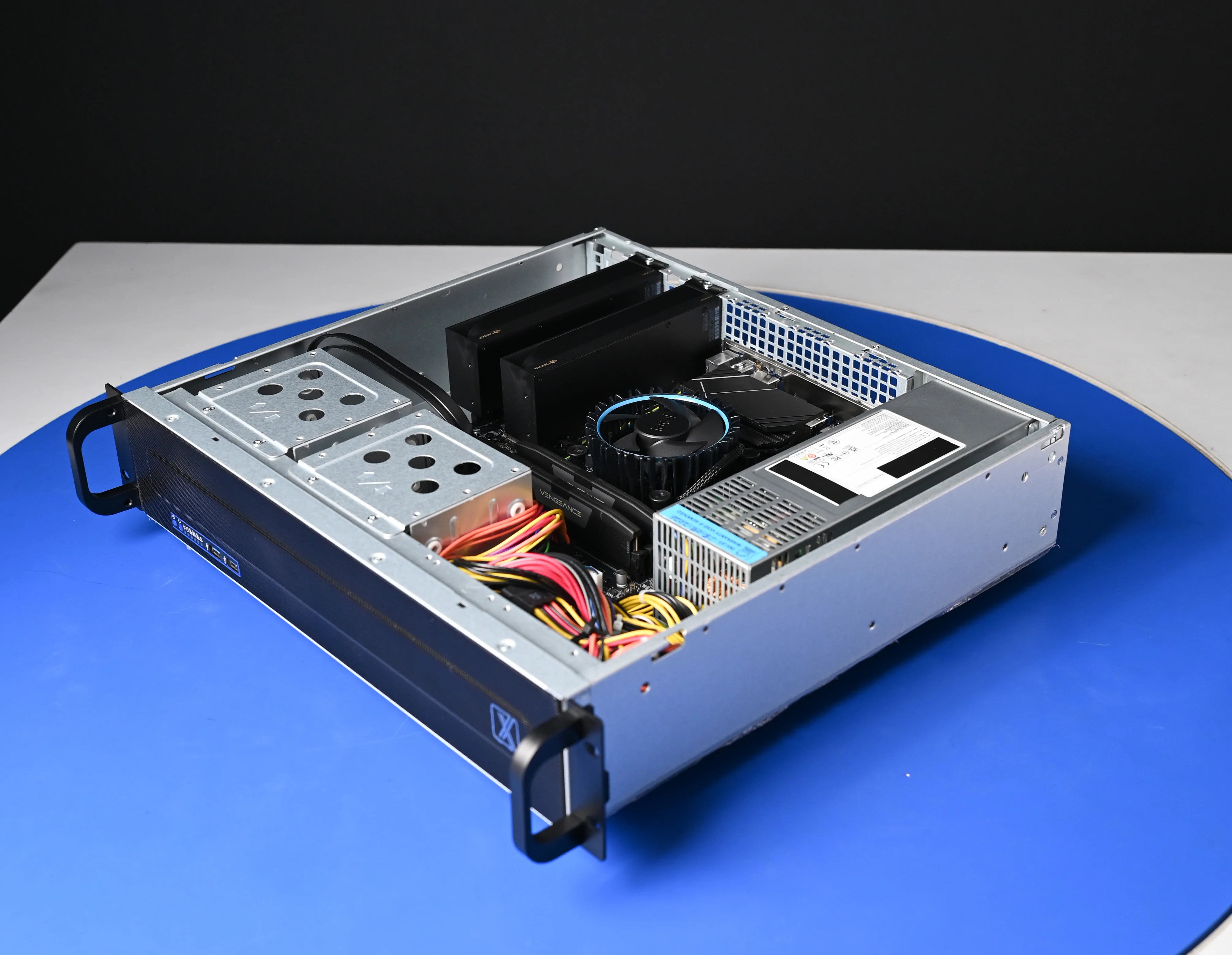
With two 24GB GPUs, you've got 48GB of VRAM to work with, though it's worth knowing that's 24GB per card, not one combined 48GB pool. A single model either fits on one card or gets split across both using model parallelism (a method that divides one model's layers between multiple GPUs so it can run even when it's too big for a single card).
In practice, that means comfortable room for language models in the 7B to 34B parameter range at full precision on a single card, and larger models like 70B class ones once you quantize (compress the model's math to a lower precision to shrink it, usually to 4-bit) and split it across both GPUs.
The two GPU setup also means you can run two things at once. One card handling a model that's serving requests, the other free for testing or a second workload. That's the actual advantage over a single big card. It's not just more headroom, it's two separate lanes.
If your team is currently calling a cloud API for every language model request, you already know the pattern. Usage goes up, the bill goes up with it, and it's billed per token (a chunk of text, roughly a word or part of a word, that the model processes one at a time). It creeps the same way a subscription does when nobody's watching it closely.
Running inference (the actual process of a trained model generating an answer, as opposed to training it from scratch) on your own hardware flips that math. You pay for the server once, and after that, every request is free in the sense that it doesn't show up as a line item that scales with your usage. Heavy use is exactly when the trade pays off.
There are three other reasons teams move models onto their own hardware:
Your data stays on your network. Nothing you send to the model leaves the building. For teams working with client data, internal documents, or anything under an NDA, that's not a nice to have.
No dependency on someone else's uptime. If a cloud provider has an outage or changes their rate limits, that's not your problem to fix when you're running locally. Your server working or not working is the only variable.
You control the model version. Cloud providers deprecate and swap models on their own schedule. Local hosting means the model that worked for your workflow last month still works exactly the same way this month, because nobody changed it out from under you.
None of this means local hosting always wins. If your usage is light and occasional, an API is still simpler. But once a team is running models daily as part of the actual workflow, the cost and control argument tips fast toward owning the hardware.
Yes, and this is where the dual GPU setup earns its keep. Image generation models are lighter on memory, most fit comfortably in well under 24GB even with a decent batch size running. Video generation is the heavier ask, since these models process multiple frames at once and VRAM use climbs fast with resolution and clip length.
Having two cards means you can run a video generation job on one GPU while the other handles image work, batch processing, or a second job entirely. You're not queuing everything behind a single card and waiting your turn.
Tools like Topaz Video AI and Topaz Photo AI lean hard on GPU acceleration. Run the same 4K upscale job on CPU alone and you're looking at a long wait. Hand it to a capable GPU and that time drops by a wide margin.
With two GPUs in the chassis, you can run two upscale or render jobs side by side instead of stacking them in a queue. If you've ever had a render finish at 2am the night before a deadline because it was stuck behind another job, that's exactly the bottleneck this setup is built to remove.
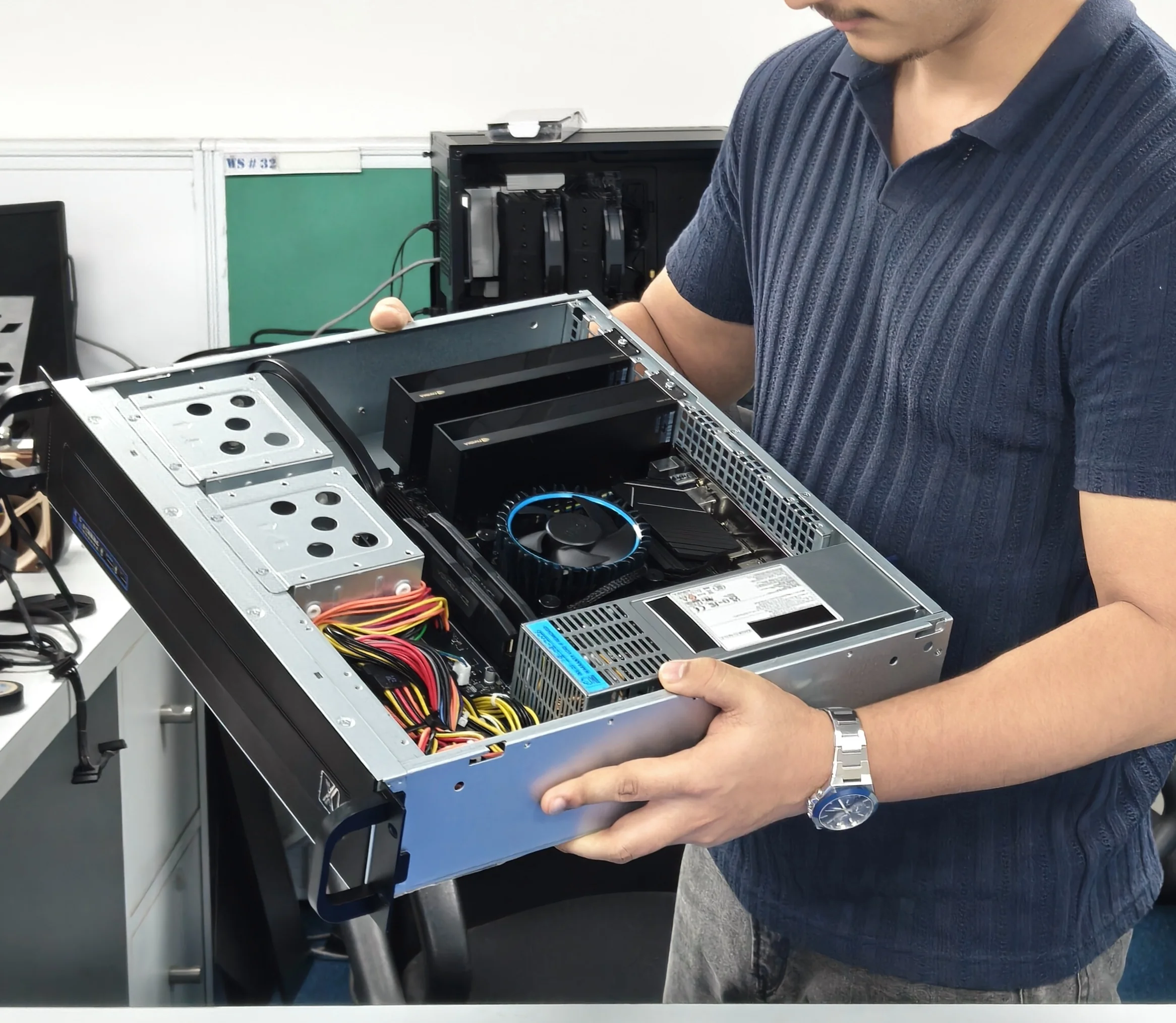
The GPUs get the attention, but the rest of the build is what keeps the server usable long term.
128GB of DDR5 RAM – enough headroom to keep multiple models, datasets, or render jobs loaded without the system falling back on slower storage
1+1 redundant power supply – two power supplies, either one can run the whole system alone, so a single power supply failure doesn't take the server down. It just keeps running on the other one until you swap the failed unit
TPM (Trusted Platform Module) – a small dedicated chip that stores encryption keys separately from the operating system, adding a layer of hardware level security
Engineered airflow – small chassis, but the airflow is designed so components don't run hot under sustained load, which matters a lot once you're pushing two GPUs for hours at a time
That last point matters more than it sounds. A compact chassis that overheats under real load isn't actually compact, it's a problem waiting for a deadline to expose it.
This is the part most GPU servers get wrong for a small team: they assume you have a server room. The Pro Maestro 2U was built to sit in a standard rack, a small network rack, or even a compact rack tucked into an office corner.
If you've got a spare network cabinet gathering dust, that's realistically enough space to stand up a compute node for your team without touching a facilities budget or hiring anyone to manage a rack room.
Every Pro Maestro 2U ships against a quote, since GPU count, storage, and RAM can all be adjusted around what you're actually running. If you're not sure what configuration fits your workload, or you've got a requirement you're not sure anyone in India can deliver on, reach out anyway. That's usually exactly the kind of ask we built this series to answer.
Request a quote and tell us what you're trying to run. We'll tell you straight if the Pro Maestro 2U is the right fit or if you need something bigger.
Resources you may find helpful.
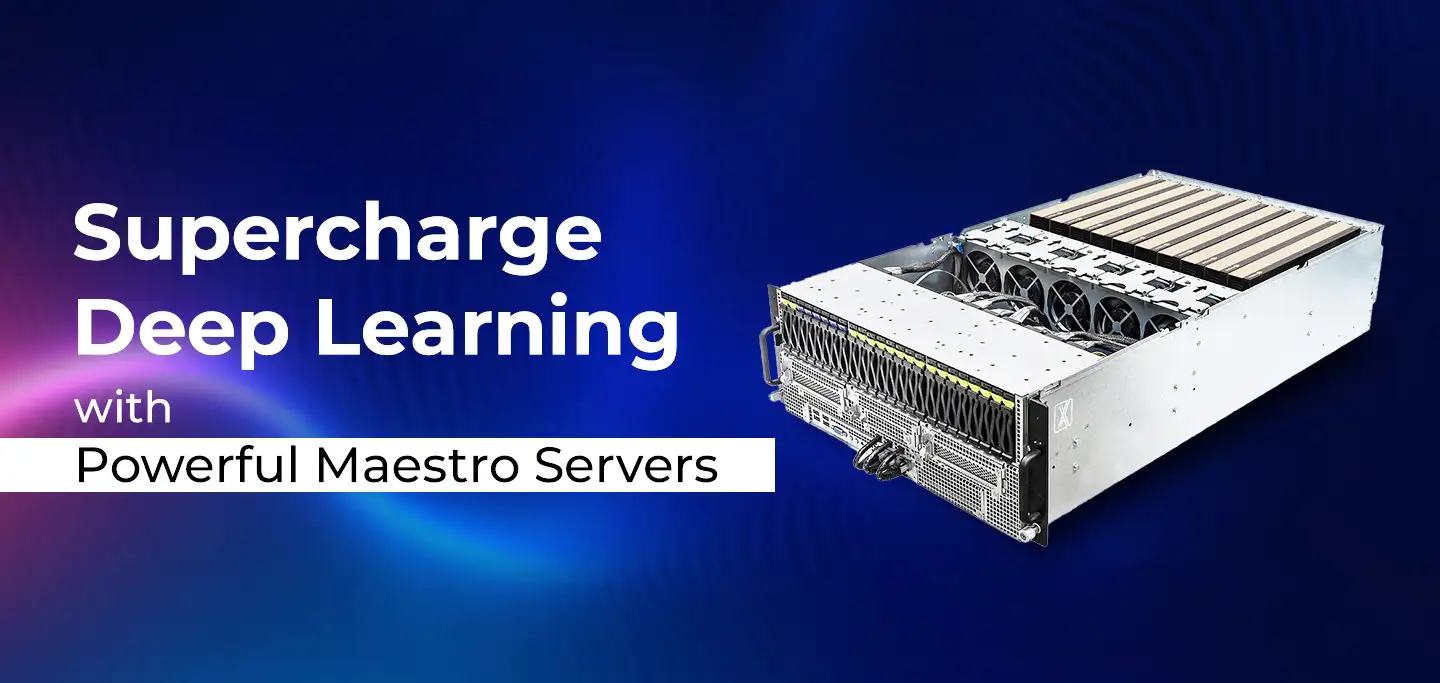
ProX PC Maestro Servers offer the powerful GPUs, ample memory, and scalable features needed to supercharge your deep learning projects.

ProX PC servers offer top performance, scalability, and reliability for big data and deep learning, making them ideal for various industries. Invest smartly with ProX PC.
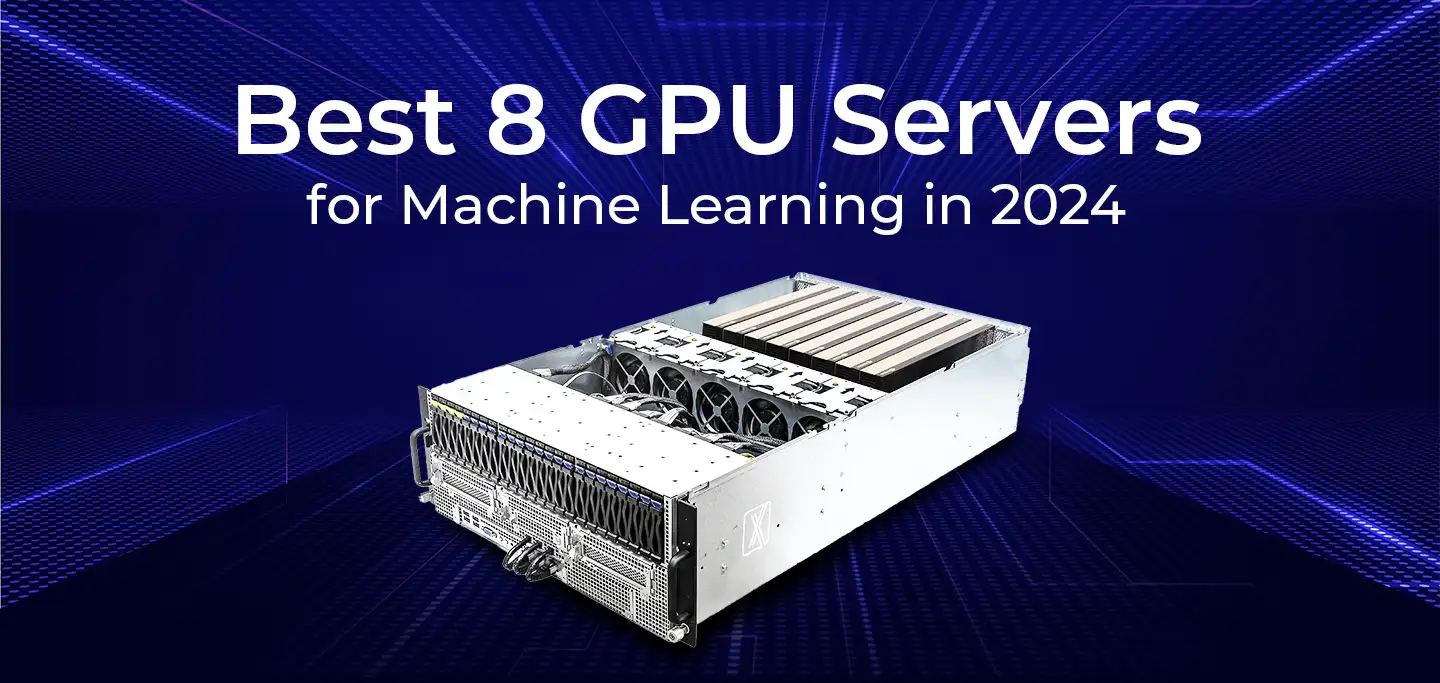
Discover the future of AI with ProX PC's 8 GPU servers featuring NVIDIA RTX 4090 GPUs. Unmatched performance, reliability, and scalability for all your machine learning needs.
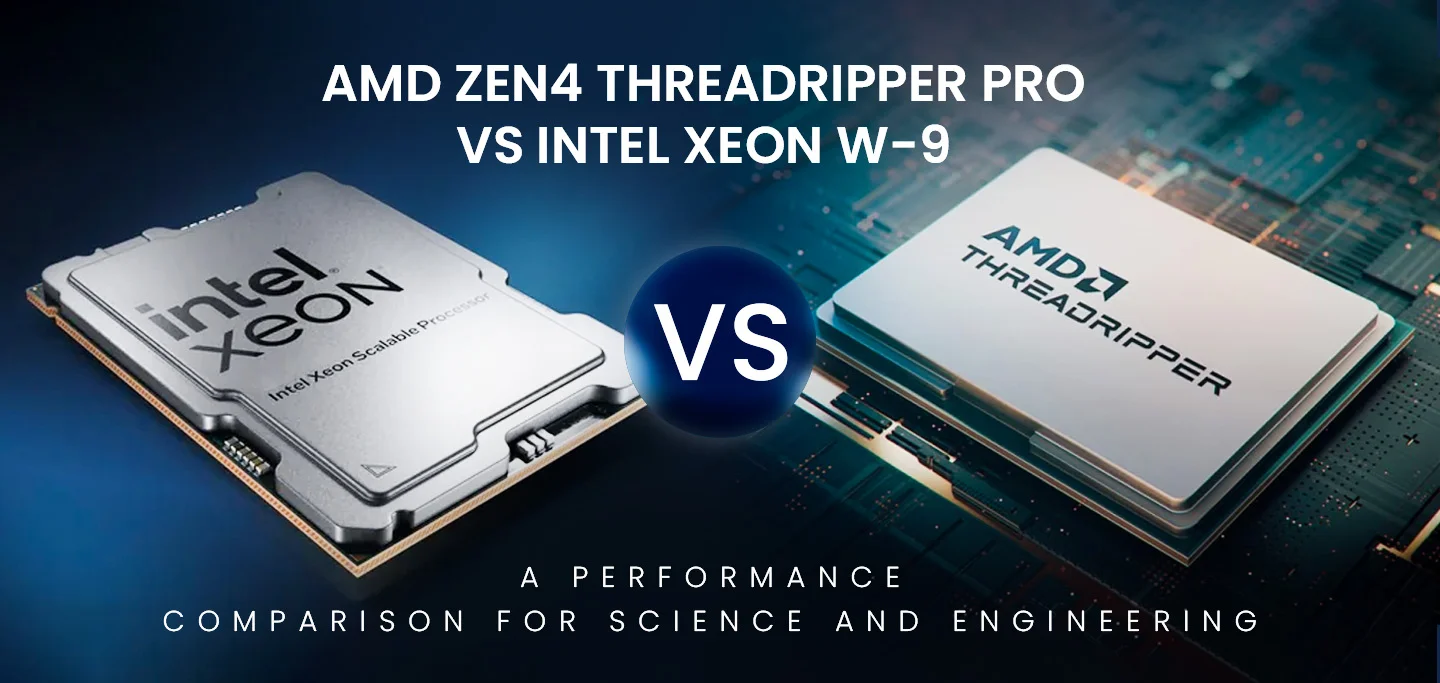
In the fast-evolving world of computational technology, choosing the right hardware can significantly impact the performance of scientific and engineering workloads. In this post, we will compare the numerical computing performance of the new AMD Zen4 Threadripper PRO (specifically the 7995WX and 7985WX) against the Intel Xeon W-9 3495X and the older Threadripper 7980X. We will also briefly mention the previous generation Threadripper PRO 5995WX with Zen3 optimizations.

