Check out the updated system requirements for Ableton Live in 2025. Learn about the ideal hardware and software configurations for smooth music production and optimal performance.
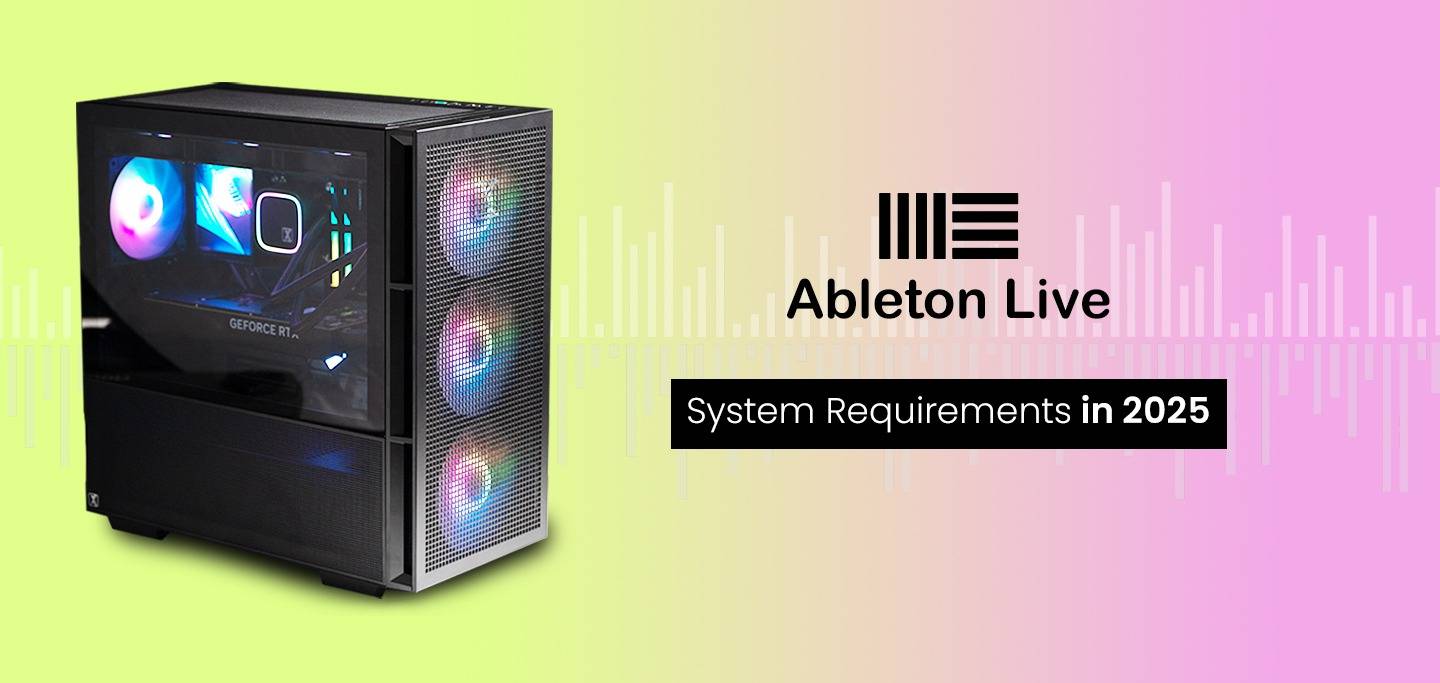
The minimum system specifications required to install and run Ableton Live on Windows or macOS are listed below. Follow this link for Live 1-9 Minimum System Requirements. For optimal performance, you may need higher specifications.
Note: Windows ARM chips are not compatible with Live
Troubleshooting: Please visit this guide if Live 12 doesn't open on Windows after installation.
Performance in digital audio workstation (DAW) applications like Ableton Live is mostly affected by the processor (CPU) and system memory (RAM), along with the storage system (drives). The graphics card (GPU) matters very little, beyond simply being able to drive the number of monitors you want – usually two at least, often more. Below you will find advice on each of those topics, and most of this information applies equally to other demanding DAWs like Cakewalk, Cubase, and Studio One. If you are in the market for an audio editing PC, our expert consulting team is also available via phone or email.
Please keep in mind the various peripherals (speakers, headphones, audio interfaces, external storage, etc) that you plan to use. Our workstations provide a lot of USB-A ports, along with some USB-C, and some configurations support Thunderbolt as well.
What is the best CPU for Ableton Live?
CPUs like AMD’s Threadripper with high core counts are ideally suited to heavy DAW workloads. Specifically, the 32-core Threadripper 7970X is a well-balanced choice, but you can go up or down in core count from there depending on your exact needs. For those working with smaller projects (low track counts, few VSTs, etc) a mainstream CPU like Intel’s Core or AMD’s Ryzen can work too.
Does Ableton Live use multiple cores?
Yes, Ableton Live is able to utilize multiple cores – especially with lots of tracks and plug-ins. Depending on your specific workload, something in the 24-32 core range is usually a safe bet.
What is the best type of video card for Ableton Live?
The GPU is one of the least important parts of a digital audio workstation, although having a dedicated video card is still a good idea since DAW workflows benefit greatly from multiple monitors. Something to note is that low noise levels are extremely important, especially when recording music, so blower-style cards like NVIDIA’s professional Quadro and RTX cards should definitely be avoided. GeForce cards have a wide range of noise levels depending on the quality of fans used and how their cooling profiles are set by manufacturers. Here at ProX PC, the GeForce RTX 4060 Ti is currently our best option as it’s the least expensive model we have that is quiet.
How much system memory (RAM) does Ableton Live need?
Memory, or RAM, is a very important system spec for performance in DAWs. Each track and plug-in you add needs additional memory space, and it adds up quickly. Our minimum recommendation is 64GB, but for many users 128GB or even 256GB may be called for.
What type of drive (solid state or hard disk) is best for Ableton Live?
Solid-state drives (SSDs) are far superior to mechanical hard disk drives (HDDs) in virtually every way. They are much faster, have no moving parts (making them more reliable), and importantly for those working with audio they also make no noise. Hard drives, especially higher-speed ones, are often the loudest part of a computer! While we do carry them for other uses, we do not offer them on our digital audio workstations.
What type of storage configuration should I use for Ableton Live?
Our recommendation is to have two drives: a small one (500GB – 1TB) for your operating system and applications (including Ableton Live) and a second, larger drive (1TB+) for holding your project files, samples, and other data. We strongly recommend using solid-state drives for both of these, with M.2 NVMe drives being ideal. SATA SSDs will also work and can save some money, especially if you need a really large drive (4TB+) for storage.
What type of sound card or audio interface should I use with Ableton Live?
The best type of audio interface for Ableton Live is one that supports ASIO, which will give the computer direct access to the interface and reduce latency. Beyond that, go with a respected brand and make sure it has the right type and number of inputs for your setup. Ableton has a guide for setting up an audio interface within Live.
It is also worth noting that we recommend using an external audio interface rather than an internal sound card. Going this way will give you easier access to connecting and disconnecting inputs, and will also remove the audio processing from the more electrically noisy environment inside the computer. There are many great options available, and we list some on our recommended peripherals page.
Visit: www.proxpc.com
Resources you may find helpful.
Know the essential system requirements for Adobe Photoshop in 2025. This guide covers the recommended hardware and software to ensure smooth and efficient performance, whether you're a beginner or a professional editor.
The essential system requirements for Adobe Lightroom in 2025. Ensure your hardware and software are optimized for flawless performance.
Know the essential hardware requirements for Stable Diffusion. Explore minimum specs and recommended setups for smooth AI image and video generation.
The minimum and recommended system requirements for Windows and macOS to run Premiere Pro efficiently. Optimize performance with system hardware requirement insights.

