You can now run a capable coding model on your own machine, with your code staying on your own disk and no per-token bill.
You can now run a capable coding model on your own machine, with your code staying on your own disk and no per-token bill. The catch is hardware. The model you can run depends almost entirely on how much GPU memory you have. This guide covers the models worth running in 2026, grouped by the hardware they need, plus a plain breakdown of the VRAM, RAM, and storage involved.
A few reasons people self-host instead of using a hosted API:
Your code never leaves your network. This matters for regulated work, proprietary repos, and air-gapped sites.
Fixed cost. You pay for hardware once instead of per token, which adds up fast for a team using a model all day.
It keeps working offline, and you control the model version, so an upstream change can't break your workflow.
The trade-off is that you own the setup, and the strongest open models need real memory. That is the part most guides skip, so it is the part this one focuses on.
Open-source coding models in 2026 fall into three rough tiers based on hardware. The field moves monthly, so treat specific names as a snapshot and check a live leaderboard before you commit.
Good for autocomplete, small scripts, and learning. Quality is solid for everyday code, weaker on long multi-file tasks.
Phi-4 (14B) and Phi-4-mini from Microsoft. Small, fast, light on memory.
Gemma 4 (around 27 to 31B) from Google, once you have 16 GB and want more capability.
Smaller Qwen3.6 variants (7B to 8B) for a lightweight local assistant.
Configure your AI Workstation
The sweet spot for a single high-end card. You get a model that handles real refactors and multi-file context.
Devstral Small 2 (24B) from Mistral. Built for software tasks, runs on a single high-end card (16 GB and up), and ships under a permissive Apache 2.0 license.
Qwen3.6-27B / 35B-A3B. One of the better practical picks for a private coding assistant.
DeepSeek R1 32B distill for reasoning-heavy debugging on consumer hardware.
Configure your AI Workstation
These match or come close to the top hosted models on coding benchmarks. They need more memory than any consumer GPU holds, so you are looking at either a 96 GB workstation card (RTX Pro 6000 Blackwell) running them quantized, or a multi-GPU setup if you want higher precision or full context.
GLM-5.2 / GLM-5.1 from Z.ai. Among the strongest open coding models in 2026, with a very long context window.
Kimi K2.6 from Moonshot, built for long agentic runs.
DeepSeek V4 (Pro and Flash), strong on code benchmarks and long-context work.
Qwen3.5 and MiniMax M3, large mixture-of-experts models with frontier coding and long context.
Most of these use a mixture-of-experts design, which carries a memory catch covered below.
Configure your AI Workstation
GPU memory decides which models you can load. A rough rule using 4-bit quantization (the common way to shrink a model for local use) is about half a gigabyte of VRAM per billion parameters, plus headroom for context.
| Model size | VRAM at 4-bit (approx) | Card you need |
|---|---|---|
| 7 to 8B | 5 to 6 GB | 8 GB (RTX 5060, laptop GPU) |
| 14B | 9 to 11 GB | 12 to 16 GB (RTX 5070 / 5060 Ti 16 GB) |
| 24 to 32B | 18 to 22 GB | 24 to 32 GB (RTX 5090) |
| 70B | 40 to 44 GB | 48 GB workstation card, two 24 GB cards, or a single RTX Pro 6000 Blackwell (96 GB) |
| 100B+ MoE (quantized) | 60 to 90 GB | Single RTX Pro 6000 Blackwell (96 GB), or multi-GPU |
| Frontier MoE at higher precision | Several hundred GB | Multi-GPU workstation or server |
Add memory on top for context length. A long context window (100K tokens and up) needs extra VRAM for the KV cache, sometimes a lot of it.
On current NVIDIA cards, VRAM decides this more than the model number. The RTX 5060 and base 5060 Ti come with 8 GB, the 5060 Ti 16 GB, 5070 Ti, and 5080 give you 16 GB, and the 5090 tops the consumer range at 32 GB. Past that, the workstation tier takes over: the RTX Pro 6000 Blackwell ships with 96 GB of GDDR7 ECC on a single card, which is enough to run a 70B model at FP8 or a 100B-class MoE at 4-bit on one GPU. For local models you are buying memory, so the 16 GB consumer cards are the right floor, the 5090 is the consumer ceiling, and the Pro 6000 is the line where workstation-class capability starts.
Many 2026 models are advertised with a small "active" parameter count, say 35B active out of 480B total. That active number is about compute speed. The memory cost is set by the total size. The whole model has to sit in memory so the router can pick experts each step, so a 480B model with 35B active still needs memory for all 480B. This is why the largest frontier models need either a 96 GB workstation card or a multi-GPU setup, even though their "active" number looks small.
System RAM: roughly 1.5 to 2 times your VRAM. The model loads through system memory before it lands on the GPU, the OS needs its share, and any layers you offload from the GPU live here. So a 16 GB card pairs well with 32 GB of RAM, a 32 GB card with 64 GB, and a multi-GPU build with 128 GB and up.
CPU: matters less than the GPU for inference, but helps with data loading and CPU offload. A modern multi-core chip is enough.
Storage: models are large. A 32B model is roughly 20 GB on disk at 4-bit, and frontier models run to hundreds of gigabytes. A fast NVMe SSD with room to spare saves a lot of waiting.
The "single GPU" line moved in 2025. A consumer card tops out around the 32B class on a 5090. A workstation-class card like the RTX Pro 6000 Blackwell pushes that to 70B at FP8 or a 100B-class MoE at 4-bit, on one card, in a tower chassis. So a serious local LLM build often means one big card, not many small ones.
Multi-GPU comes in for a narrower set of jobs: running the largest frontier models at higher precision, fine-tuning on your own code, serving a whole team at once, or running several models side by side. This is the line where a desktop becomes a workstation, with the power, cooling, and motherboard support to match.
If that is where you are headed, the build matters as much as the model choice. ProX Pro Maven AI workstations are built for this: configurations from a single RTX 5090 up to dual Pro 6000 Blackwell, sized for local LLM inference and fine-tuning, with cooling and power handled in the build, shipped and supported across India.
Trying it on the laptop you have: Phi-4-mini or a small Qwen3.6.
One good consumer GPU, want a real daily assistant: Devstral Small 2 or Qwen3.6-27B on a 24 to 32 GB card (RTX 5090).
Workstation card, want frontier quality on a single GPU: GLM-5.2, DeepSeek V4, or Kimi K2.6 (quantized) on a 96 GB RTX Pro 6000 Blackwell.
Running it for a team, fine-tuning, or full-precision frontier: multi-GPU workstation or server.
How much VRAM do I need to run a 70B coding model?
Around 40 to 44 GB at 4-bit quantization, so a 48 GB workstation card, two 24 GB cards, or a single RTX Pro 6000 Blackwell with 96 GB (which also gives you headroom for FP8 precision and long context).
Can I run a coding LLM without a GPU?
Yes, on CPU and system RAM, but it is slow. Small models (7B and under) are usable for light tasks. Anything larger is too slow for interactive coding.
Best open-source coding model for 8 GB of VRAM?
A 7B to 8B model such as a small Qwen3.6 or Phi-4-mini, run at 4-bit.
Is a local model as good as Claude or GPT for coding?
On structured tasks like code generation and refactoring, the top open models are close. The gap is wider on long agentic tasks and nuanced instructions. For everyday coding on private code, a good local model holds its own.
Does quantization hurt code quality?
4-bit quantization keeps most of the quality for a large memory saving, and it is the standard for local use. Going lower (3-bit, 2-bit) starts to show in correctness, so 4-bit is the usual floor.
Resources you may find helpful.

AI is revolutionizing the hardware industry by boosting design, manufacturing, maintenance, supply chains, personalization, autonomy, security, and energy efficiency.
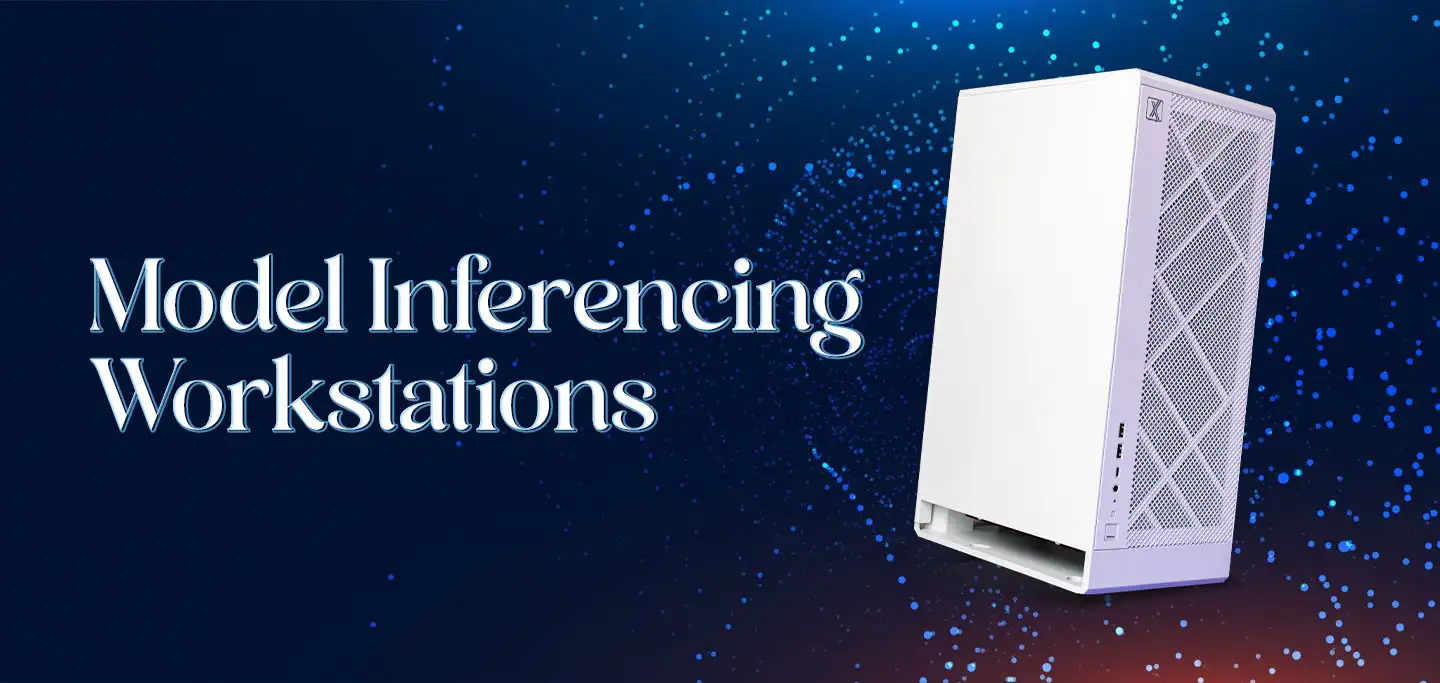
Discover model-inferencing workstations: advanced AI systems revolutionizing industries from retail to smart cities and mastering complex tasks with cutting-edge technology.
Explore how hybrid systems revolutionize transportation, energy, manufacturing, and daily life by integrating diverse technologies for innovative solutions.

Delve into Edge AI's impact on latency, privacy, and autonomy. Uncover its applications in healthcare, manufacturing, retail, and security.

