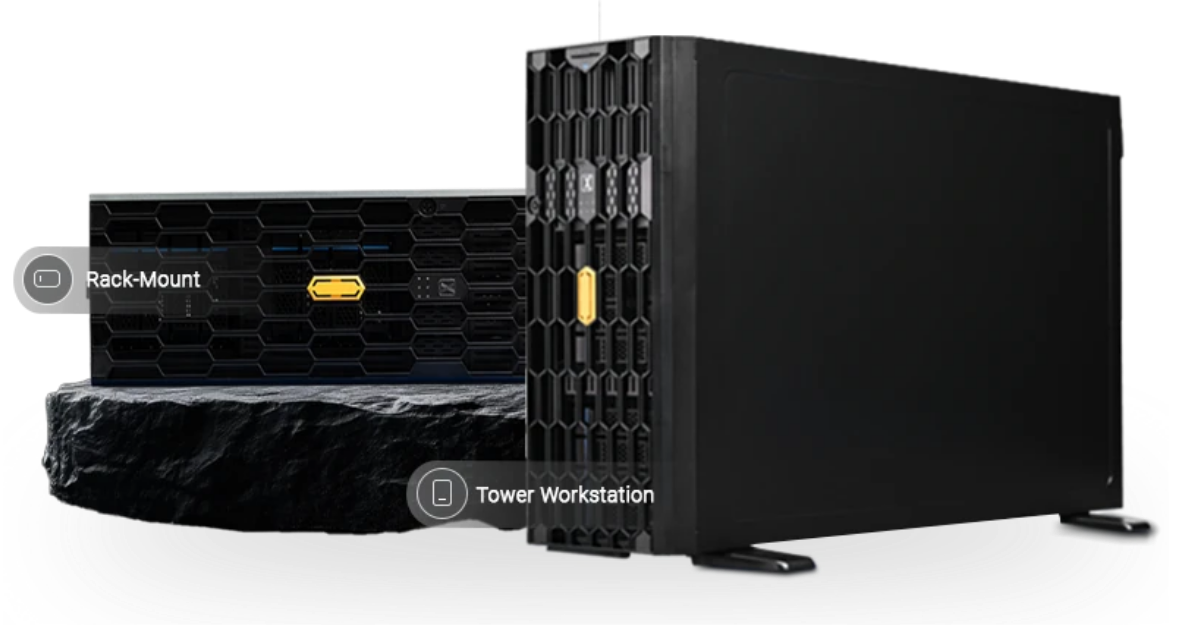
At ProX PC, we are breaking this down. We are comparing the disruptive NVIDIA RTX 5090, the versatile RTX Pro 6000 (Blackwell), and the enterprise standards, H100 & H200. We will analyze critical ROI, VRAM bottlenecks, and which setup you need to keep these beasts cool.
If you’ve been analyzing server hardware as long as we have, you know 2026 isn't just another refresh cycle, it’s a complete market fragmentation. The "best" GPU is no longer just the most expensive one; it’s the one that handles your specific workload without blowing up your budget.
Whether you are a CTO at a scaling AI startup in Bengaluru or running a render farm in Los Angeles, choosing between consumer grade powerhouses and data center titans is tougher than ever.
At ProX PC, we are breaking this down. We are comparing the disruptive NVIDIA RTX 5090, the versatile RTX Pro 6000 (Blackwell), and the enterprise standards, H100 & H200. We will analyze critical ROI, VRAM bottlenecks, and which setup you need to keep these beasts cool.
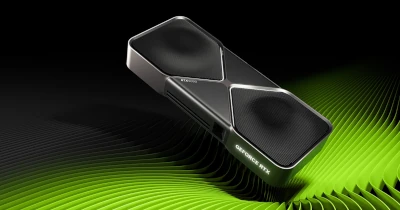
Best For: Rendering Farms, Inference LLMs, Visual Effects, Startups.
The RTX 5090 changes the math for high-performance computing. With the Blackwell architecture trickling down to the consumer line, you get absurd raw compute performance for a fraction of the cost of enterprise cards.
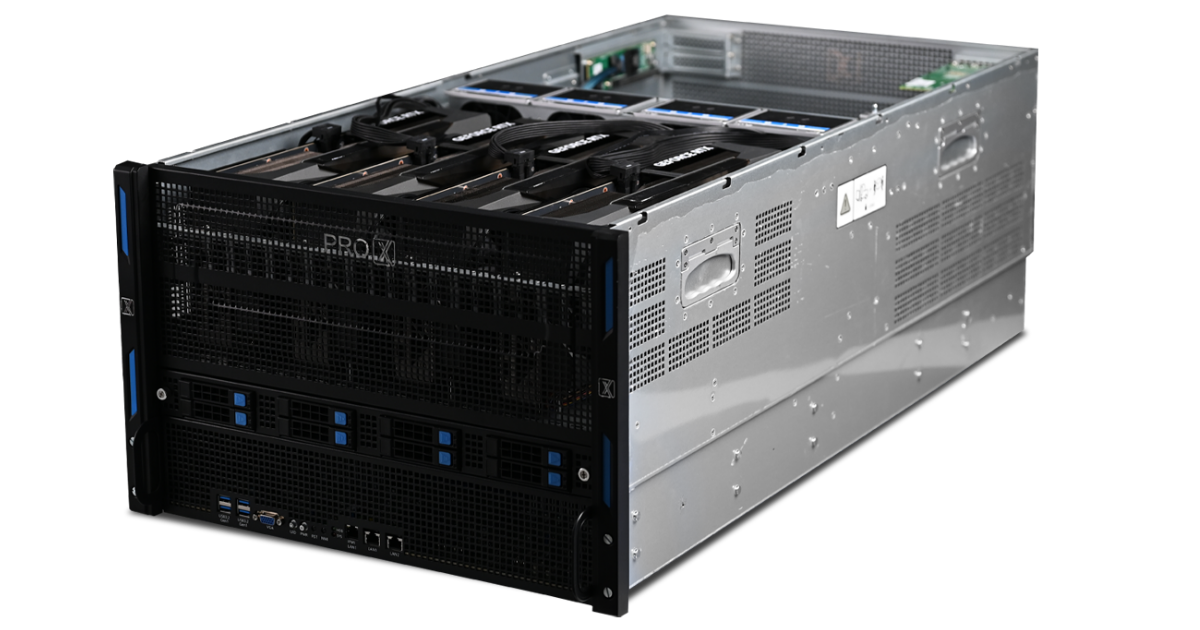
We designed the Pro Maestro GE (8 GPU Server) specifically to handle the thermal output of high-wattage active cards.
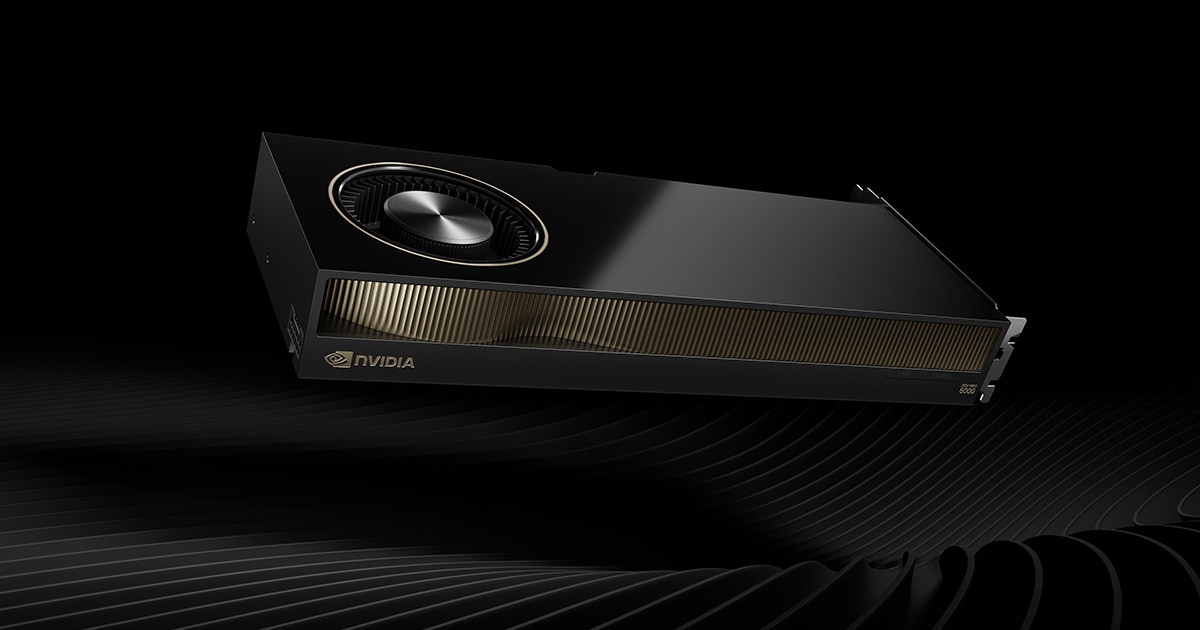
Best For: High-End Workstations, Digital Twins, Industrial Metaverse, Heavy GenAI Fine-Tuning.
For serious professional workloads, the Pro 6000 Blackwell stands out because it offers the maximum VRAM for the price in a single GPU.
If you are a solo researcher, a data scientist, or a studio that needs a massive memory buffer but cannot justify the cost of an H100, this is your card. You get 96GB of GDDR7 memory triple the 5090's capacity at a price point that makes it the undisputed value leader for high memory workloads.
It's not just one card, though it's a platform available in three distinct variants, and choosing the wrong one can limit your deployment.
We have mapped these variants to specific setups to ensure you get maximum performance:
This is our "Active" optimized setup. It provides the physical spacing and airflow required for the active fans on the Workstation and Max-Q cards to breathe. It gives your team massive local compute but with big form factor.
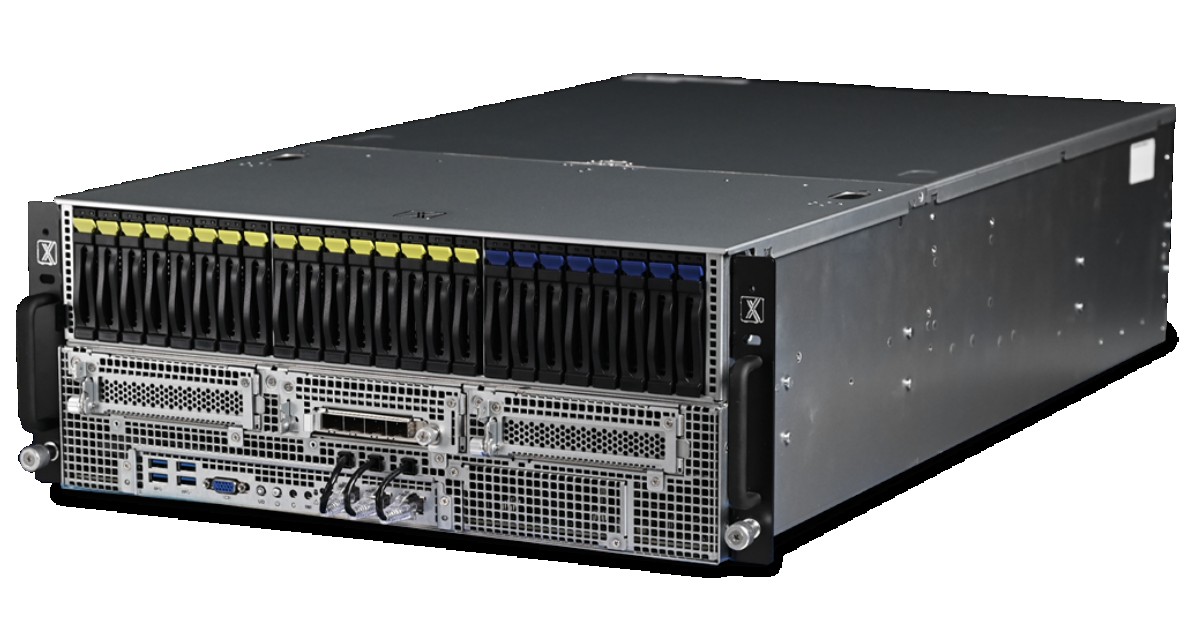
If you need a compact, high-performance node for inference or design, the GQ P handles four passive Pro 6000s effortlessly. It relies on the server's high-static pressure fans to cool the cards, keeping the form factor dense and efficient.
When you need maximum density, the Pro Maestro GD is the best possible 10 GPU server platform we offer in India. It transforms the Pro 6000 Server Edition into a supercomputing cluster, allowing you to fit nearly 1TB of VRAM in a single node.
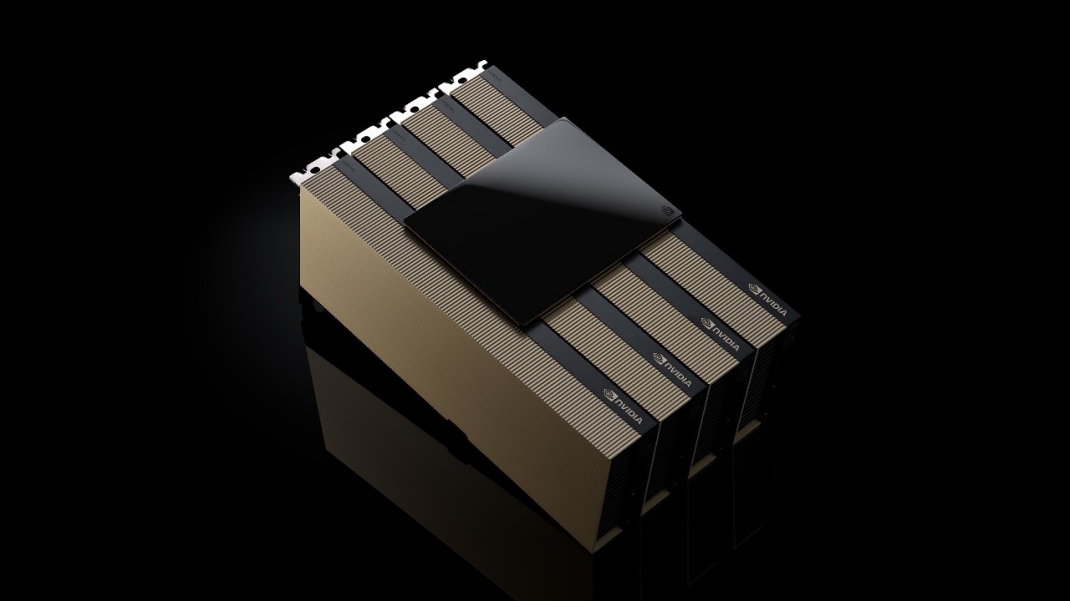
Best For: LLM Training, Cloud Service Providers, National Supercomputing, Heavy RAG Pipelines.
When "time-to-train" matters more than budget, you buy Hopper. The H100 is the industry standard, but the H200 is the bandwidth leader.
You don't buy an H200; you buy a platform. The Pro Maestro GD is our heavy lifter for this class.
At ProX PC, we believe in matching the hardware to the bottleneck.
We don't just sell boxes; we architect solutions. Whether you need the brute force of the 5090 or the precision of the H200, we have the platform ready to deploy.
Resources you may find helpful.
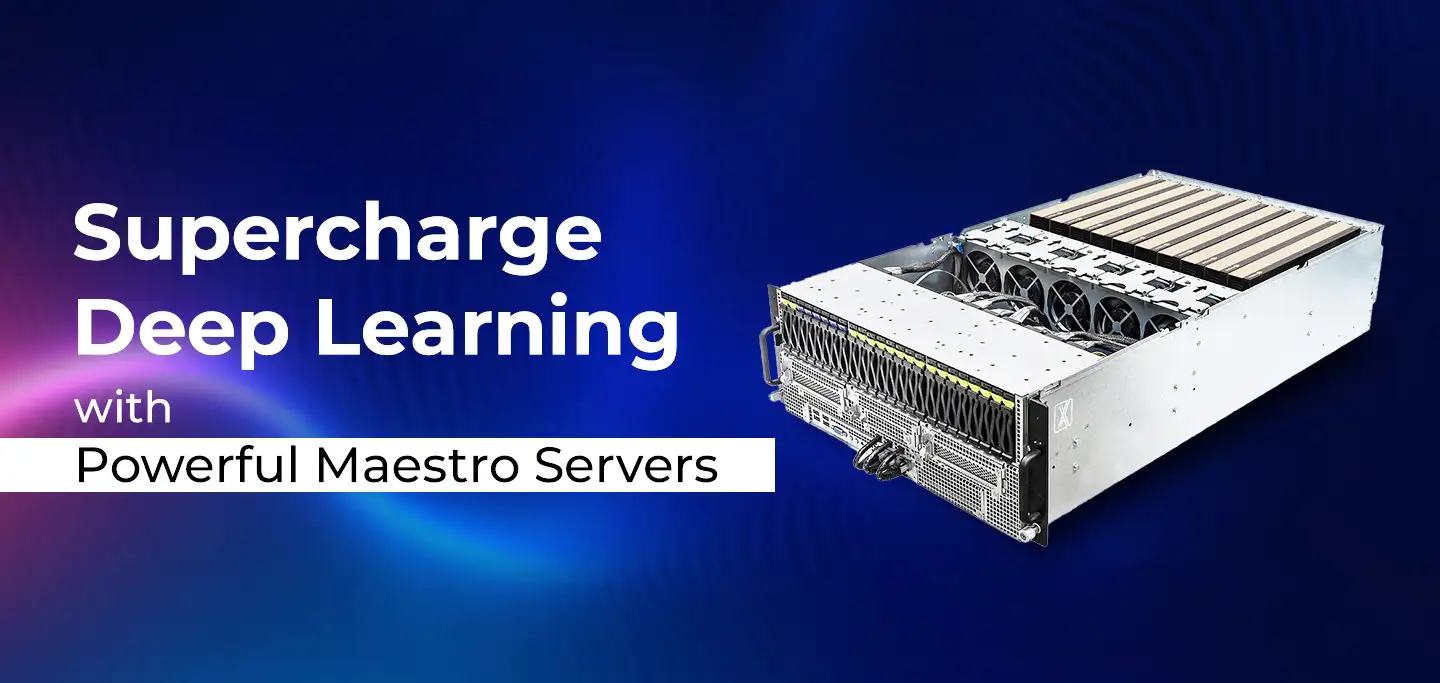
ProX PC Maestro Servers offer the powerful GPUs, ample memory, and scalable features needed to supercharge your deep learning projects.

ProX PC servers offer top performance, scalability, and reliability for big data and deep learning, making them ideal for various industries. Invest smartly with ProX PC.
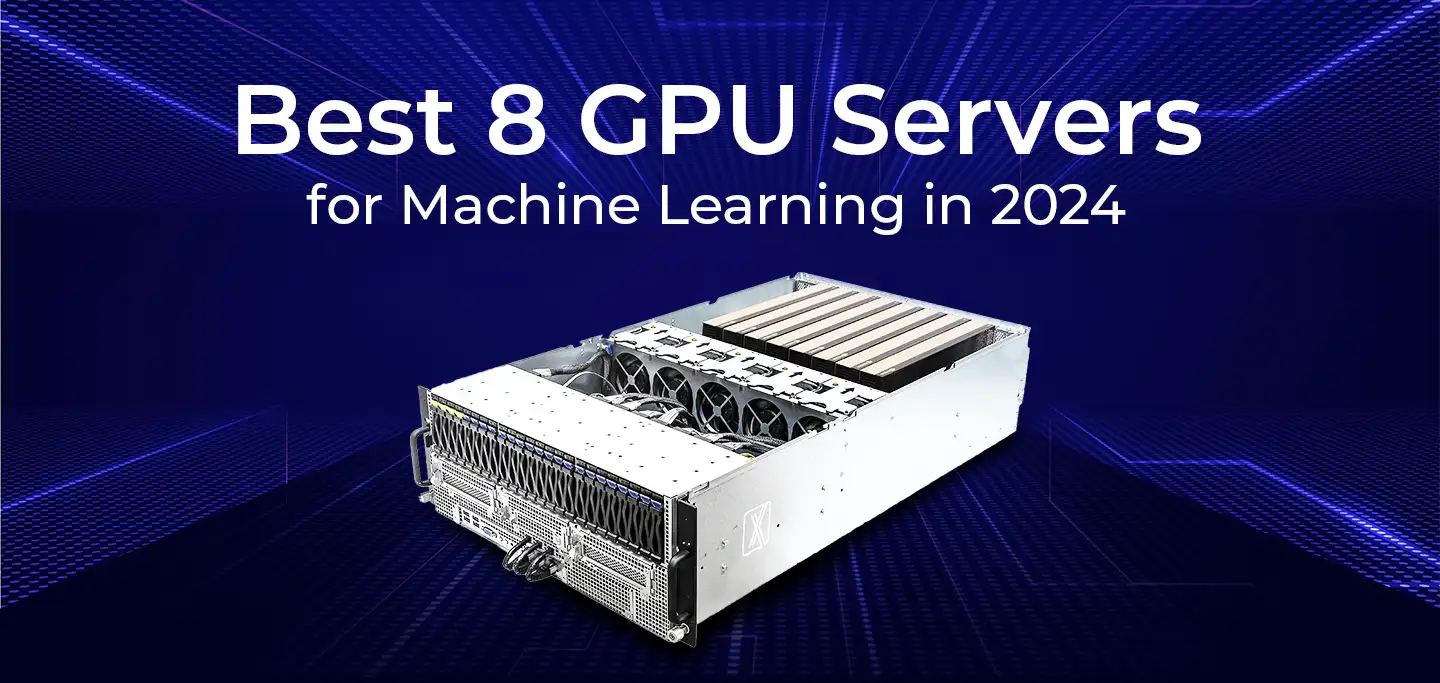
Discover the future of AI with ProX PC's 8 GPU servers featuring NVIDIA RTX 4090 GPUs. Unmatched performance, reliability, and scalability for all your machine learning needs.
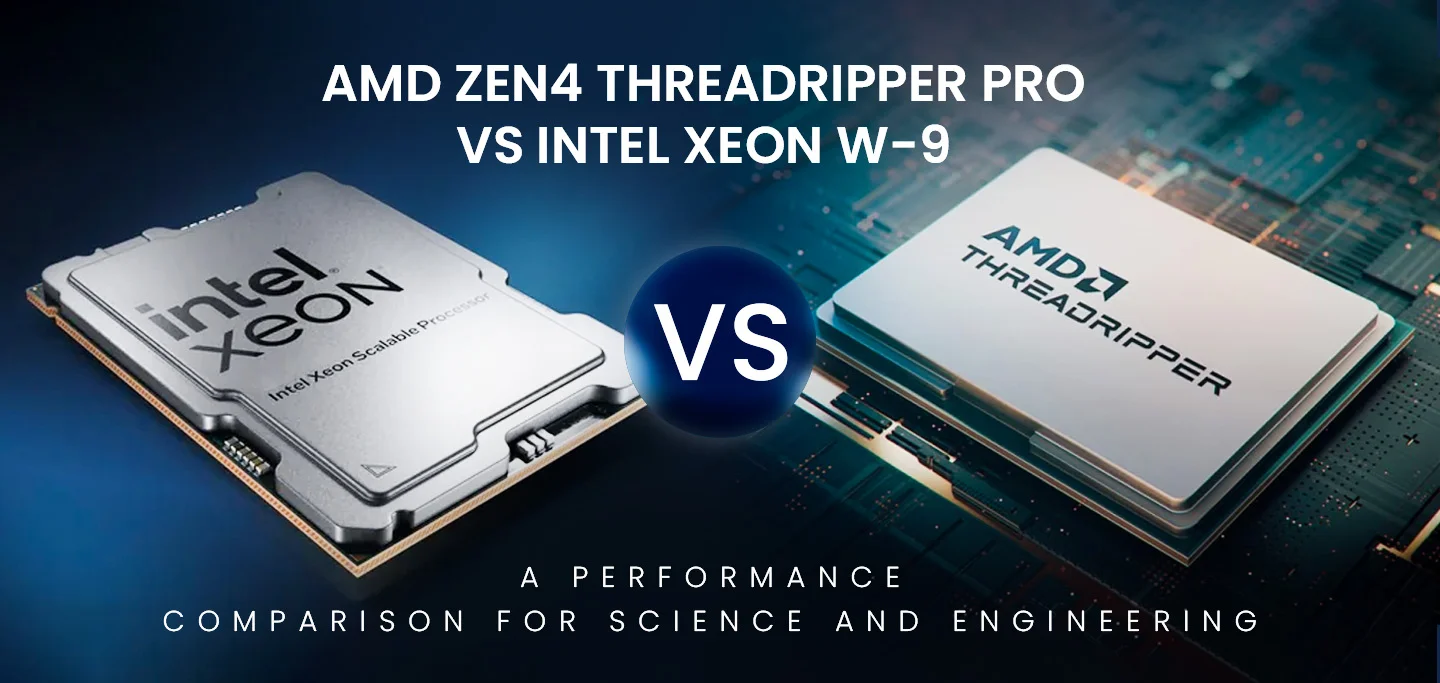
In the fast-evolving world of computational technology, choosing the right hardware can significantly impact the performance of scientific and engineering workloads. In this post, we will compare the numerical computing performance of the new AMD Zen4 Threadripper PRO (specifically the 7995WX and 7985WX) against the Intel Xeon W-9 3495X and the older Threadripper 7980X. We will also briefly mention the previous generation Threadripper PRO 5995WX with Zen3 optimizations.