Here at ProX PC, we do a lot of hardware evaluation and testing that we freely publish and make available to the public. At the moment, most of our testing is focused on content creation workflows like video editing, photography, and game development. However, we’re currently evaluating AI/ML-focused benchmarks to implement into our testing suite to better understand how hardware choices affect the performance of these workloads. One of these benchmarks comes from NVIDIA in the form of TensorRT-LLM, and in this post, I’d like to talk about TensorRT-LLM and share some preliminary inference results from a selection of NVIDIA GPUs.
Here at ProX PC, we do a lot of hardware evaluation and testing that we freely publish and make available to the public. At the moment, most of our testing is focused on content creation workflows like video editing, photography, and game development. However, we’re currently evaluating AI/ML-focused benchmarks to implement into our testing suite to better understand how hardware choices affect the performance of these workloads. One of these benchmarks comes from NVIDIA in the form of TensorRT-LLM, and in this post, I’d like to talk about TensorRT-LLM and share some preliminary inference results from a selection of NVIDIA GPUs.
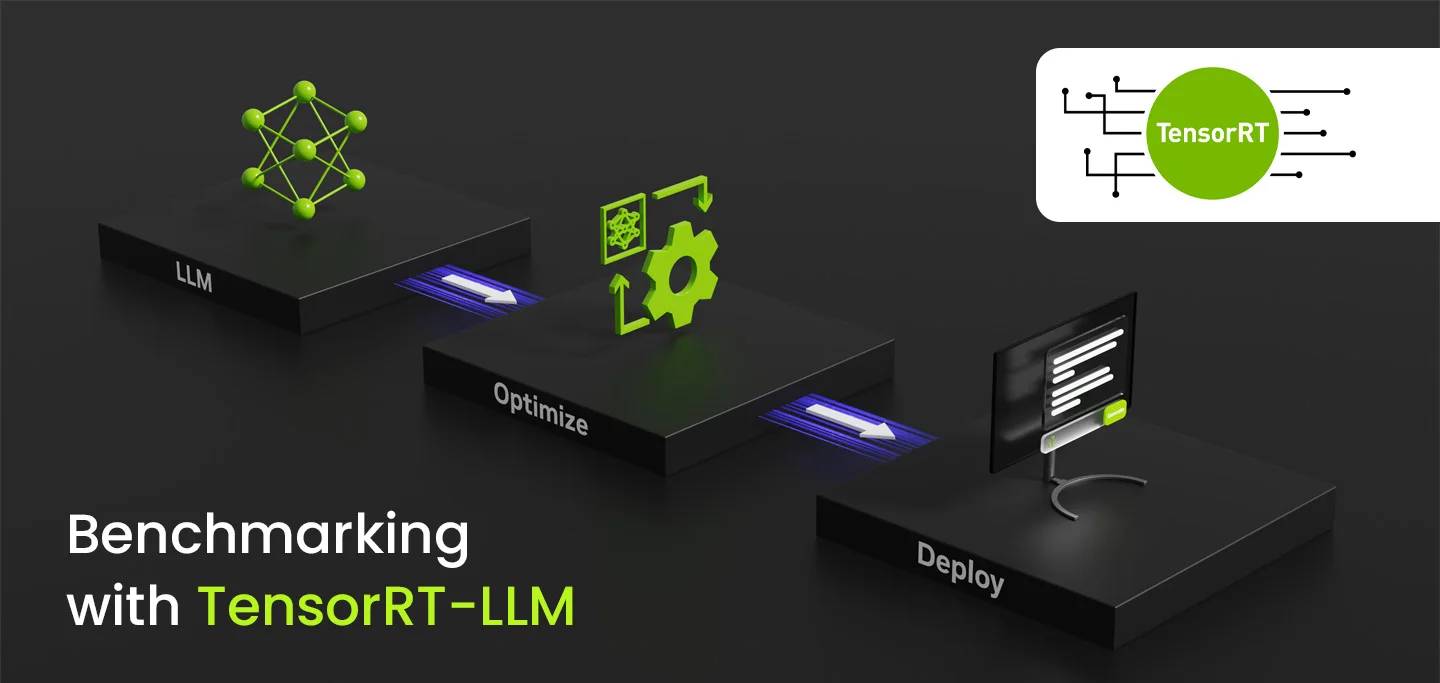
Here’s how TensorRT-LLM is described: “TensorRT-LLM provides users with an easy-to-use Python API to define Large Language Models (LLMs) and build TensorRT engines that contain state-of-the-art optimizations to perform inference efficiently on NVIDIA GPUs. TensorRT-LLM also contains components to create Python and C++ runtimes that execute those TensorRT engines.“
Based on the name alone, it’s safe to assume that TensorRT-LLM performance benchmarks will scale closely with Tensor Core performance. Since all the GPUs I tested feature 4th-generation Tensor Cores, comparing the Tensor Core count per GPU should give us a reasonable metric to estimate the performance for each model. However, as the results will soon show, there is more to an LLM workload than raw computational power. The width of a GPU’s memory bus, and more holistically, the overall memory bandwidth, is an important variable to consider when selecting GPUs for machine learning tasks.
| GPU | VRAM (GB) | Tensor Cores | Memory Bus Width | Memory Bandwidth |
|---|---|---|---|---|
| NVIDIA GeForce RTX 4090 | 24 | 512 | 384-bit | ~1000 GB/s |
| NVIDIA GeForce RTX 4080 SUPER | 16 | 320 | 256-bit | ~735 GB/s |
| NVIDIA GeForce RTX 4080 | 16 | 304 | 256-bit | ~715 GB/s |
| NVIDIA GeForce RTX 4070 Ti SUPER | 16 | 264 | 256-bit | ~670 GB/s |
| NVIDIA GeForce RTX 4070 Ti | 12 | 240 | 192-bit | ~500 GB/s |
| NVIDIA GeForce RTX 4070 SUPER | 12 | 224 | 192-bit | ~500 GB/s |
| NVIDIA GeForce RTX 4070 | 12 | 184 | 192-bit | ~500 GB/s |
| NVIDIA GeForce RTX 4060 Ti | 8 | 136 | 128-bit | ~290 GB/s |
NVIDIA was kind enough to send us a package for TensorRT-LLM v0.5.0 containing a number of scripts to simplify the installation of the dependencies, create virtual environments, and properly configure the environment variables. This is all incredibly helpful when you expect to run benchmarks on a great number of systems! Additionally, these scripts are intended to set TensorRT-LLM up on Windows, making it much easier for us to implement into our current benchmark suite.
However, although TensorRT-LLM supports tensor-parallelism and pipeline parallelism, it appears that multi-GPU usage may be restricted to Linux, as the documentation states that “TensorRT-LLM is supported on bare-metal Windows for single-GPU inference.” Another limitation of this tool is that we can only use it to test NVIDIA GPUs, leaving out CPU inference, AMD GPUs, and Intel GPUs. Although considering the current state of NVIDIA’s dominance in this field, there’s still value in a tool for comparing the capabilities and relative performance of NVIDIA GPUs.
Another consideration is that, like TensorRT for StableDiffusion, an engine must be generated for each LLM model and GPU combination. However, I was surprised to find that an engine generated for one GPU did not prevent the benchmark from being completed when used with another GPU. Using mismatched engines did occasionally impact performance depending on the test variables, so as expected, the best practice is to generate a new engine for each GPU. I also suspect the output text generated would likely be meaningless when an incorrect engine is used, but these benchmarks don’t display any output.
Despite all these caveats, we look forward to seeing how different GPUs perform with this LLM package with TensorRT optimizations. We will start by only looking at NVIDIA’s GeForce line, but we hope to expand this testing to include the Professional RTX cards and a range of other LLM packages in the future.
The TensorRT-LLM package we received was configured to use the Llama-2-7b model, quantized to a 4-bit AWQ format. Although TensorRT-LLM supports a variety of models and quantization methods, I chose to stick with this relatively lightweight model to test a number of GPUs without worrying too much about VRAM limitations.
For each row of variables below, I ran five consecutive tests per GPU and averaged the results.

The results below show the average of 5 runs for each row of variables tested. The throughput for each GPU was measured in tokens per second.
| GPU | Input Length | Output Length | Batch Size | Tokens/Second |
|---|---|---|---|---|
| NVIDIA GeForce RTX 4090 | 100 | 100 | 1 | 1190 |
| NVIDIA GeForce RTX 4080 SUPER | 100 | 100 | 1 | 973 |
| NVIDIA GeForce RTX 4080 | 100 | 100 | 1 | 971 |
| NVIDIA GeForce RTX 4070 Ti SUPER | 100 | 100 | 1 | 908 |
| NVIDIA GeForce RTX 4070 Ti | 100 | 100 | 1 | 789 |
| NVIDIA GeForce RTX 4070 SUPER | 100 | 100 | 1 | 786 |
| NVIDIA GeForce RTX 4070 | 100 | 100 | 1 | 753 |
| NVIDIA GeForce RTX 4060 Ti | 100 | 100 | 1 | 610 |
| NVIDIA GeForce RTX 4090 | 100 | 100 | 8 | 8471 |
| NVIDIA GeForce RTX 4080 SUPER | 100 | 100 | 8 | 6805 |
| NVIDIA GeForce RTX 4080 | 100 | 100 | 8 | 6760 |
| NVIDIA GeForce RTX 4070 Ti SUPER | 100 | 100 | 8 | 6242 |
| NVIDIA GeForce RTX 4070 Ti | 100 | 100 | 8 | 5223 |
| NVIDIA GeForce RTX 4070 SUPER | 100 | 100 | 8 | 5101 |
| NVIDIA GeForce RTX 4070 | 100 | 100 | 8 | 4698 |
| NVIDIA GeForce RTX 4060 Ti | 100 | 100 | 8 | 3899 |
| NVIDIA GeForce RTX 4090 | 2048 | 1024 | 1 | 83.44 |
| NVIDIA GeForce RTX 4080 SUPER | 2048 | 1024 | 1 | 68.80 |
| NVIDIA GeForce RTX 4080 | 2048 | 1024 | 1 | 68.70 |
| NVIDIA GeForce RTX 4070 Ti SUPER | 2048 | 1024 | 1 | 63.67 |
| NVIDIA GeForce RTX 4070 Ti | 2048 | 1024 | 1 | 55.75 |
| NVIDIA GeForce RTX 4070 SUPER | 2048 | 1024 | 1 | 55.26 |
| NVIDIA GeForce RTX 4070 | 2048 | 1024 | 1 | 50.80 |
| NVIDIA GeForce RTX 4060 Ti | 2048 | 1024 | 1 | 41.64 |
| NVIDIA GeForce RTX 4090 | 2048 | 1024 | 8 | 664.38 |
| NVIDIA GeForce RTX 4080 SUPER | 2048 | 1024 | 8 | 517.71 |
| NVIDIA GeForce RTX 4080 | 2048 | 1024 | 8 | 516.24 |
| NVIDIA GeForce RTX 4070 Ti SUPER | 2048 | 1024 | 8 | 471.10 |
| NVIDIA GeForce RTX 4070 Ti | 2048 | 1024 | 8 | 405.20 |
| NVIDIA GeForce RTX 4070 SUPER | 2048 | 1024 | 8 | 403.12 |
| NVIDIA GeForce RTX 4070 | 2048 | 1024 | 8 | 366.90 |
| NVIDIA GeForce RTX 4060 Ti | 2048 | 1024 | 8 | 305.38 |

In summary, this benchmark provided valuable insights into the performance differences of a variety of NVIDIA GPUs with respect to running large language models (LLMs). The results indicate a clear advantage in terms of throughput as we progress through the RTX series, with the RTX 4090 significantly outperforming other models. When selecting a GPU for LLM tasks, it is important to consider the input length, output length, and batch size, as these factors greatly influence performance.
Understanding these variables will help users make informed decisions when choosing a GPU for their specific needs in deep learning applications.
Visit: www.proxpc.com
Read More Related Topics:
Resources you may find helpful.

AI is revolutionizing the hardware industry by boosting design, manufacturing, maintenance, supply chains, personalization, autonomy, security, and energy efficiency.
Discover model-inferencing workstations: advanced AI systems revolutionizing industries from retail to smart cities and mastering complex tasks with cutting-edge technology.
Explore how hybrid systems revolutionize transportation, energy, manufacturing, and daily life by integrating diverse technologies for innovative solutions.

Delve into Edge AI's impact on latency, privacy, and autonomy. Uncover its applications in healthcare, manufacturing, retail, and security.

