Last week, a lab manager from a major research institute contacted and he wanted to upgrade his lab's infrastructure. The team relied on a server from 2019 equipped with four Quadro RTX 5000 GPUs.
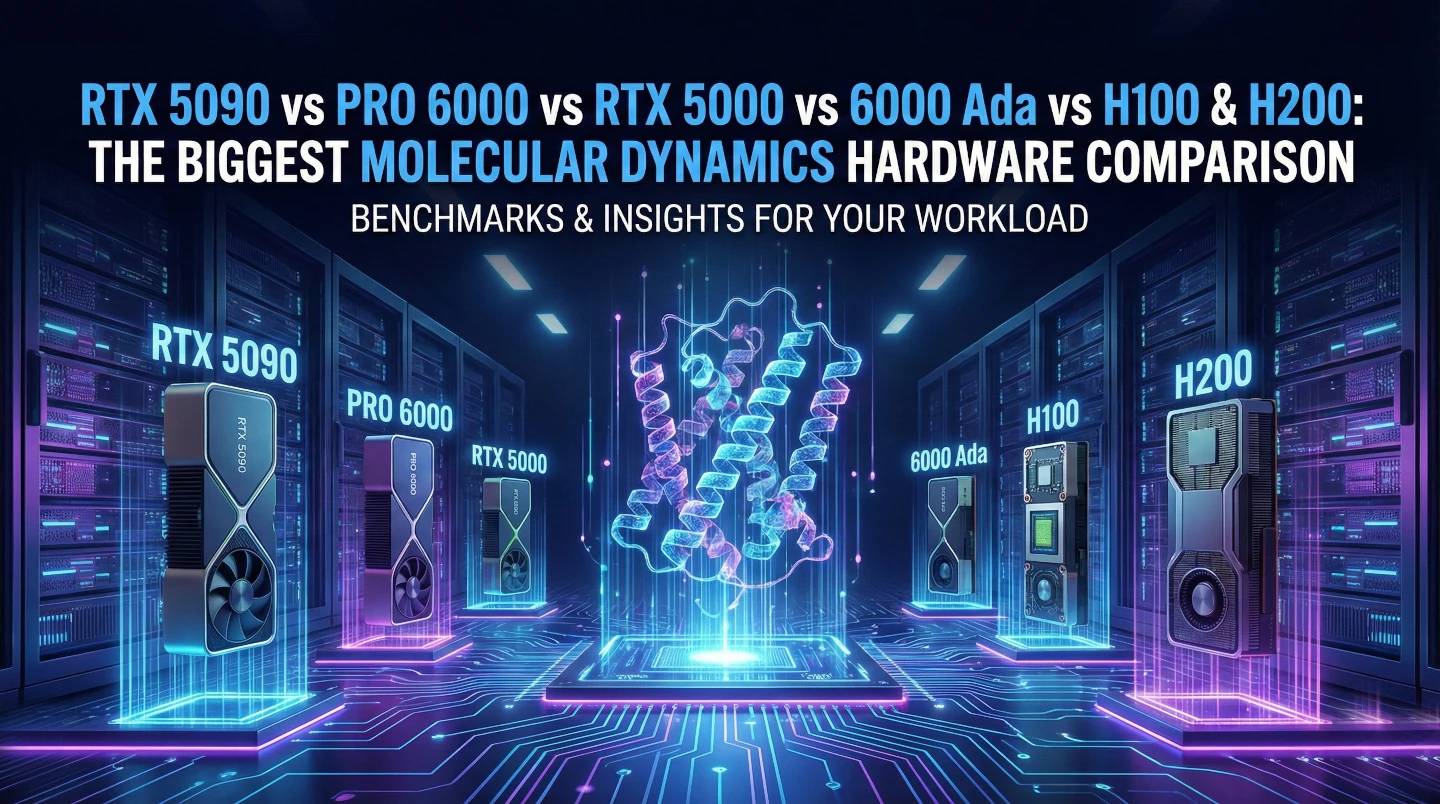
Last week, a lab manager from a major research institute contacted and he wanted to upgrade his lab's infrastructure. The team relied on a server from 2019 equipped with four Quadro RTX 5000 GPUs.
His question was: "We see the reports on the RTX 5090. Can a consumer card replace our enterprise server and deliver real performance gains?"
We decided to verify this with data by testing his specific workload, standard AMBER and GROMACS trajectories and benchmarked his existing setup against our new test bench.
The results, You will get to know in this blog.
This guide details those findings. It compares the latest RTX 5090, the workstation-class RTX Pro 6000, and the data center H100/H200, helping you identify the right tools for your lab.
Molecular Dynamics has now evolved. Modern software like NAMD 3.0, AMBER 24, and OpenMM now runs as "GPU-Resident" code.
The entire simulation lives on the graphics card. The GPU acts as the primary engine, while the CPU handles data coordination.
This shift highlights an important detail about hardware, that Clock speed drives performance.
Consumer cards like the NVIDIA RTX 5090 operate at high clock speeds (~2.9 GHz). Enterprise cards like the H100 prioritize massive parallelization and stability at lower clocks (~1.7 GHz). For standard biological systems (proteins, ligands, small membranes), the high clock speed of the 5090 delivers exceptional raw speed.
We tested these cards using AMBER 24 on the industry-standard STMV (Satellite Tobacco Mosaic Virus) benchmark (~1 million atoms).
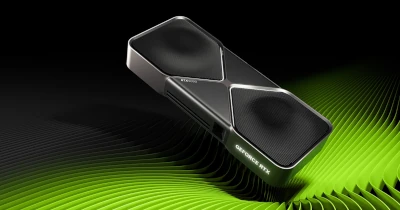
Metric: Speed in nanoseconds per day (ns/day), (Note- Your benchmarks may vary depending on Configuration and other factors).
| GPU Model | Architecture | Speed (ns/day) | Relative Performance |
|---|---|---|---|
| NVIDIA H200 | Hopper (Server) | 135.03 ns/day | 6.75x |
| RTX Pro 6000 | Blackwell (Pro) | 121.56 ns/day | 6.1x |
| NVIDIA RTX 5090 | Blackwell (Consumer) | 110.03 ns/day | 5.5x |
| NVIDIA H100 | Hopper (Server) | ~90 ns/day | 4.5x |
| RTX 6000 Ada | Ada Lovelace (Pro) | 71.50 ns/day | 3.5x |
| Quadro RTX 5000 | Turing (Old Lab Server) | ~20 ns/day | 1.0x |
The old RTX 5000 produced 20 nanoseconds a day. A single RTX 5090 delivers 110 ns/day. A single new card, performing the work of five previous-generation cards.
The market price of a single NVIDIA H200 card often exceeds the cost of a complete Pro Maestro GQ server equipped with FOUR RTX 5090s.
The Throughput Comparison (GROMACS/AMBER Ensemble):
For labs focused on drug discovery or screening many independent candidates, the 4x 5090 system delivers over 3x the performance for the same (or lower) investment.
Each card serves a specific scientific purpose.
These cards excel at "Big Science."
These cards excel at "Fast Science."
We structured our machines to address specific lab requirements.
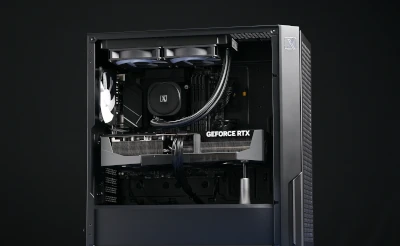
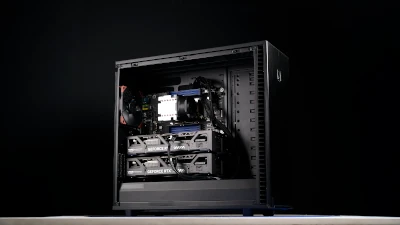
Best for: Individual Researchers & PhD Students
Pro Maestro GQ (4x 5090) (4x Pro 6000 or H200)
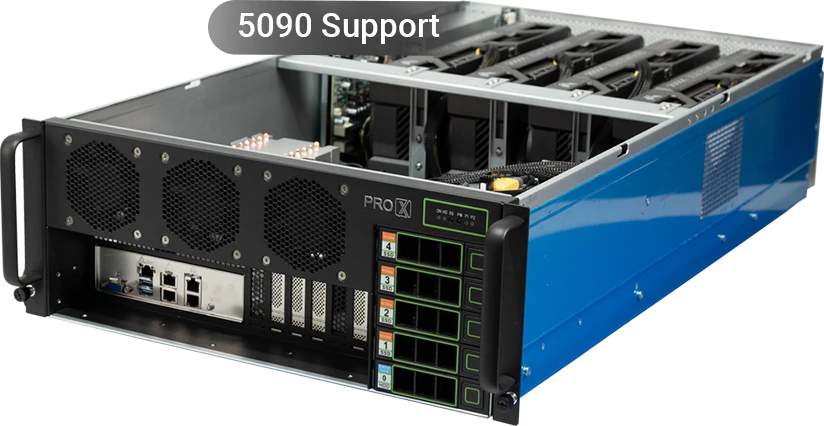
Best for: Drug Discovery & Screening
Pro Maestro GE (8x 5090 / Pro6000) 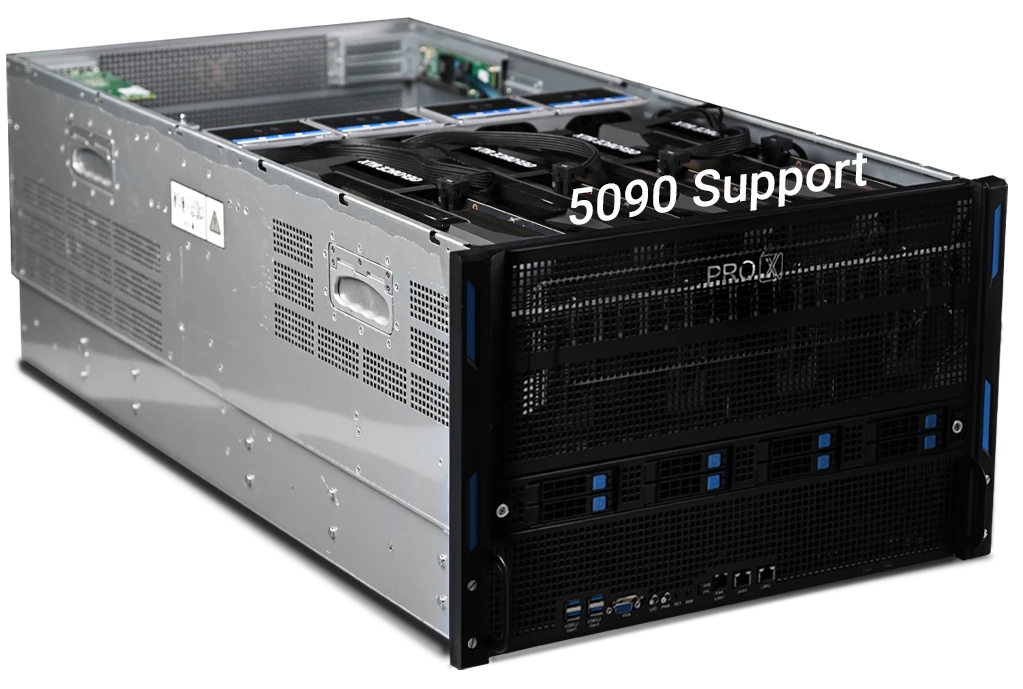
Pro Maestro GD (10x Pro6000 / H100 / H200) 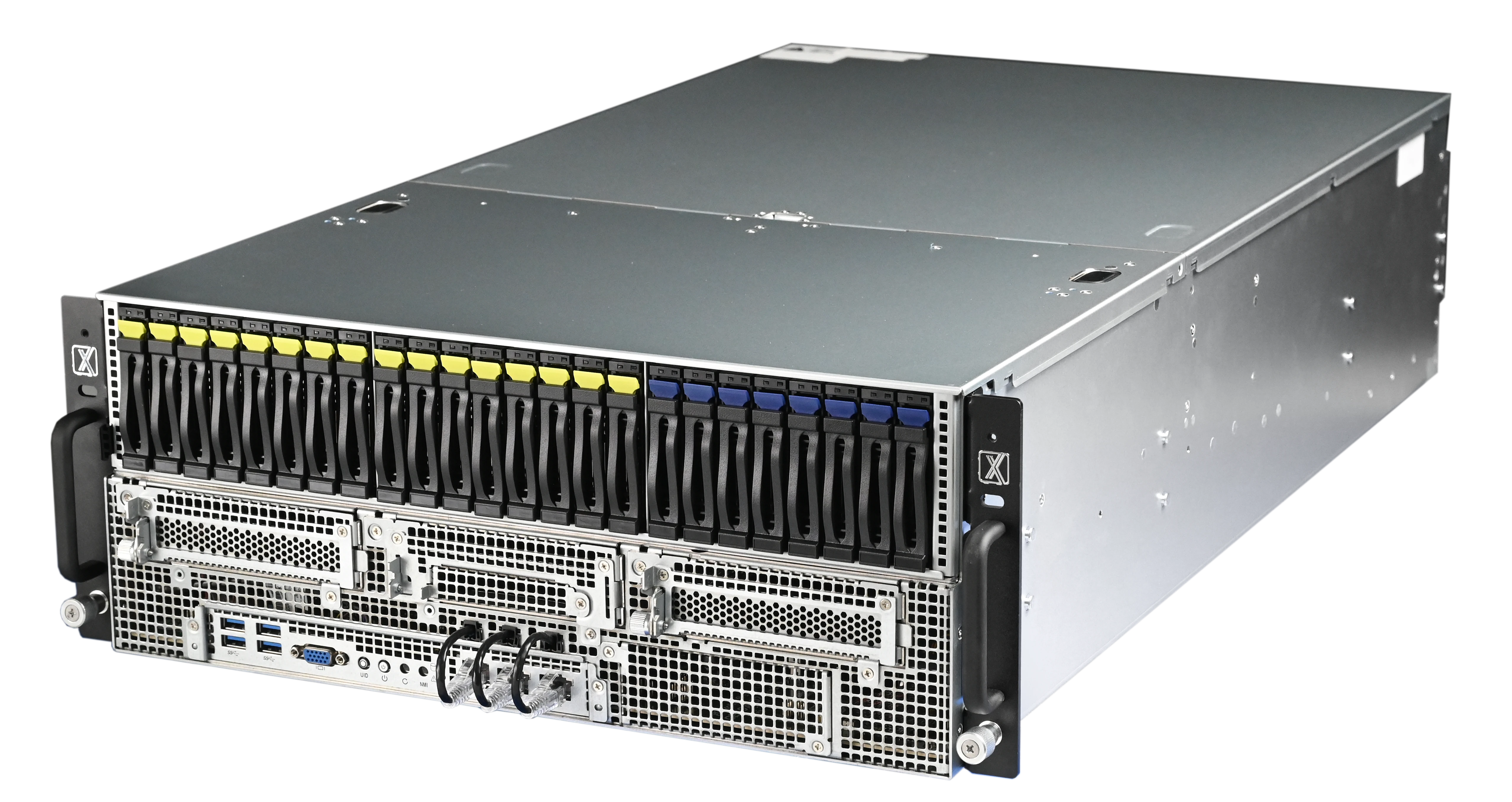
Best for: Super Large Workloads.
Consider the future for our Client. By upgrading his aging rack of RTX 5000s to a single Pro Maestro GQ (4x RTX 5090), he transforms the lab's operational density.
He consolidates his hardware footprint, reclaims valuable server rack space, and boosts the lab's simulation throughput by over 400%.
Send us your specific workloads and we can recommend right solution for you.
Resources you may find helpful.
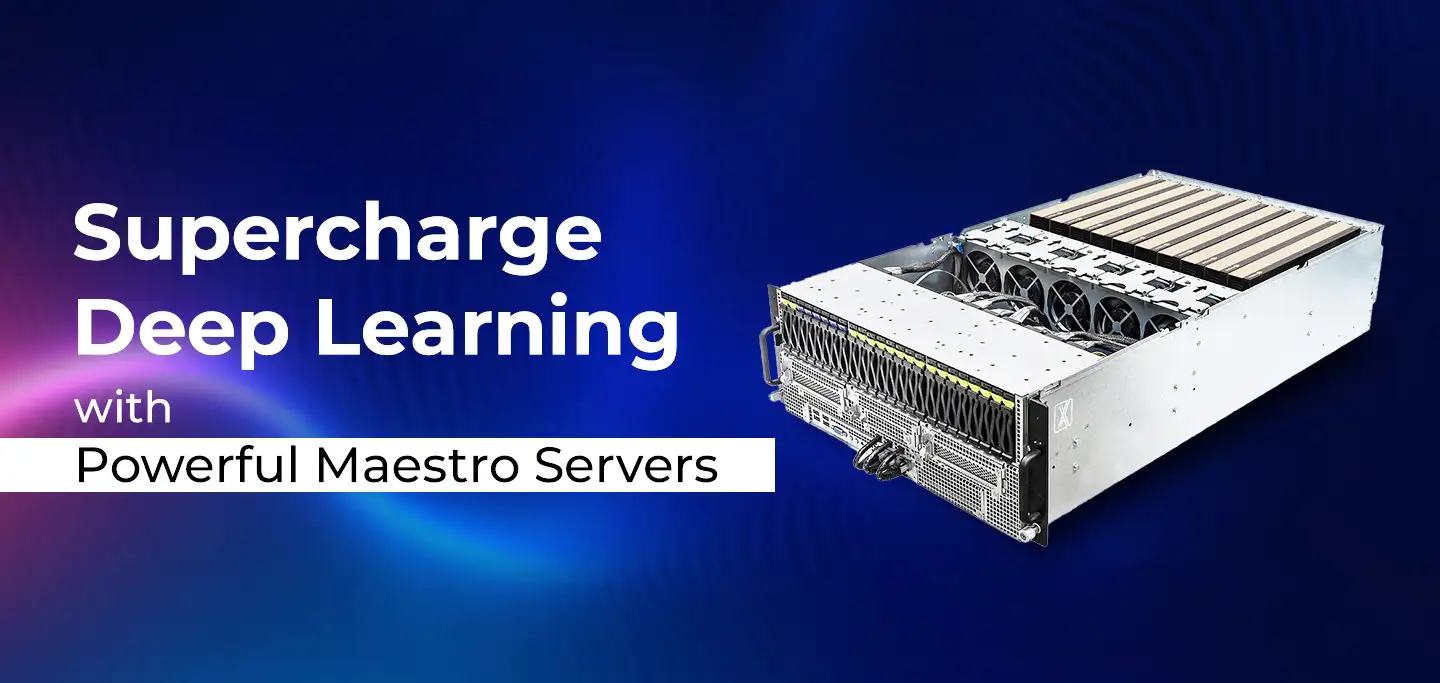
ProX PC Maestro Servers offer the powerful GPUs, ample memory, and scalable features needed to supercharge your deep learning projects.

ProX PC servers offer top performance, scalability, and reliability for big data and deep learning, making them ideal for various industries. Invest smartly with ProX PC.

Discover the future of AI with ProX PC's 8 GPU servers featuring NVIDIA RTX 4090 GPUs. Unmatched performance, reliability, and scalability for all your machine learning needs.
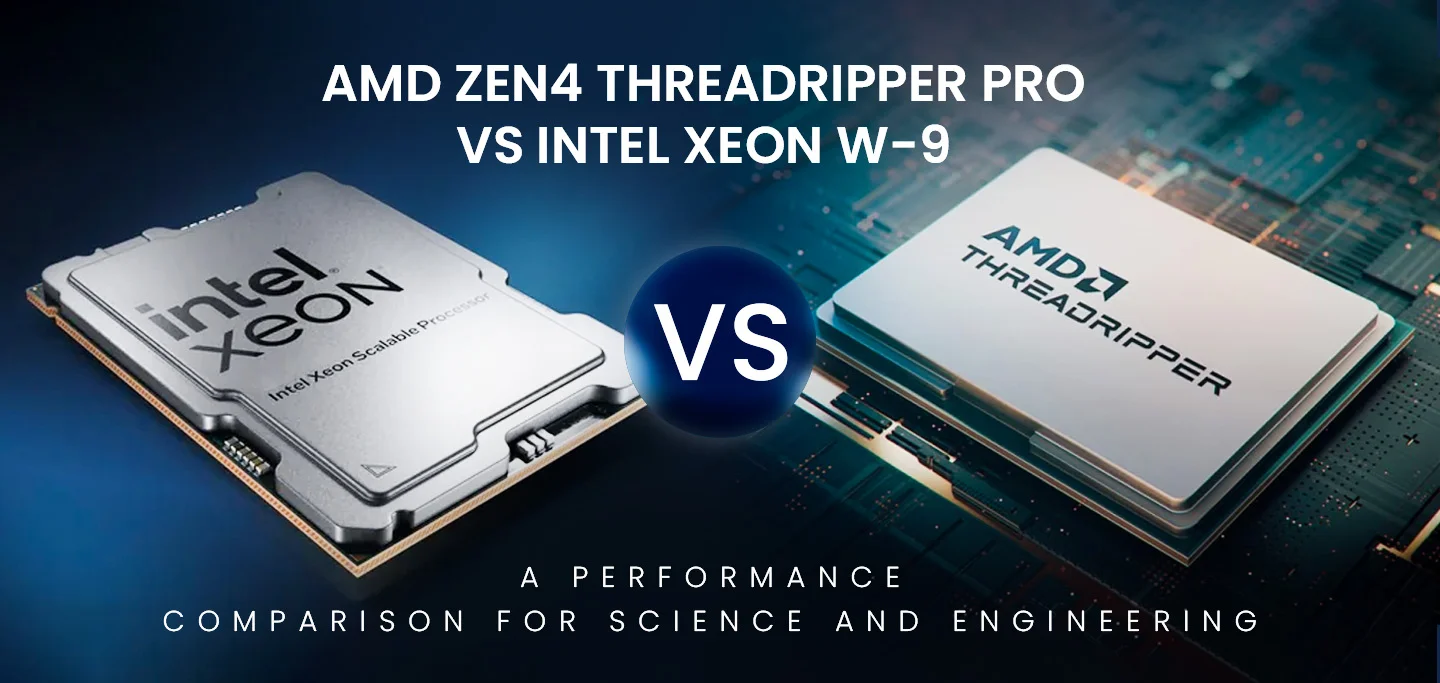
In the fast-evolving world of computational technology, choosing the right hardware can significantly impact the performance of scientific and engineering workloads. In this post, we will compare the numerical computing performance of the new AMD Zen4 Threadripper PRO (specifically the 7995WX and 7985WX) against the Intel Xeon W-9 3495X and the older Threadripper 7980X. We will also briefly mention the previous generation Threadripper PRO 5995WX with Zen3 optimizations.

