This complexity creates a heavy physical load on your workstation. While a standard CAD machine handles basic modeling easily, non-linear solve times often jump from minutes to hours. The following breakdown identifies the specific hardware parts that matter most for professional simulation in 2026.
Moving from standard linear static analysis to complex Non-Linear Analysis in SolidWorks marks a major shift in how much power your computer needs. In linear studies, parts return to their original shape after a load is removed. In non-linear studies, we must calculate for material yielding, large deflections, and changing contact conditions.
This complexity creates a heavy physical load on your workstation. While a standard CAD machine handles basic modeling easily, non-linear solve times often jump from minutes to hours. The following breakdown identifies the specific hardware parts that matter most for professional simulation in 2026.
SolidWorks modeling stays mostly single-threaded, but the FEA Solvers specifically Intel Direct Sparse and FFEPlus can use multiple cores. Getting the best speed requires a balance between the number of cores and the clock speed.
Non-linear studies create massive, dense stiffness matrices. Keeping these matrices in the system memory is the only way to keep the solver fast.
During a solve, SolidWorks Simulation creates large temporary "scratch" files, often over 100GB. If your drive is slow, the CPU has to wait for data to be written or read.
In the past, solvers only used the CPU. The 2026 version of SolidWorks uses the GPU to help solve certain math problems and for better visuals.
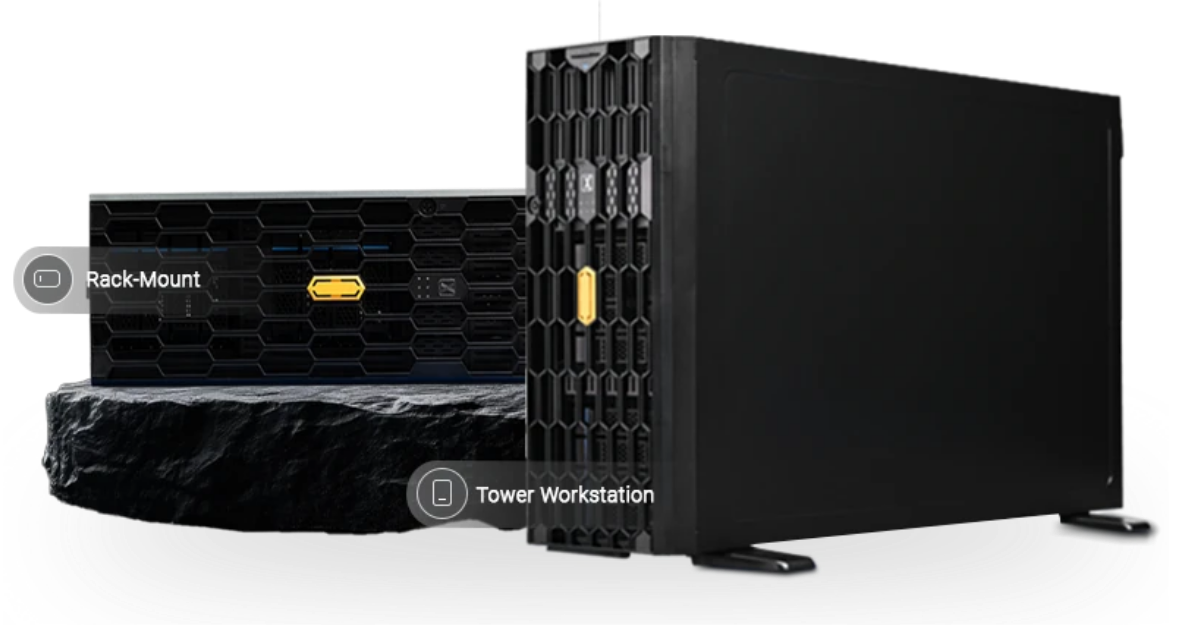
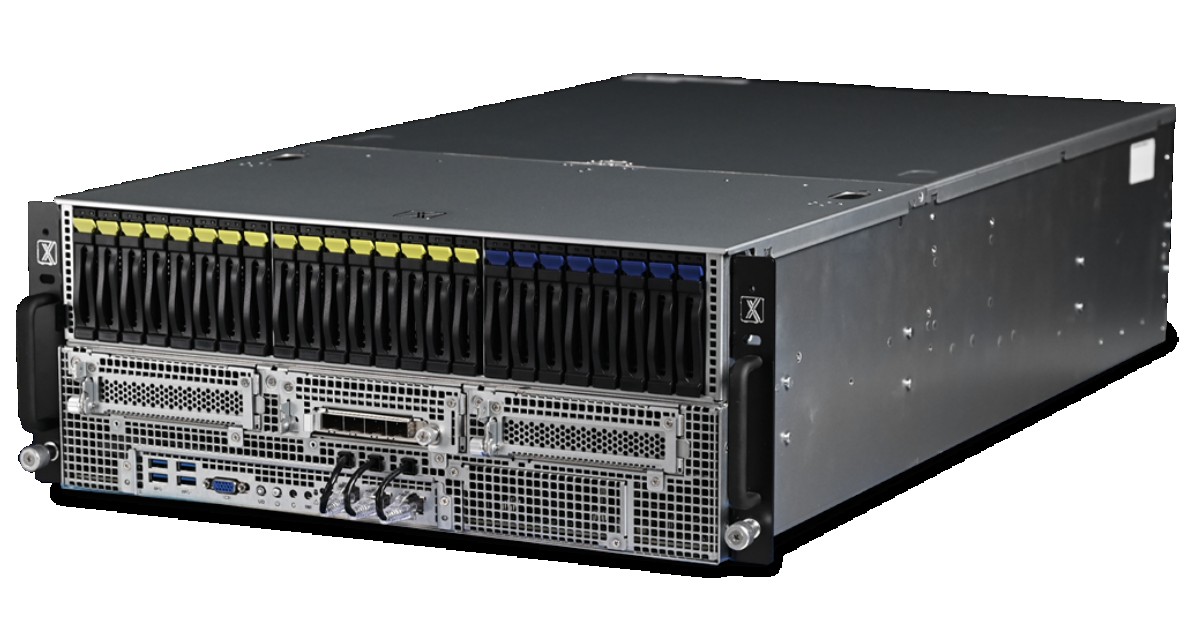
These systems are built to handle the heat and the heavy math of SolidWorks 2026 without slowing down.
|
System |
Best Use Case |
|
Design Engineers |
|
|
FEA Specialists |
|
|
Research Labs |
In 2026, speed is about staying fast for a long time. Many desktops get too hot and slow down (thermal throttling) after an hour of solving. Pro Maven systems use cooling that lets them run at 100% power for days, so your solve time stays consistent from start to finish.
If you are testing rubber materials or high-strain metal forming, your hardware needs depend on your specific mesh and study type. We design systems to fit your exact FEA needs.
Resources you may find helpful.
Autodesk offers a versatile pricing structure, allowing teams to choose between fixed annual subscriptions for heavy users and a flexible "pay-as-you-go" model for occasional needs.
AnyLogic leads the industry in multimethod simulation modeling.
Engineers and researchers rely heavily on ANSYS to simulate real-world physics.
Before we get into clock speeds and CUDA cores, a note on why this guide exists. At ProXPC, we don't sell generic "gaming PCs with more RAM."