The Perfect Duo: How Photogrammetry and Gaussian Splatting Work Together
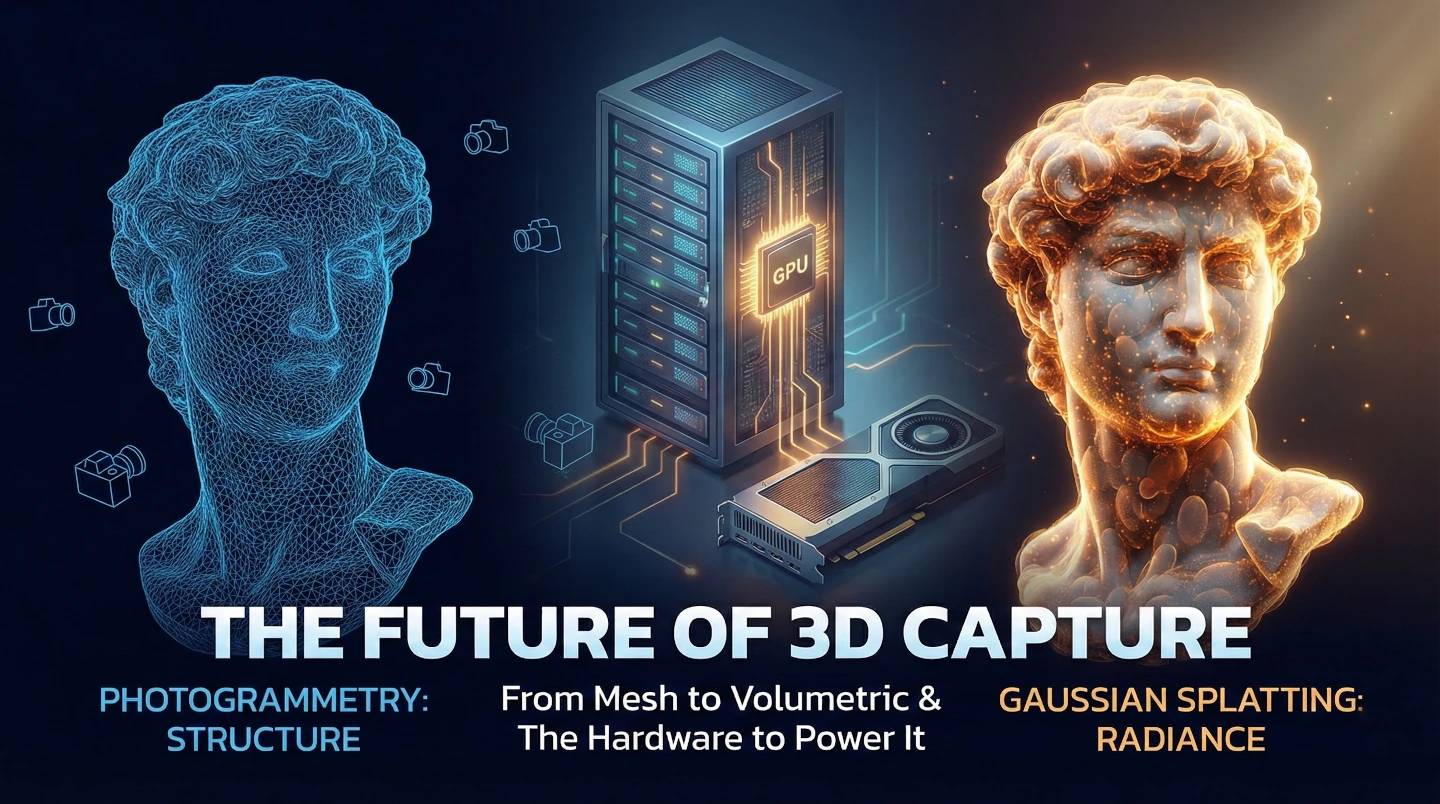
In the world of 3D, everyone is talking about 3D Gaussian Splatting (3DGS) right now. Since it took the stage in 2023 SIGGRAPH showcase, it has changed how we see digital worlds. But this isn’t about throwing away old tools. It’s about combining them.
The concept of "splatting" (using points instead of triangles) has roots going back to the 90s, but today, it is faster and smarter than ever before.
For professionals, the real power comes from using Photogrammetry (for the shape) and Gaussian Splatting (for the look) side-by-side.
Here is the breakdown of how they work and the hardware you need to run them.

The Nitty-Gritty: How it Works It uses a process that thinks like a surveyor:
Why we use it: If you need to measure a wall, print a statue, or put a character in a game that creates a shadow or blocks a path, you need this solid shape.

It solves the hard problems: smoke, glass, hair, and shiny reflections.
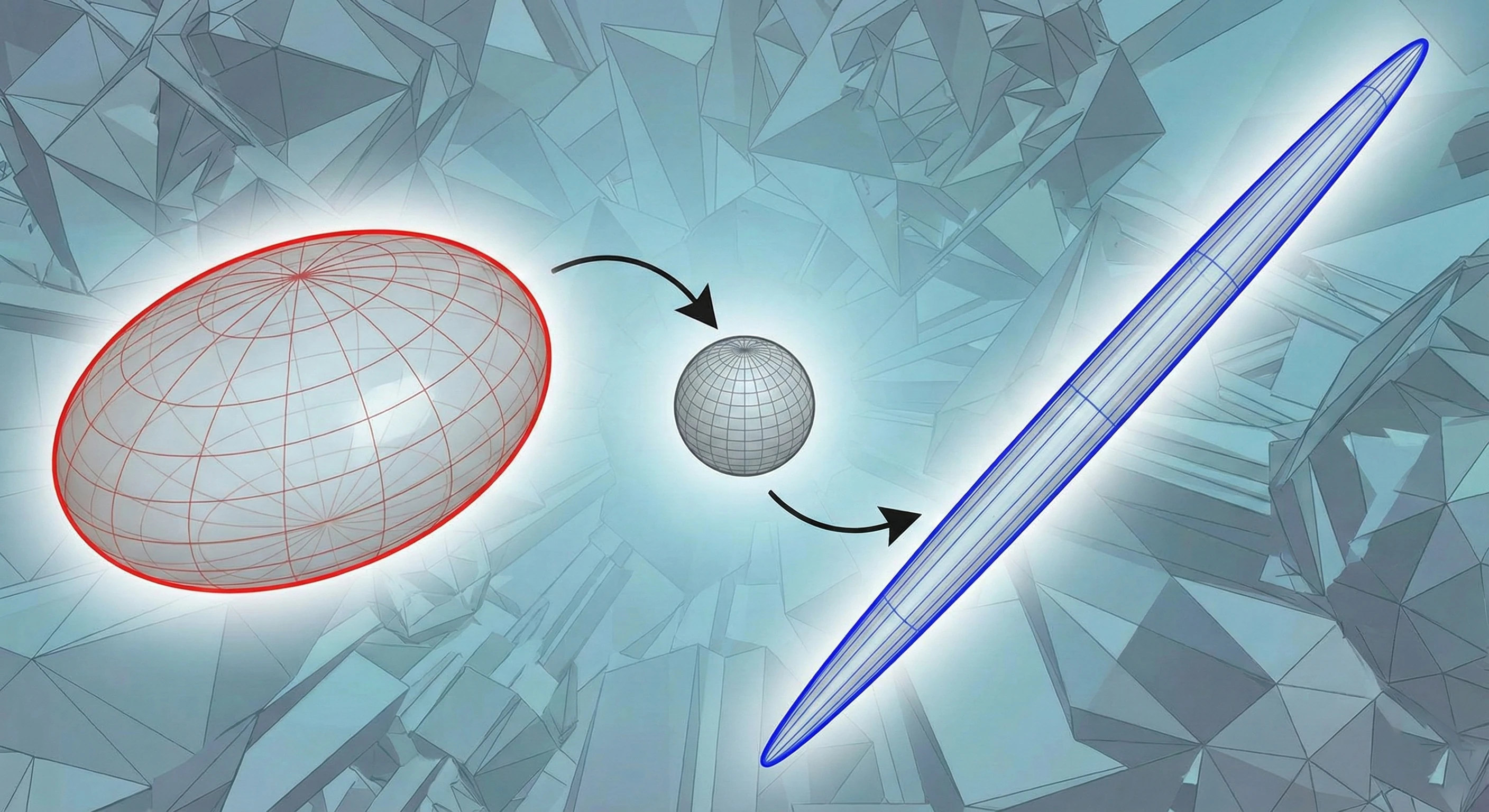
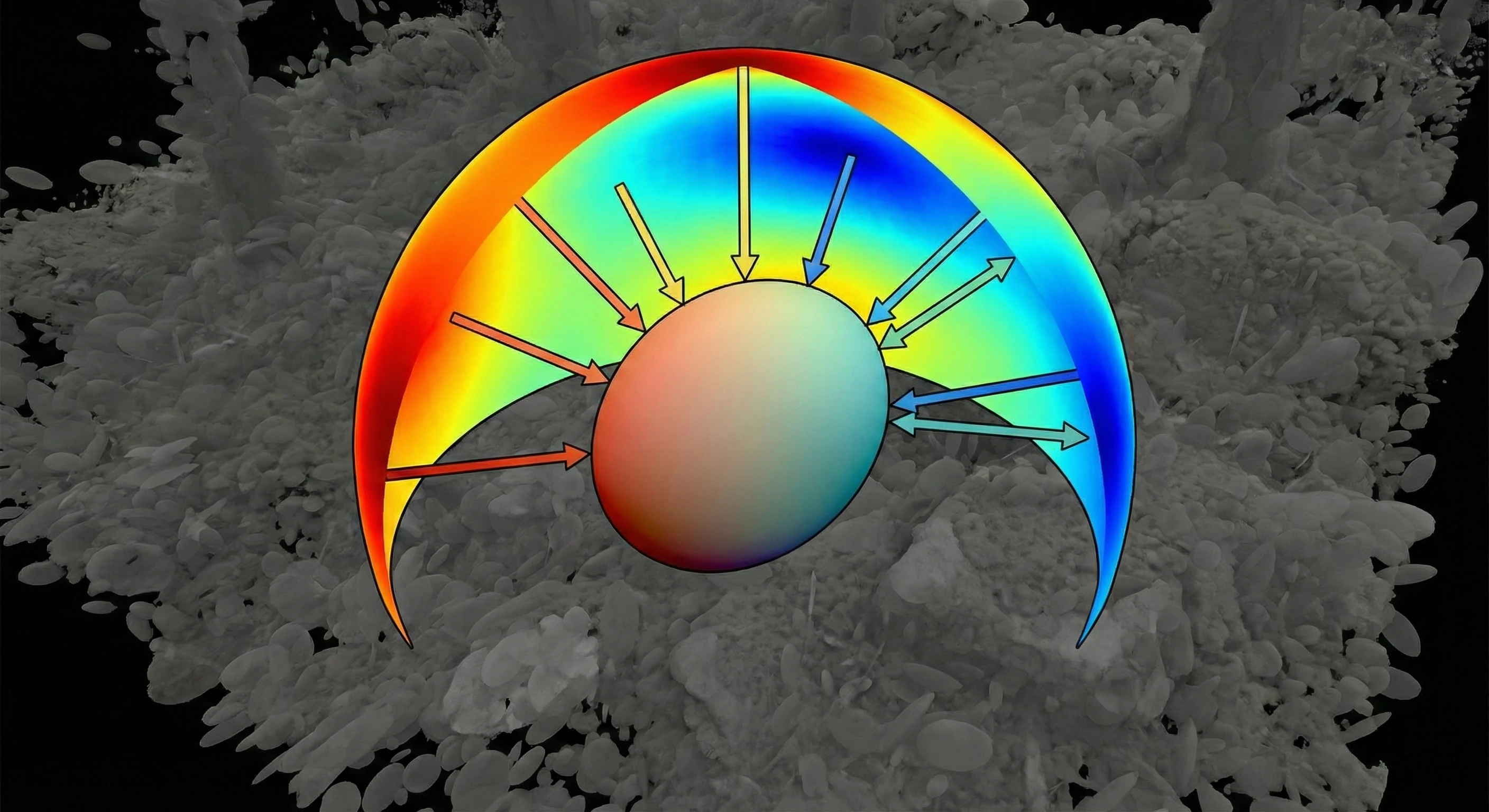
What makes it different? Instead of a hard shell, 3DGS sees the world as a cloud of millions of "blobs" (Gaussians). Each blob has special superpowers that normal 3D points don’t have:
Both of these tools need power, but they need different kinds. Photogrammetry likes fast processors. Gaussian Splatting is hungry for Video Memory (VRAM) to manage all those millions of blobs.
To run this smoothly, you need the right setup:
For the Solo Creator (Scan & Train)
If you are scanning single objects or learning the ropes, you need speed for the initial setup.
In a studio, waiting is the enemy. You need to do two things at once.
When you are mapping an entire city block or a massive factory, normal computers run out of memory. You need massive capacity.
Whatever you decide to build, we’ve got the engine to back it up.
Resources you may find helpful.
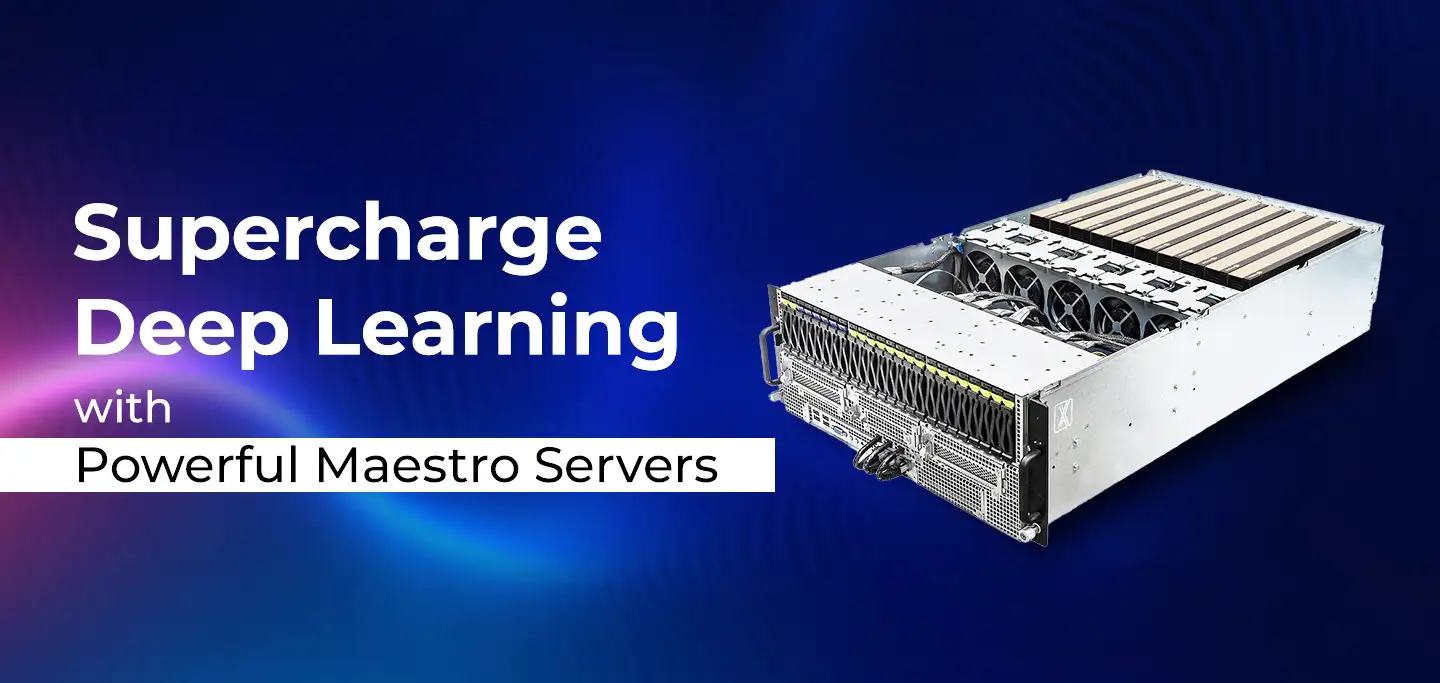
ProX PC Maestro Servers offer the powerful GPUs, ample memory, and scalable features needed to supercharge your deep learning projects.

ProX PC servers offer top performance, scalability, and reliability for big data and deep learning, making them ideal for various industries. Invest smartly with ProX PC.

Discover the future of AI with ProX PC's 8 GPU servers featuring NVIDIA RTX 4090 GPUs. Unmatched performance, reliability, and scalability for all your machine learning needs.
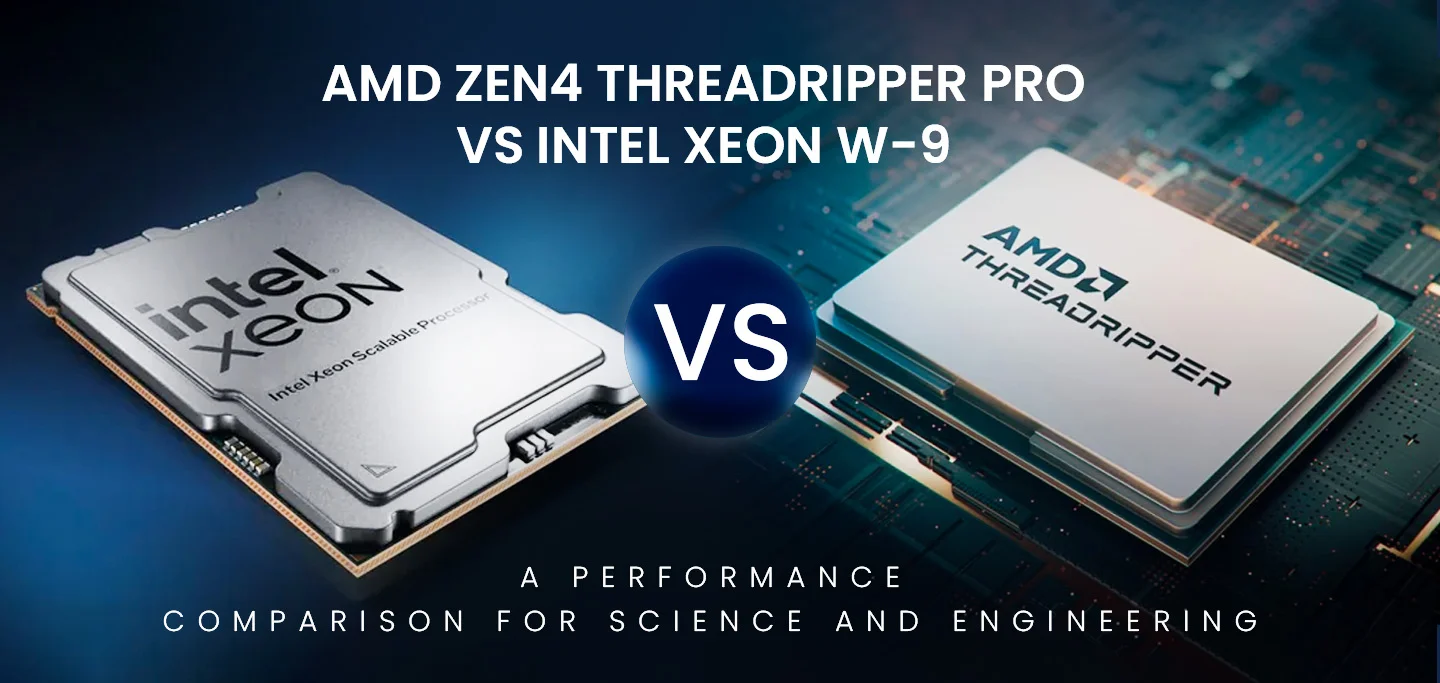
In the fast-evolving world of computational technology, choosing the right hardware can significantly impact the performance of scientific and engineering workloads. In this post, we will compare the numerical computing performance of the new AMD Zen4 Threadripper PRO (specifically the 7995WX and 7985WX) against the Intel Xeon W-9 3495X and the older Threadripper 7980X. We will also briefly mention the previous generation Threadripper PRO 5995WX with Zen3 optimizations.