The chip was incredibly powerful, but it generated a lot of heat. To let it run at maximum speed for gamers, they attached a massive cooler and allowed it to draw huge power (nearly 600 Watts). This became the RTX 5090.
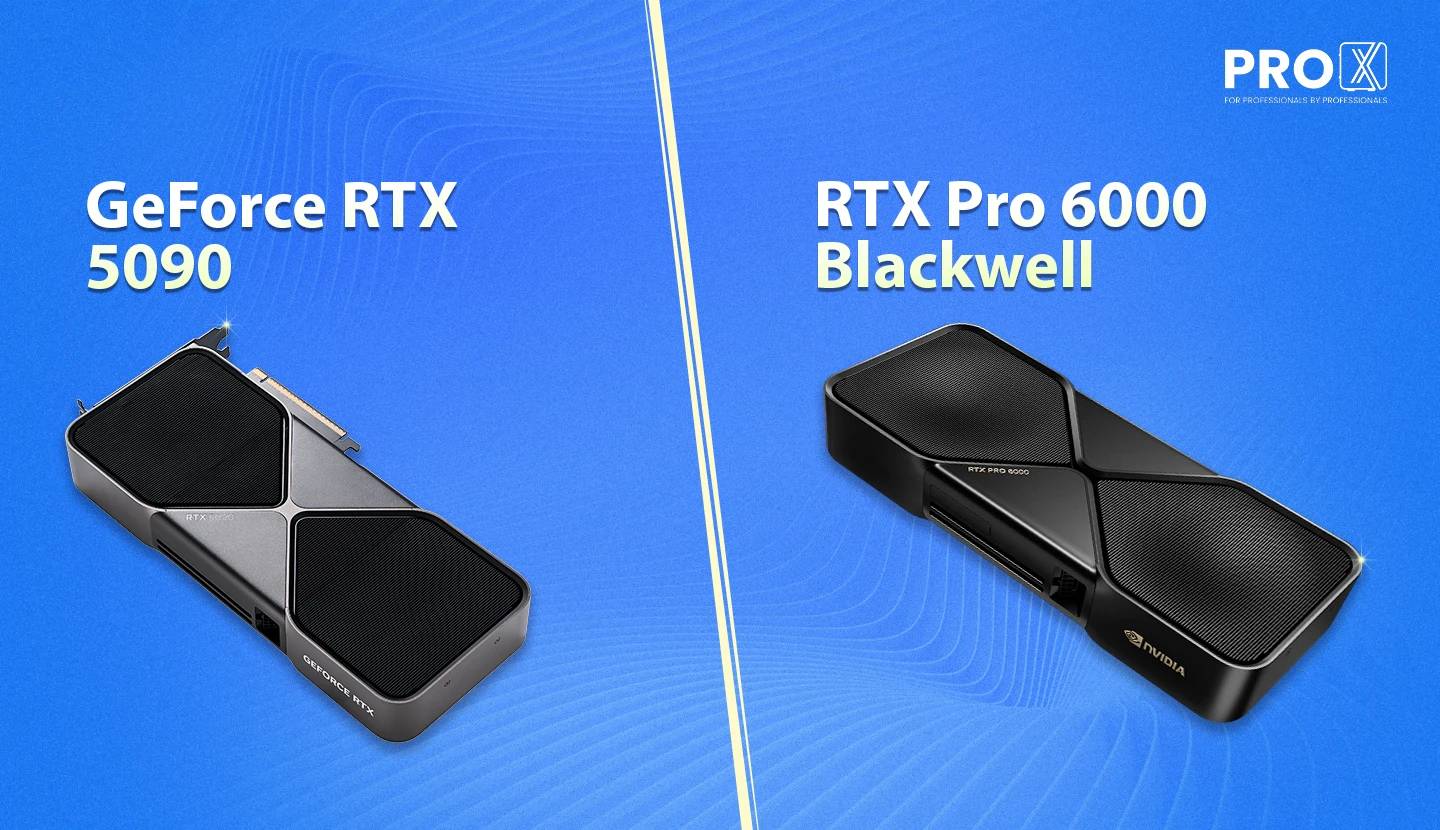
When NVIDIA engineers designed the ultimate Blackwell chip, they faced a physics problem.
The chip was incredibly powerful, but it generated a lot of heat. To let it run at maximum speed for gamers, they attached a massive cooler and allowed it to draw huge power (nearly 600 Watts). This became the RTX 5090.
But professional data scientists had a different problem. They didn't need just one card; they needed to stack four or eight of them into a single server to train AI.
You cannot stack eight RTX 5090s. Until we made the solution for that.
So, engineers created the RTX Pro 6000. They kept the full core count and tripled the memory to 96GB, but they tuned it to run efficiently in a slim, 2-slot design.
The RTX 5090 is a Solo Racer. The RTX Pro 6000 is a Team Player.
|
Feature |
GeForce RTX 5090 |
RTX Pro 6000 Blackwell |
|
Philosophy |
Maximum Clock Speed |
Maximum Density & Memory |
|
Boost Clock |
~2.9 GHz (Aggressive) |
~2.5 GHz (Stable/Efficient) |
|
VRAM (Memory) |
32 GB GDDR7 |
96 GB GDDR7 (ECC) |
|
CUDA Cores |
~21,760 |
~24,064 (Full Chip) |
|
Form Factor |
3-4 Slots (Huge) |
2 Slots (Slim) |
|
Power (TGP) |
~600W |
~300W-600W |
The RTX 5090 is designed to run fast and hot. Because it can boost its clock speeds higher, making it faster for single tasks like gaming or quick rendering.
The RTX Pro 6000 is designed to run cool and stable. It has more cores and more memory, but it runs at a strictly controlled power limit. This allows you to stack multiple cards together to solve problems that a single 5090 simply cannot handle (But we have solved that with our 5090 Server).
We analysed the most common professional tasks to see which card performs best.
We build systems specifically optimized for these cards. Here are our recommendations.
Contact ProX PC. We can test your specific dataset on both cards and show you exactly how they perform.
Resources you may find helpful.

Harness the power of GPU servers to revolutionize business operations with unparalleled performance in AI, data analysis, and rendering tasks.
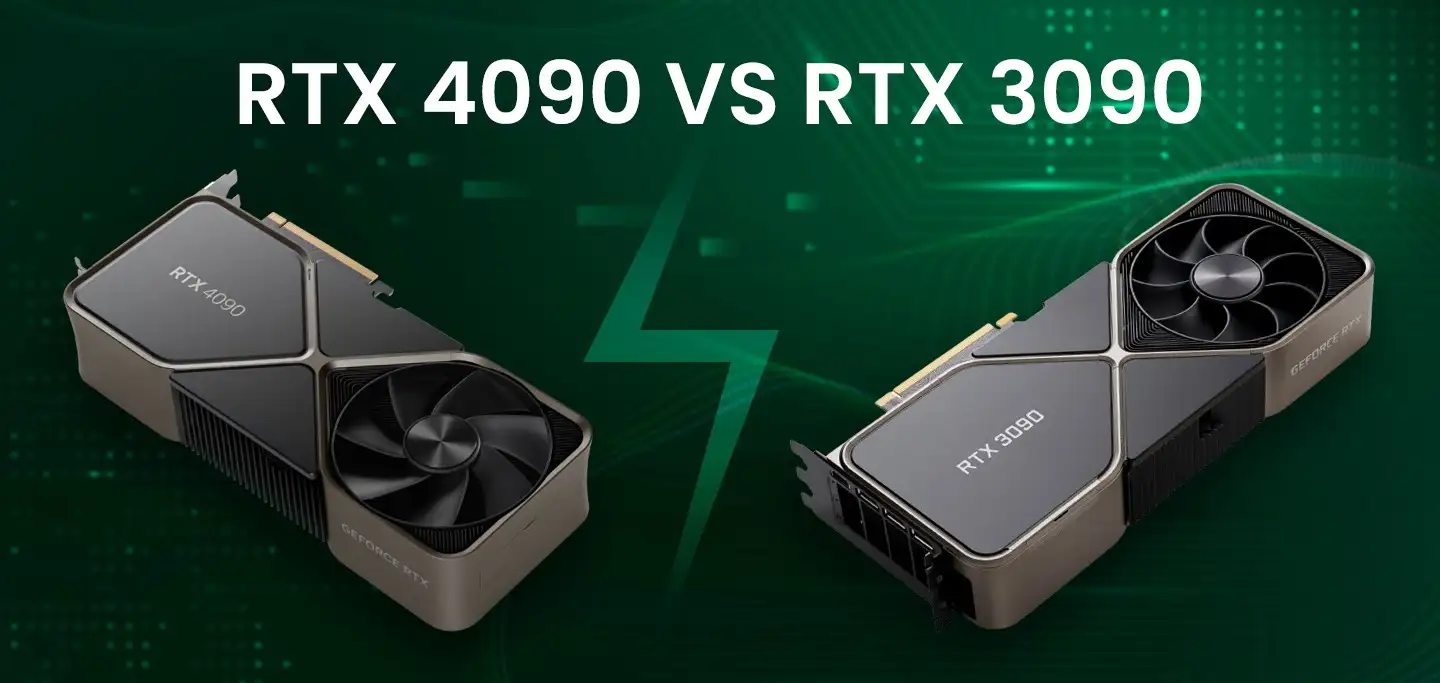
The power of NVIDIA® GeForce RTX 4090: Redefining deep learning benchmarks, exceeding expectations set by the RTX 3090
Best GPUs for AI and deep learning in 2024: NVIDIA's RTX 4090, A6000, A100, and more, benchmarked for performance and efficiency

Keep your computer running smoothly with these 10 essential tips. From regular backups to cleaning dust and updating software, ensure optimal performance and longevity.

