These recommendations are mapped directly to the specific scaling behaviors of AMBER, NAMD, and GROMACS in the modern "GPU-Resident" era.
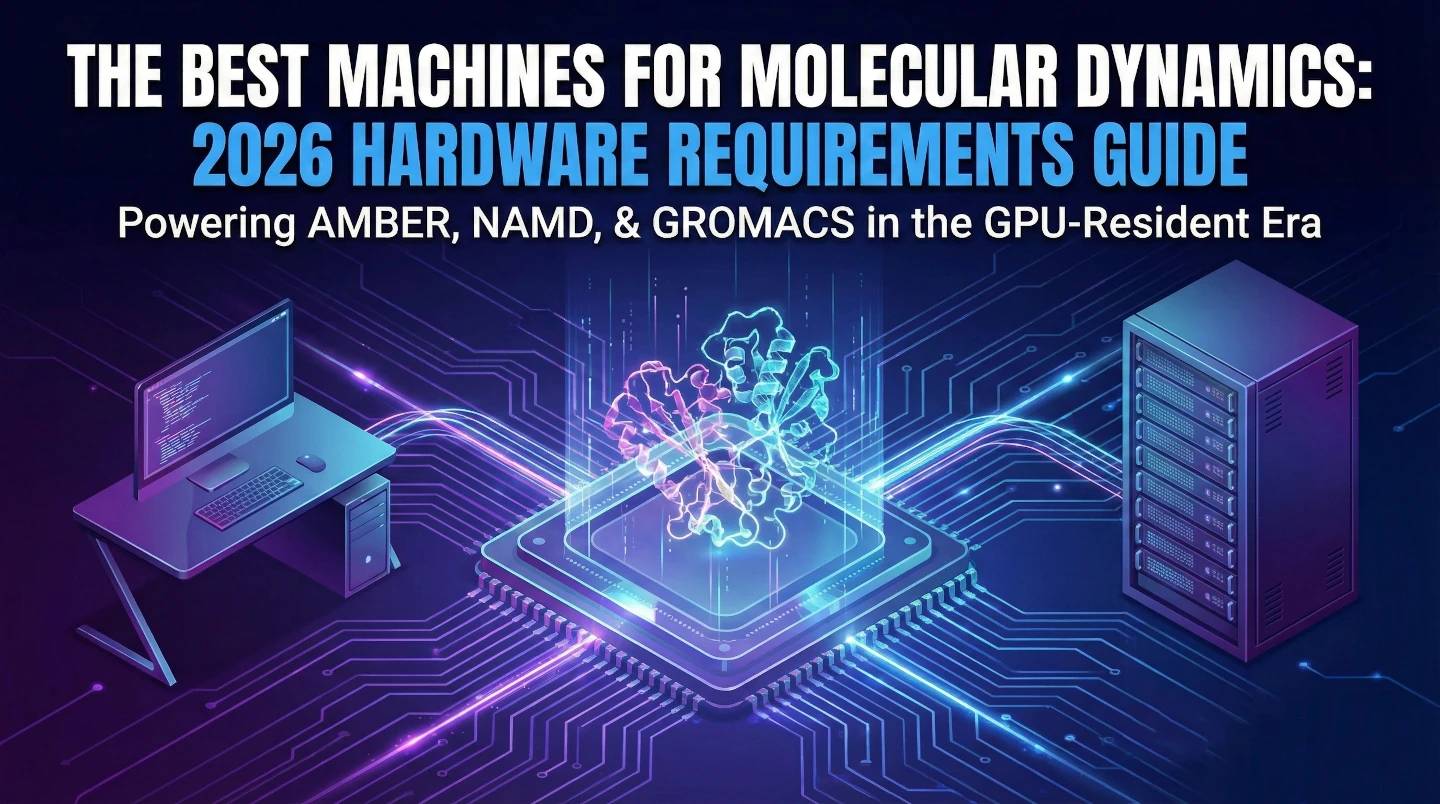
If you are a Principal Investigator (PI) or Lab Manager looking for immediate answers on how to dimension your Molecular Dynamics infrastructure, start here.
These recommendations are mapped directly to the specific scaling behaviors of AMBER, NAMD, and GROMACS in the modern "GPU-Resident" era.
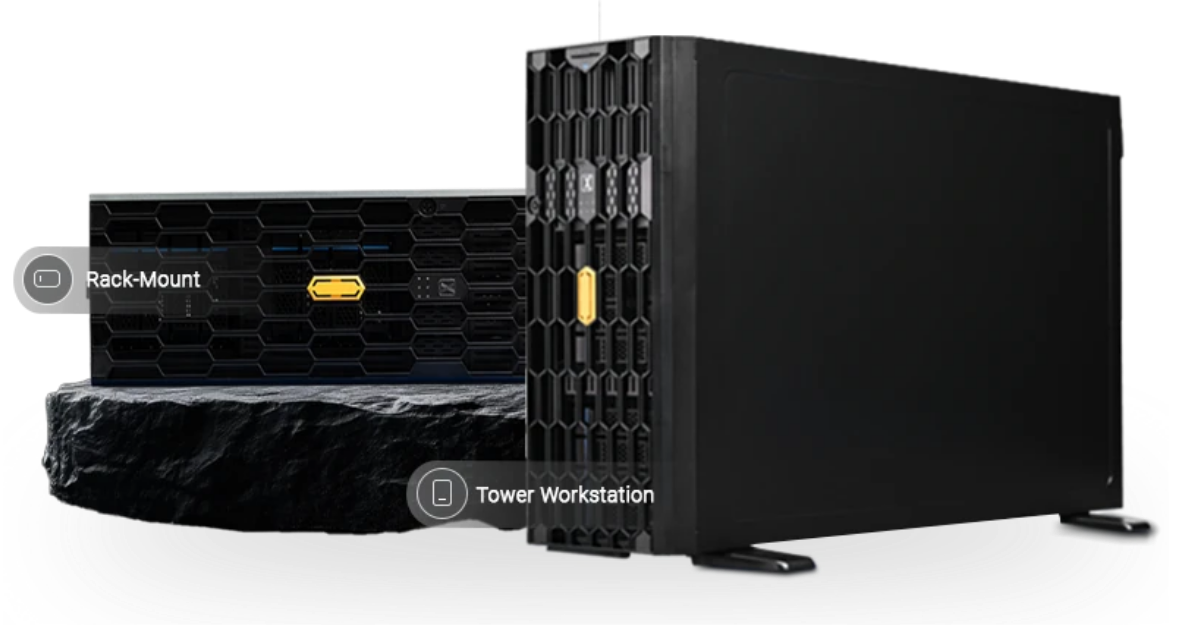
Quiet, accessible power that fits under a desk. No server room required.
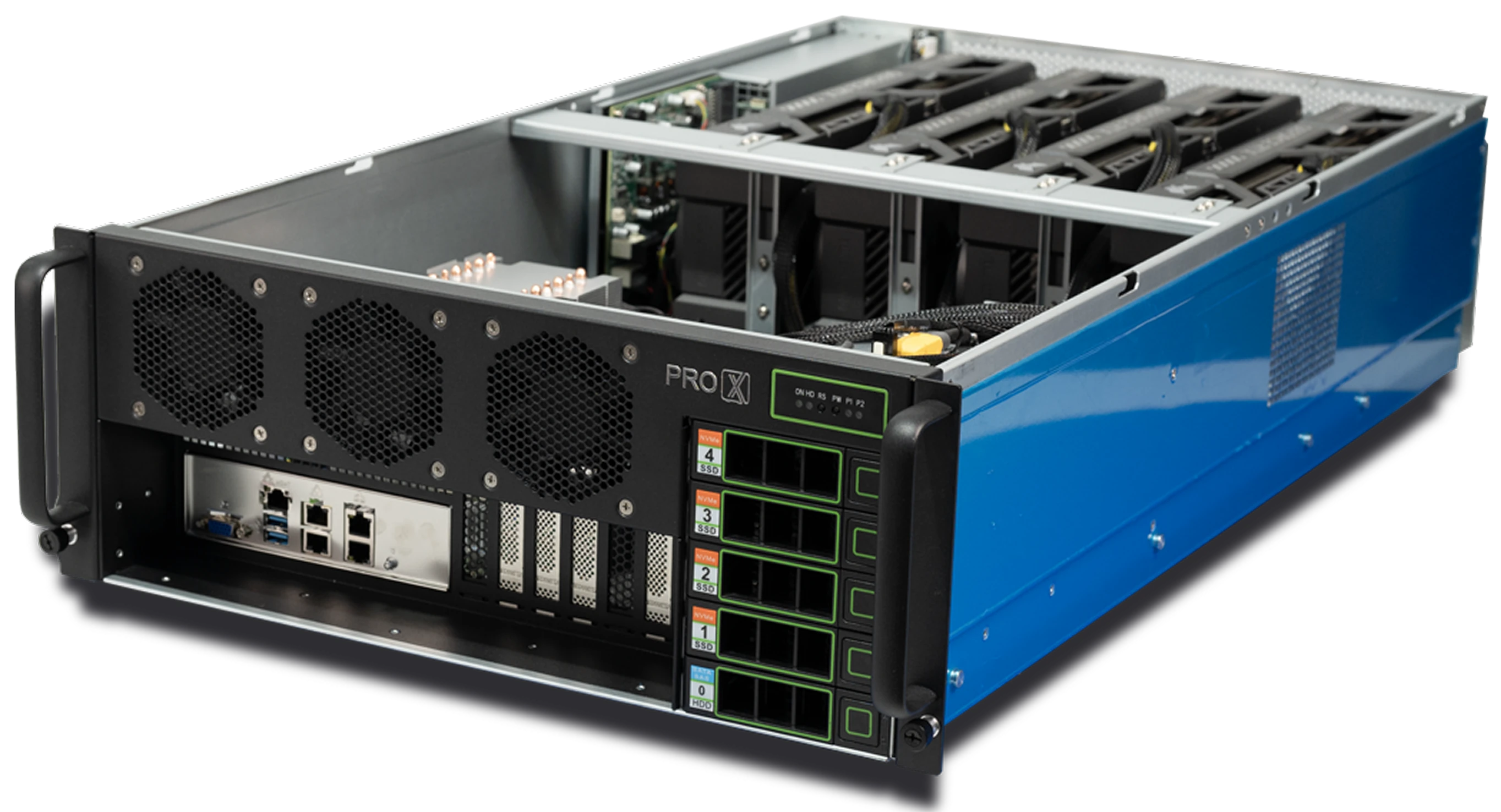
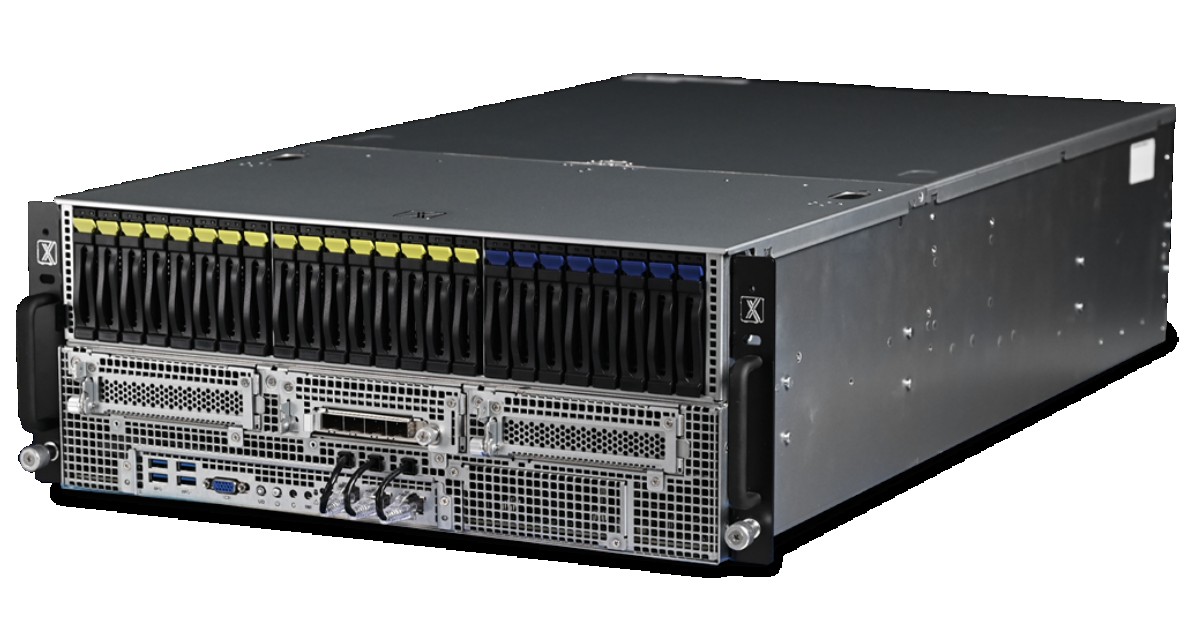
Rack-mounted density designed for 24/7 uptime and multi-user access.
Because the science has changed.
In 2026, Molecular Dynamics (MD) has moved out of the era of massive CPU clusters and into the age of the desktop supercomputer. Software like NAMD 3.0, AMBER 24, and modern toolkits like OpenMM have fundamentally rewritten their codebases to be "GPU-Resident."
This means the simulation doesn't just "offload" math to the GPU; it lives there. The CPU is now just a traffic cop.
Here is the technical reality check on why the hardware above is the right choice for your lab.
The Insight: AMBER is arguably the most GPU-centric code on the market. Its pmemd.cuda engine is a masterpiece of optimization.
The Insight: NAMD 3.0 changed everything with "GPU-Resident Mode."
The Insight: Similar to flexible engines like LAMMPS, GROMACS squeezes every drop of performance out of both the CPU (for bonded interactions) and the GPU (for non-bonded PME).
The most common mistake we see in labs is buying expensive "Server CPUs" (Xeon/EPYC) with weak GPUs. For modern MD, this is backwards.
1. The "Consumer" GPU Advantage In strict double-precision (FP64) simulations (like weather forecasting), you need Data Center cards (H200). But for Molecular Dynamics, Mixed Precision (FP32) is the standard. An RTX 5090 (Consumer) often matches or beats an RTX 6000 Ada (Pro) in raw MD speed because of its higher clock speeds.
2. VRAM is the Limit If your system has 200,000 atoms, it fits on a 24GB card. If it has 2 million atoms, it crashes.
Instead of running one simulation for a microsecond (which takes months), researchers are running 100 shorter simulations to statistically sample the protein's movement.
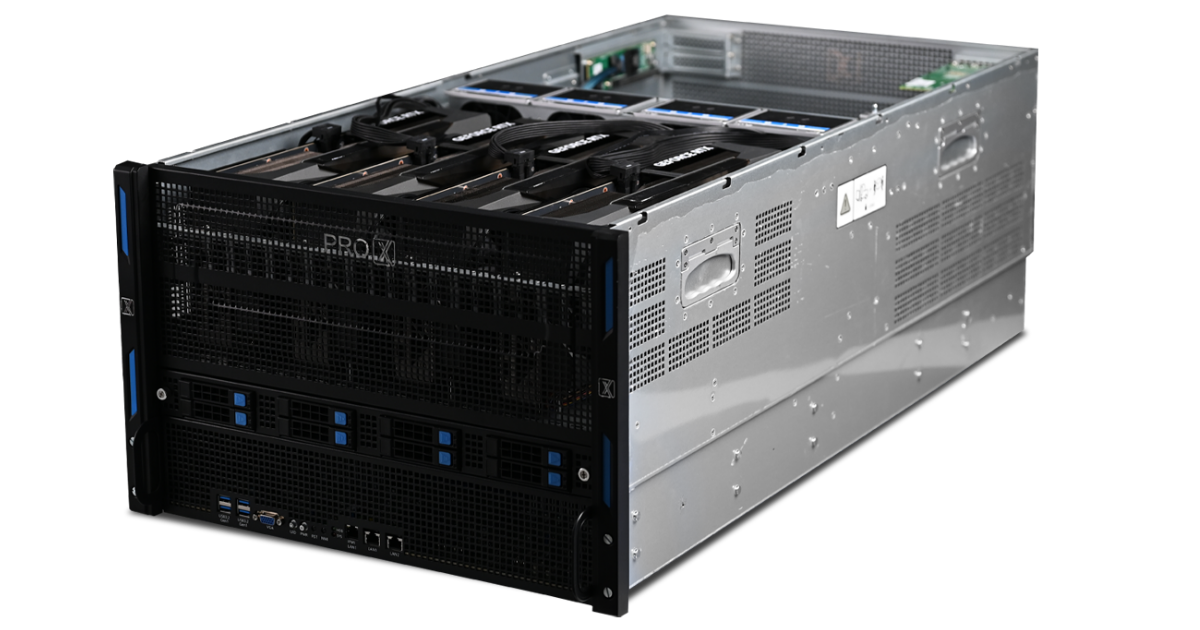
This means you don't need one giant, slow computer. You need a dense array of fast GPUs. That is exactly what we build at ProX PC.
Resources you may find helpful.
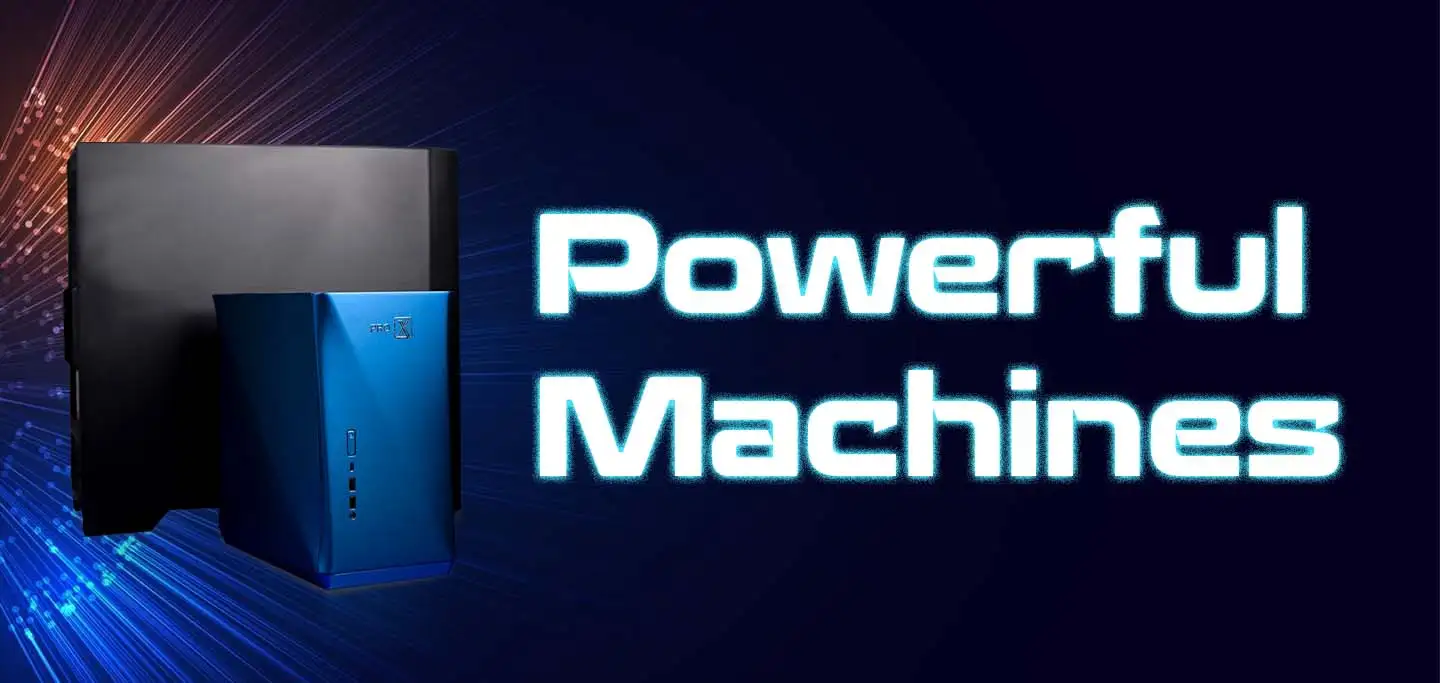
Computing workstations are vital for professionals needing high-performance, reliable machines for complex tasks in engineering, research, multimedia, and more.
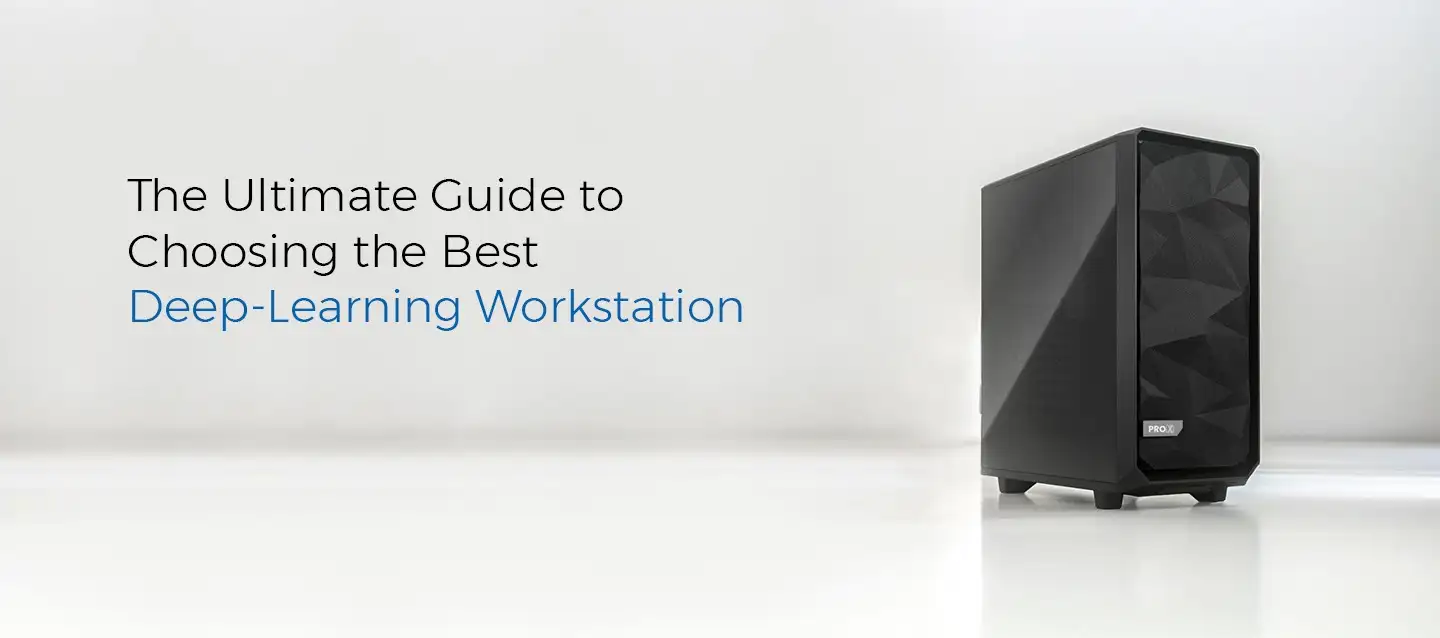
Choose the best deep learning workstation by assessing your needs, budget, and future projects. Balance performance and cost for the best value in your investment.

Model training workstations drive research and innovation, enhancing AI, genomics, materials science, and climate modeling with unmatched speed, accuracy, and efficiency.
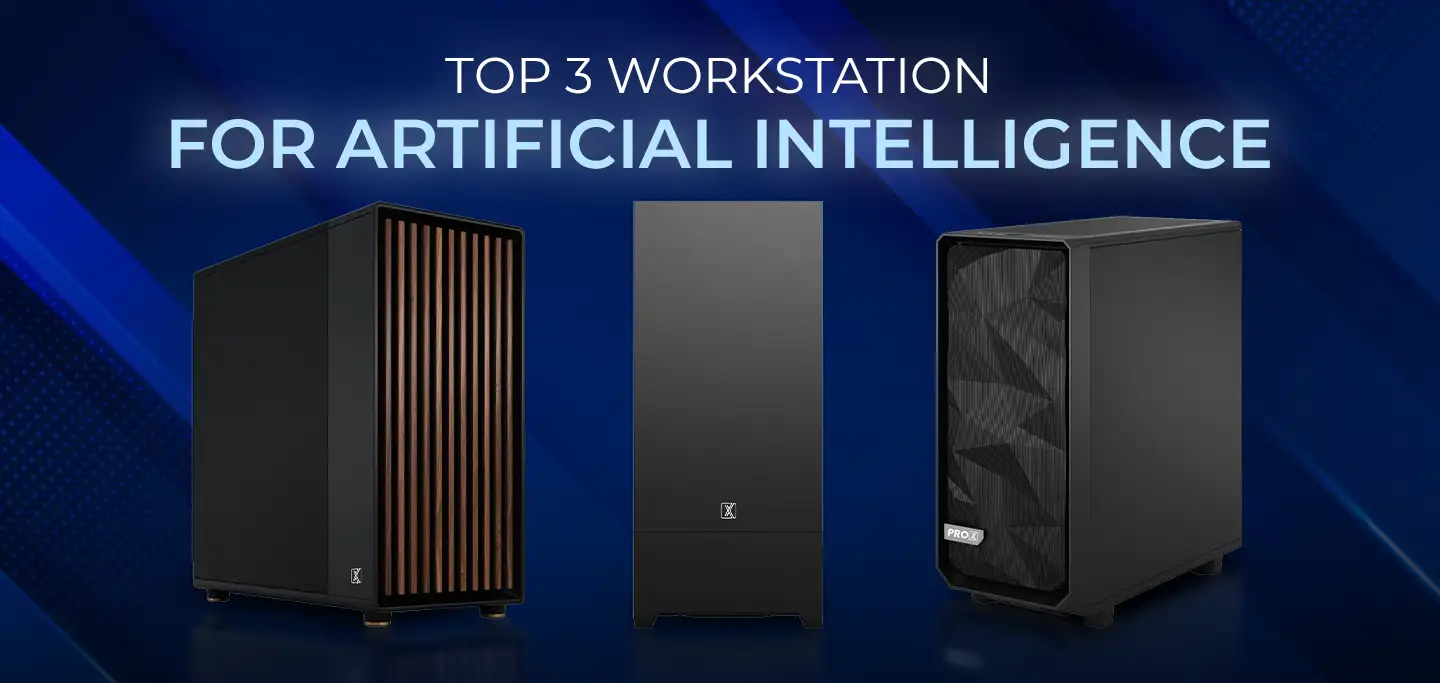
ProX PC has crafted a lineup of AI-focused workstations designed to conquer your most challenging projects effortlessly.