Beyond the Green Screen: The Ultimate Guide to Building a Virtual Production Studio
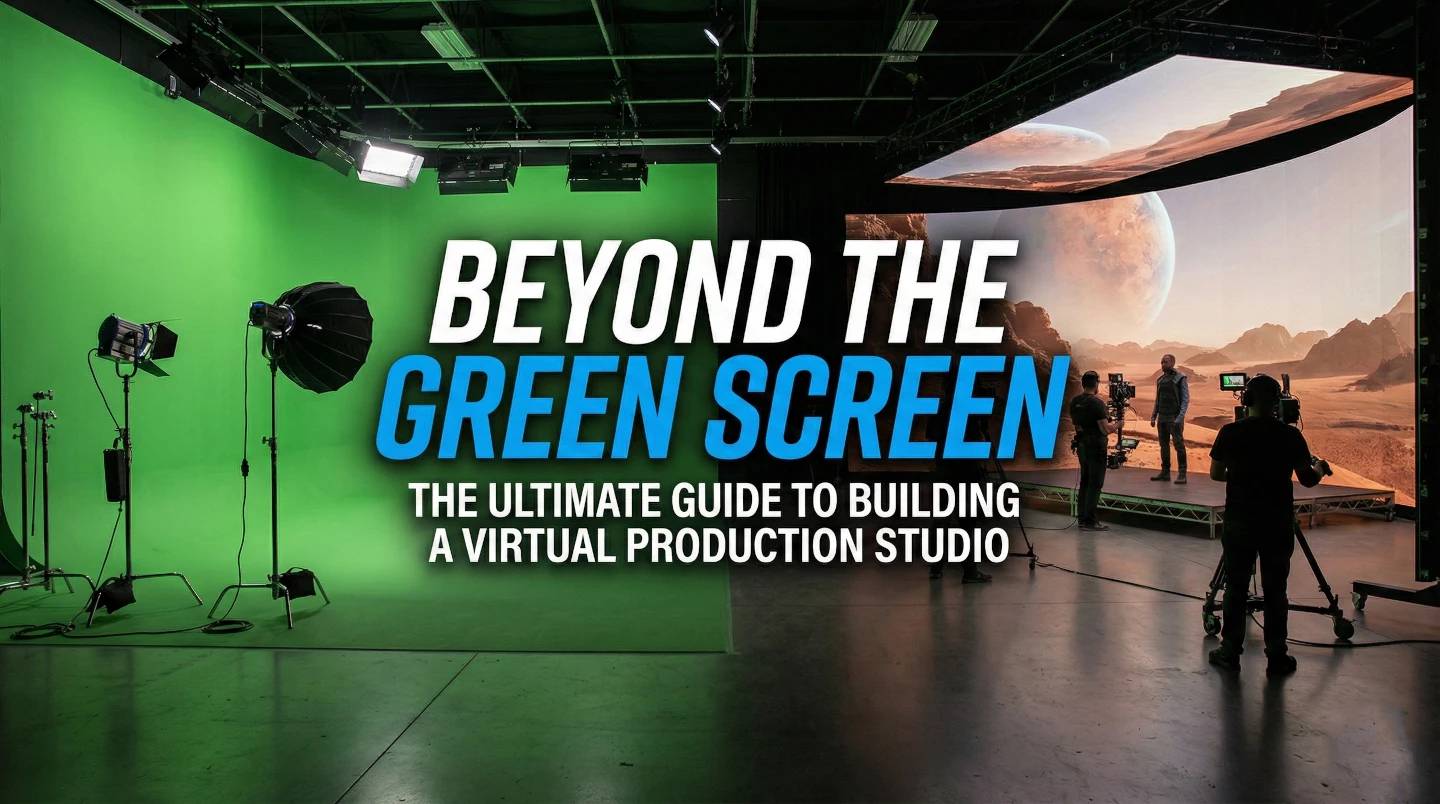
For decades, Chroma Keying (Using blue and green screens) served as the industry’s trusted canvas. It allowed creators to composite actors into any environment imaginable. Today, we are witnessing the next evolution of that concept: Virtual Production (VP).
It’s the shift from saying "we’ll figure it out later" to "let’s capture it now." It’s about bringing the location to the studio and seeing the final shot right there on the monitor.
This methodology transforms the filmmaking process by bringing the digital world onto the physical stage. It empowers directors, cinematographers, and actors to interact with their environment in real-time, capturing the "final pixel" right in the camera.
If you run a studio or a VFX house, you’re probably looking at this tech and wondering, "How do we actually pull this off?"
Here is your blueprint for understanding this shift with references-
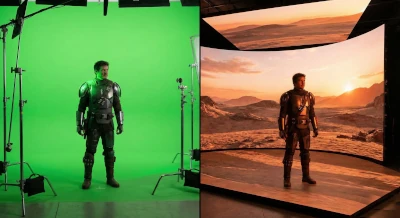
This series demonstrated the power of the LED Volume.
The Batman leveraged VP for grounded, gritty realism.
Transitioning from a traditional pipeline to a Virtual Production workflow involves a strategic expansion of talent and technology.
In this workflow, the "post-production" work moves to the front.
In-Camera Visual Effects (ICVFX) relies on precise communication between the physical camera and the digital engine.
Virtual production stands as one of the most computationally demanding tasks in media.
The system must render photo-realistic, 4K+ imagery with complex lighting in under 41 milliseconds (at 24fps), with near-zero latency. This demands enterprise-grade reliability, massive VRAM buffers for large textures, and extreme GPU density.
Here is how to dimension the hardware requirement for a VP workflow using ProX solutions:
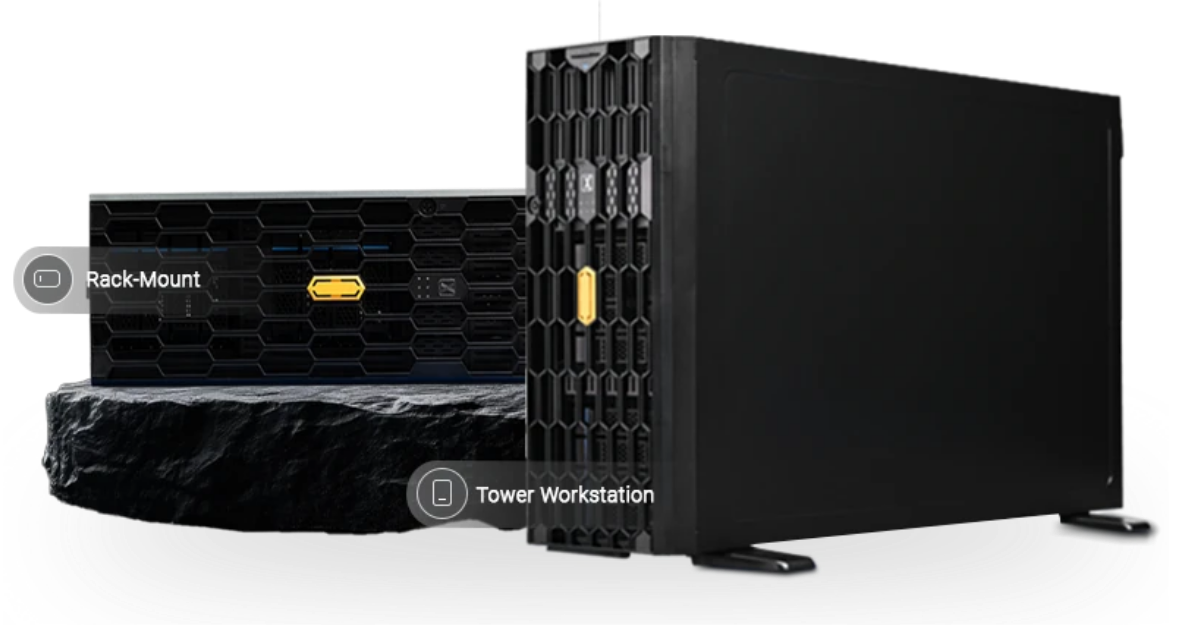
Before the set builds begin, artists require powerful workstations to construct environments in Unreal Engine 5, utilizing features like Nanite and Lumen.
Designed for lead artists who multitask, running a heavy Unreal Engine build on one GPU while using the second for complex simulations, baking lighting, or running secondary creative applications.
This serves as the mission-critical core. These render nodes physically push pixels to the LED processors. You need maximum redundancy, sync capability (Quadro Sync), and massive VRAM.
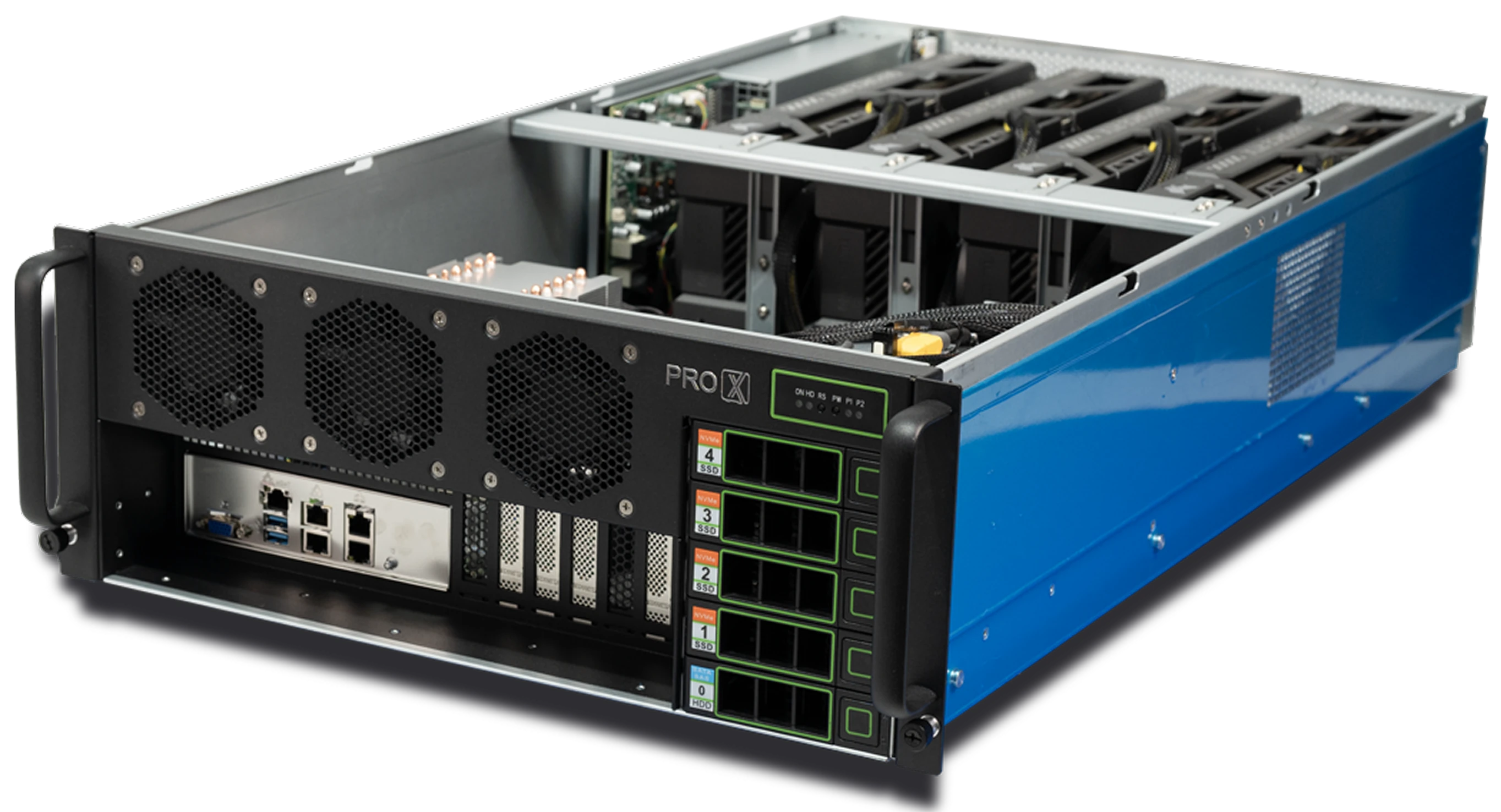
The workhorse for mid-sized LED stages.
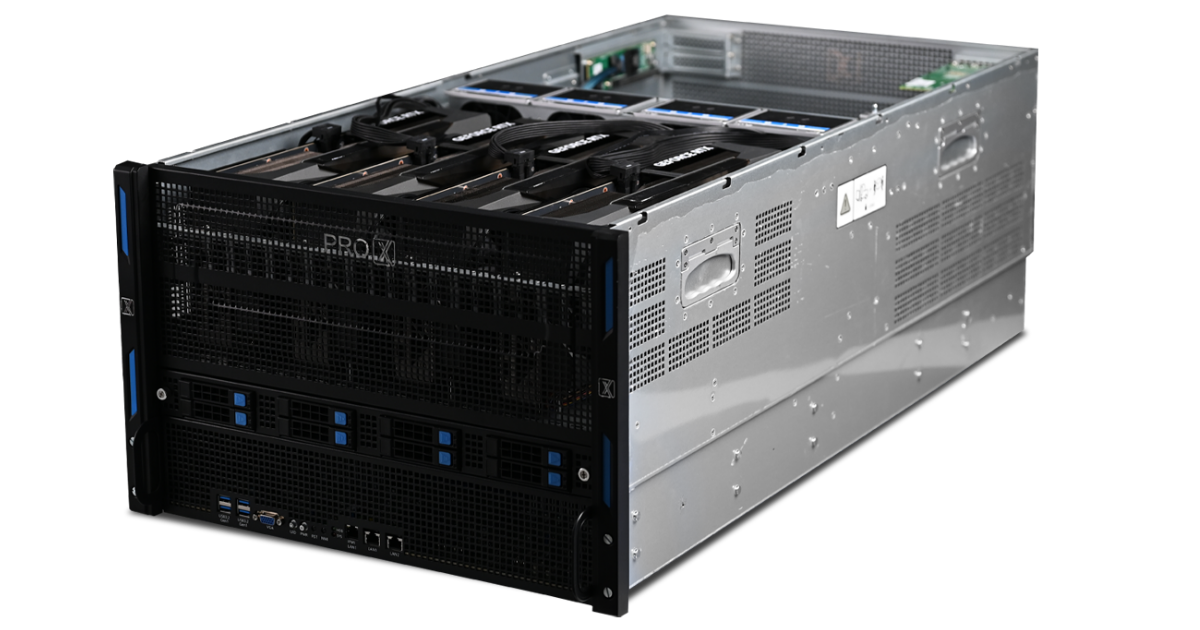
For larger stages requiring higher resolutions or synchronized multi-camera setups, the 8 5090 GPU configuration offers the immense parallel processing power needed to ensure consistent pixel delivery across vast pixel distinct counts.
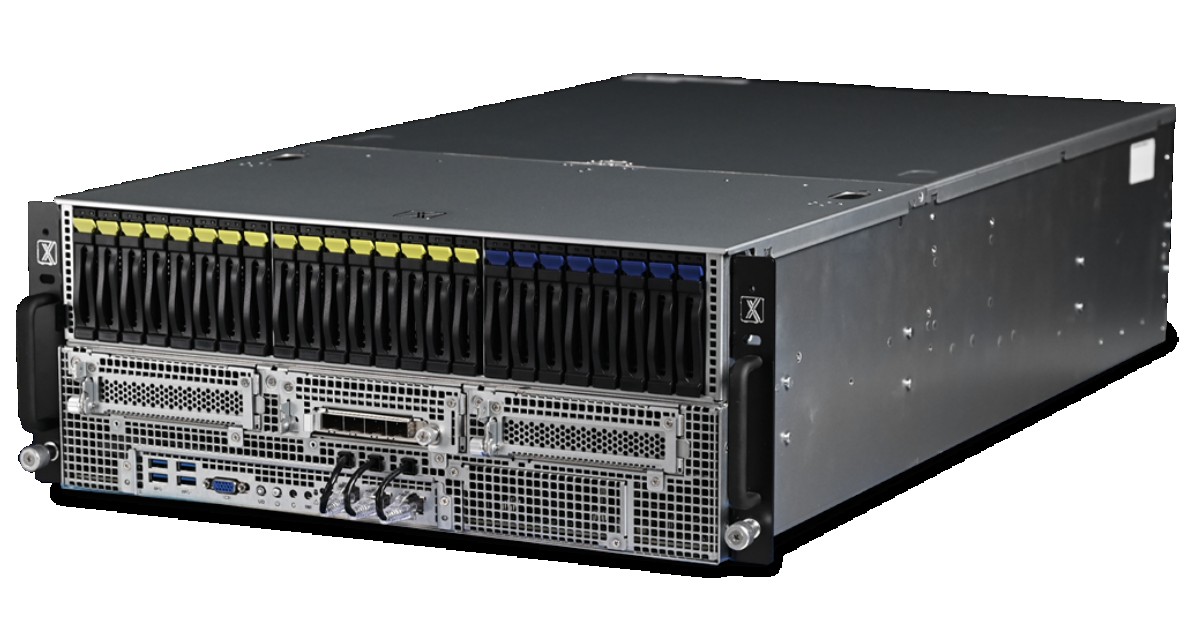
Designed for max density compute. When driving a massive 360-degree volume for a feature film, you need the highest density of computing power possible in a single rack unit. Configured with Pro 6000s or H200s, this ensures your real-time environment sustains performance regardless of the scene's complexity.
Virtual Production represents a natural evolution of the filmmaker's toolkit. By moving beyond simple Chroma Keying and embracing the immersive power of LED volumes, studios can achieve a higher level of visual fidelity and actor performance.
Expanding into this arena involves a commitment to a new talent pipeline and an investment in hardware capable of handling the rigors of real-time rendering. Build your stage on a foundation of horsepower that ensures your vision reaches the screen exactly as intended.
Resources you may find helpful.

ProX PC Maestro Servers offer the powerful GPUs, ample memory, and scalable features needed to supercharge your deep learning projects.

ProX PC servers offer top performance, scalability, and reliability for big data and deep learning, making them ideal for various industries. Invest smartly with ProX PC.

Discover the future of AI with ProX PC's 8 GPU servers featuring NVIDIA RTX 4090 GPUs. Unmatched performance, reliability, and scalability for all your machine learning needs.
In the fast-evolving world of computational technology, choosing the right hardware can significantly impact the performance of scientific and engineering workloads. In this post, we will compare the numerical computing performance of the new AMD Zen4 Threadripper PRO (specifically the 7995WX and 7985WX) against the Intel Xeon W-9 3495X and the older Threadripper 7980X. We will also briefly mention the previous generation Threadripper PRO 5995WX with Zen3 optimizations.