A data science workstation boosts productivity with a powerful CPU, GPU, ample RAM, and fast SSD storage, making it essential for efficient data analysis and computation.

While ProX PC offers pre-built data science workstations, this blog will focus on the individual components you should consider when building or customizing your own machine. Understanding these components will empower you to make informed decisions and choose the hardware and software that best suit your specific data science needs.
Data science is a field that requires powerful hardware to handle large datasets and complex computations. A well-built workstation can significantly enhance productivity and efficiency. In this blog, we will explore the essential components of a data science workstation. Explore workstations at proxpc.com
Introduction to Data Science Workstations

Component
Data science involves the use of algorithms, machine learning models, and statistical techniques to analyze and interpret complex data. The hardware used for these tasks needs to be robust and capable of handling intensive workloads. A data science workstation is specifically designed to meet these requirements.
Key Components of a Data Science Workstation
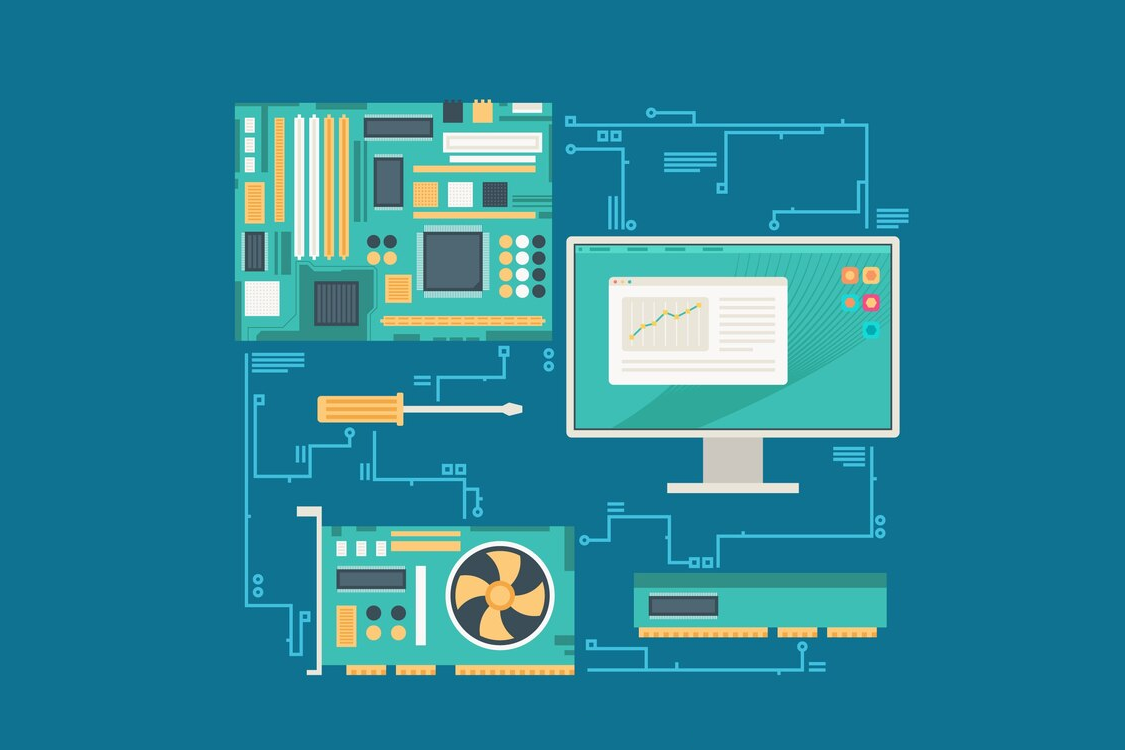
Key Components
1. Central Processing Unit (CPU)

CPU
The CPU is the brain of the workstation. It handles all the basic instructions and processes. For data science, a multi-core processor is ideal because it can handle parallel processing tasks efficiently. Intel and AMD offer powerful CPUs suitable for data science workstations.
Considerations:
2. Graphics Processing Unit (GPU)
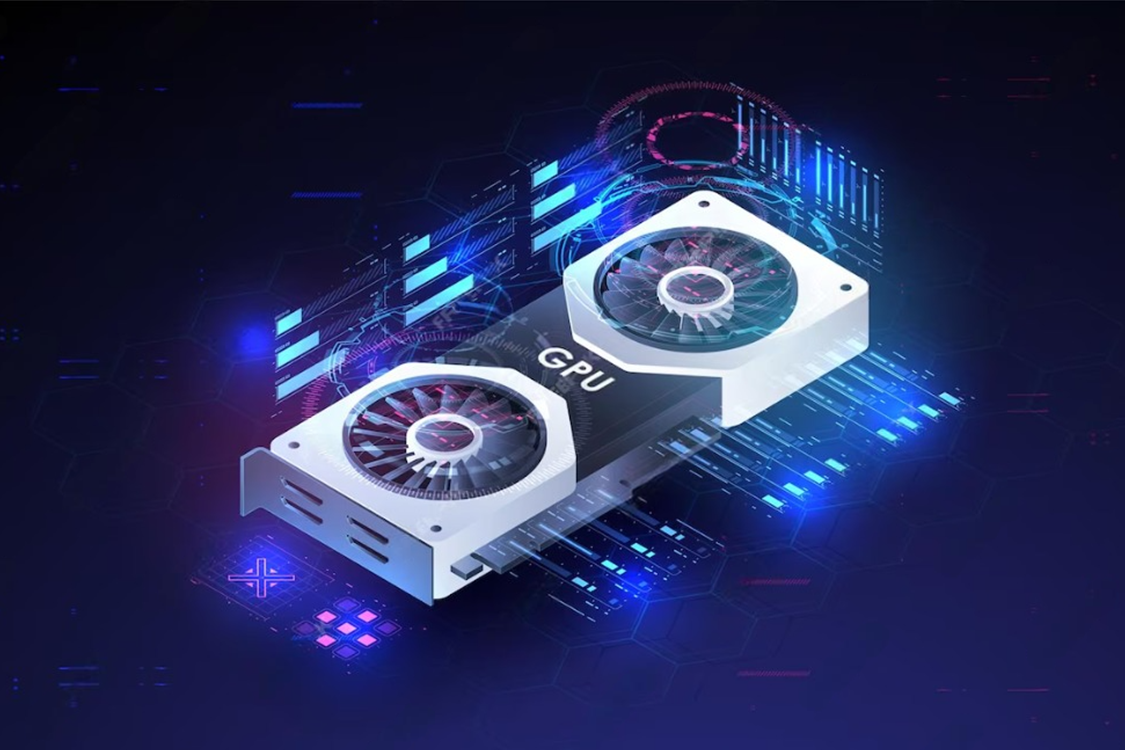
GPU
GPUs are crucial for data science, especially for tasks involving deep learning and large-scale data analysis. GPUs are designed to handle parallel processing, making them perfect for training machine learning models.
Considerations:
3. Memory (RAM
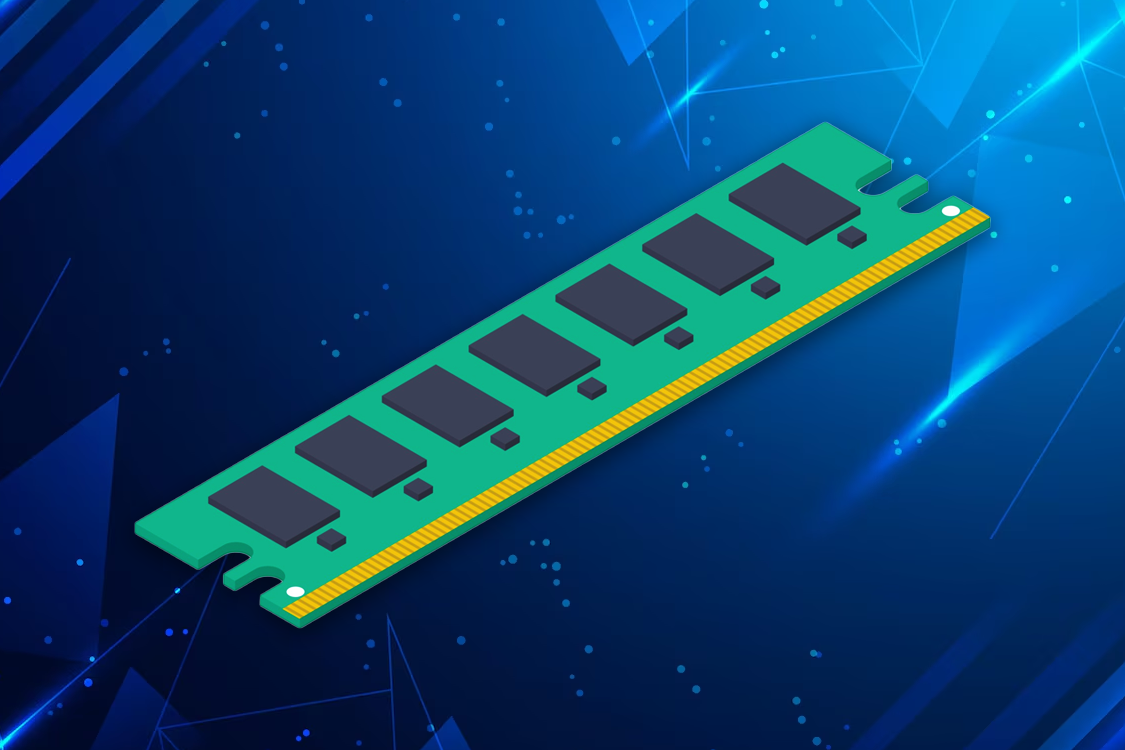
RAM
RAM is essential for data science as it allows for smooth multitasking and quick access to data. More RAM means the workstation can handle larger datasets without slowing down.
Considerations:
4. Storage

Storage
Storage is critical for storing large datasets, models, and software. The type and speed of storage can significantly impact the performance of a data science workstation.
Types of Storage:
Considerations:
5. Motherboard
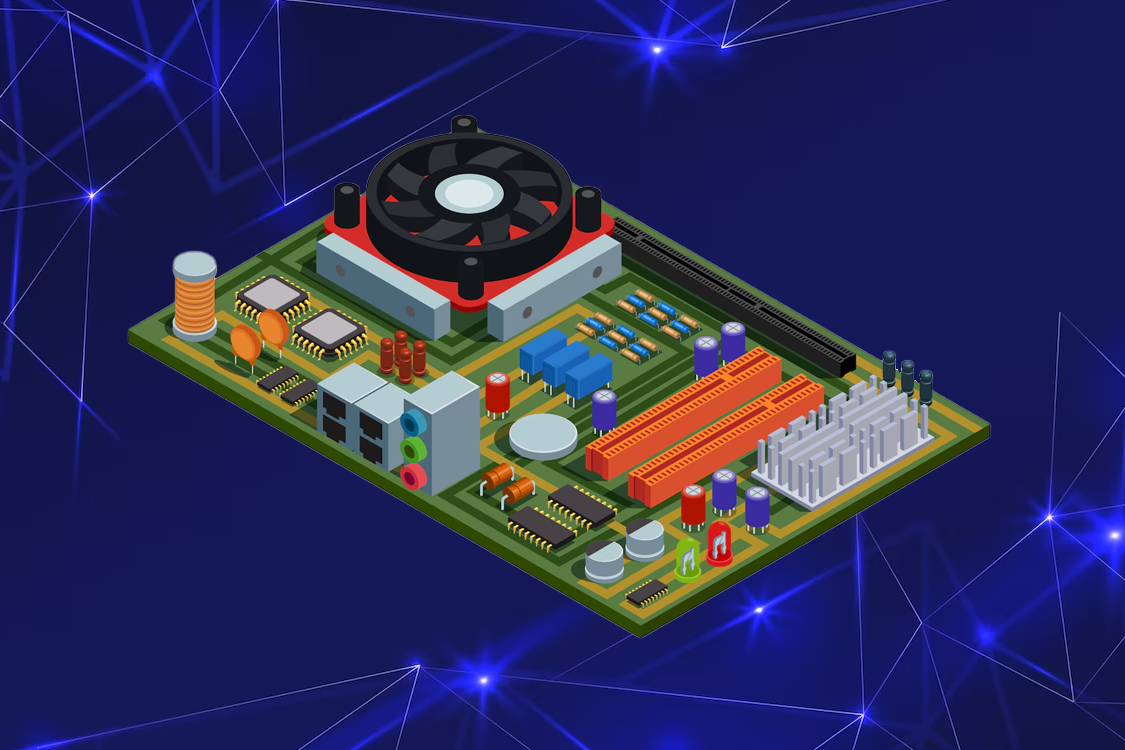
Motherboard
The motherboard connects all the components of the workstation. It determines the compatibility and performance of the system.
Considerations:
6. Power Supply Unit (PSU)
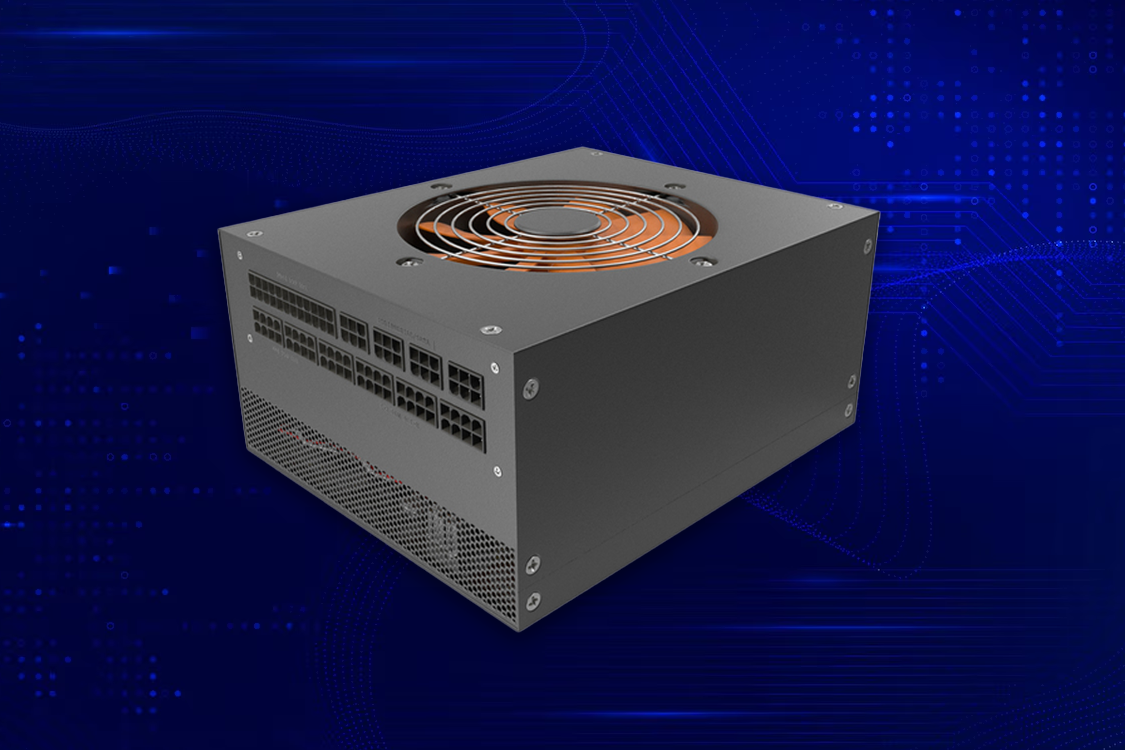
Power Supply Unit
The PSU provides power to all components of the workstation. A reliable and efficient PSU is crucial to ensure stable performance.
Considerations:
7. Cooling System
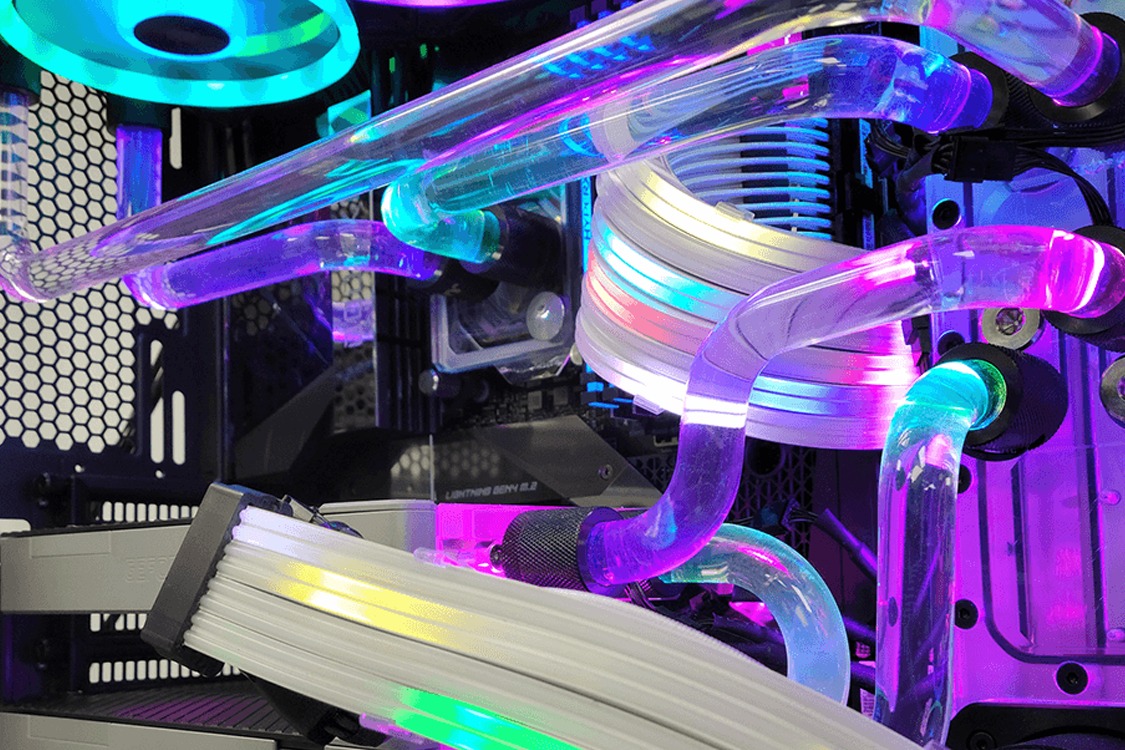
Cooling System
A robust cooling system is necessary to prevent overheating, especially during intensive data processing tasks.
Considerations:
8. Peripherals
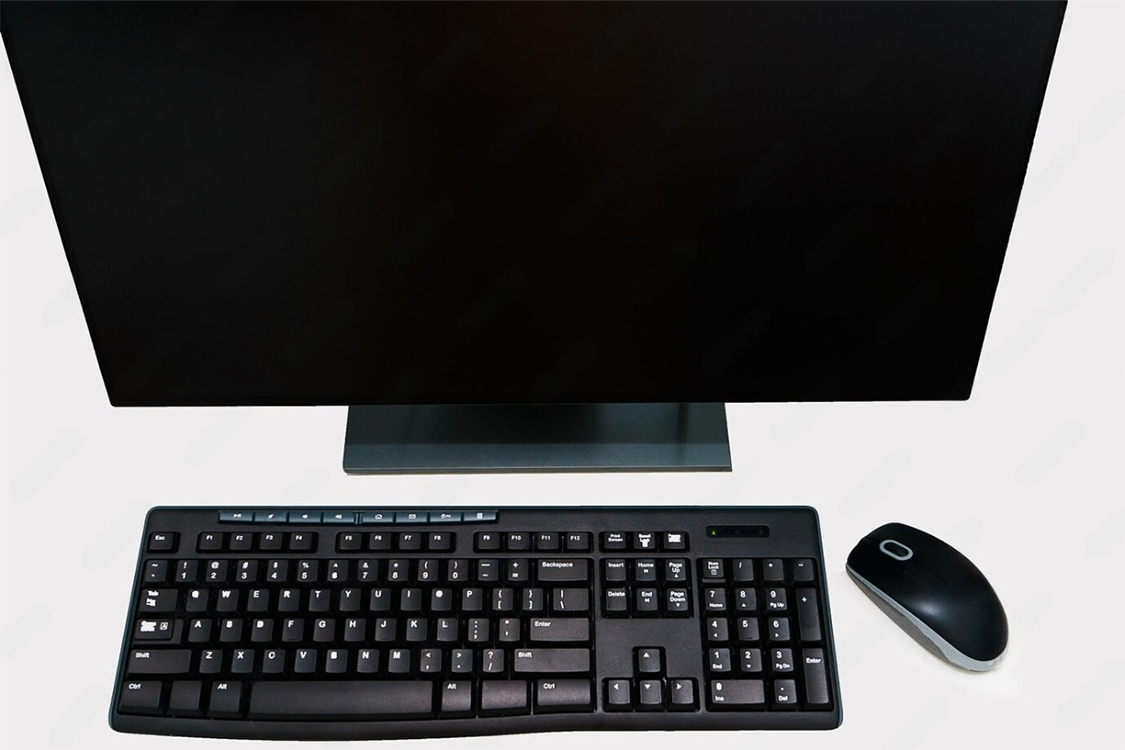
Peripherals
Peripherals such as monitors, keyboards, and mice are also important for a data science workstation.
Considerations:
9. Operating System

Operating System
The choice of operating system can impact software compatibility and overall workflow.
Considerations:
10. Software

Software
Software is the final piece of the puzzle. The right software can enhance productivity and streamline workflows.
Considerations:
Building a Data Science Workstation: A Step-by-Step Guide
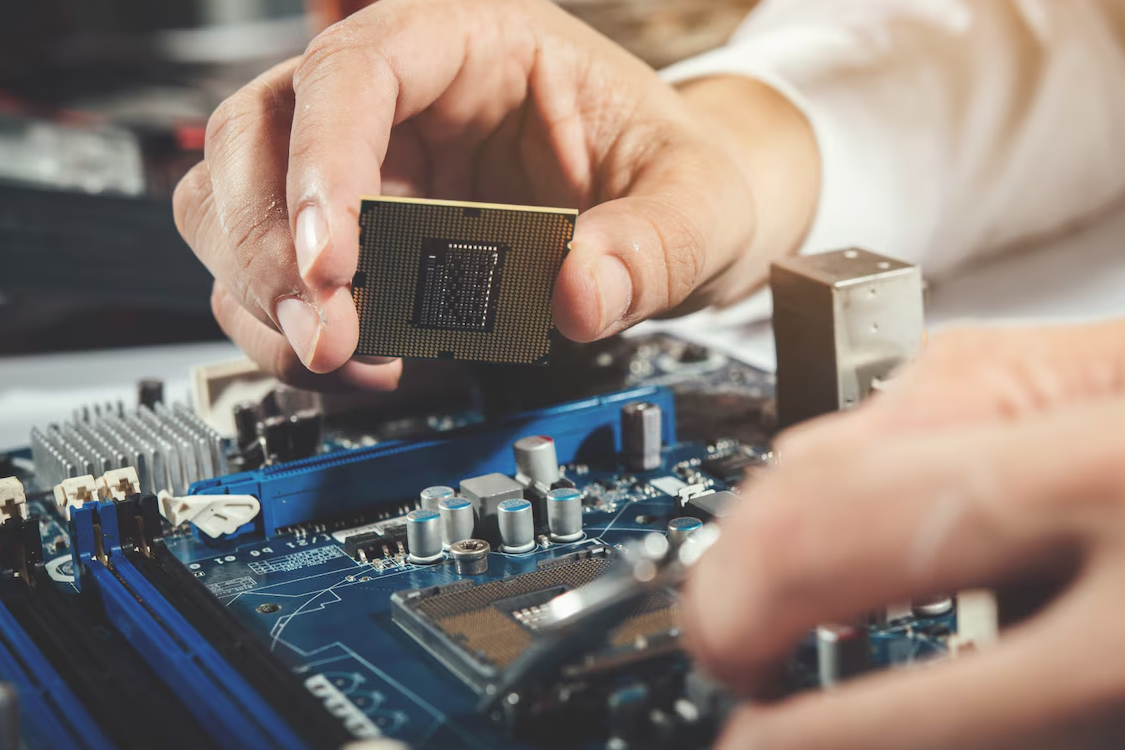
Building a Data Science Workstation
Step 1: Define Your Requirements
Identify the specific tasks and workloads you will be handling. This will help determine the components you need.
Step 2: Choose the Components
Select the CPU, GPU, RAM, storage, motherboard, PSU, and cooling system based on your requirements.
Step 3: Assemble the Workstation
Carefully assemble the components. Ensure all connections are secure and components are properly installed.
Step 4: Install the Operating System
Install your preferred operating system. Ensure it is properly configured for data science tasks.
Step 5: Install Essential Software
Install the necessary software and tools for data analysis, machine learning, and development.
Step 6: Optimize and Maintain
Regularly update your software and drivers. Maintain the hardware by keeping it clean and ensuring adequate cooling.
Conclusion
A data science workstation is a powerful tool that can significantly enhance your ability to analyze and interpret data. By carefully selecting and optimizing the components, you can build a workstation that meets your specific needs and maximizes your productivity. Whether you are a professional data scientist or a student, investing in a high-quality workstation is a step towards achieving your data science goals.
For more info visit www.proxpc.com
Workstation Products
AI Development Workstations
View More

Edge Inferencing Workstations
View More

AI Model Training Workstations
View More
Resources you may find helpful.

Computing workstations are vital for professionals needing high-performance, reliable machines for complex tasks in engineering, research, multimedia, and more.

Choose the best deep learning workstation by assessing your needs, budget, and future projects. Balance performance and cost for the best value in your investment.

Model training workstations drive research and innovation, enhancing AI, genomics, materials science, and climate modeling with unmatched speed, accuracy, and efficiency.

ProX PC has crafted a lineup of AI-focused workstations designed to conquer your most challenging projects effortlessly.

